How to write reel scripts in your own voice with AI
By Andri Peetso, maker of Creator Toolset · Updated
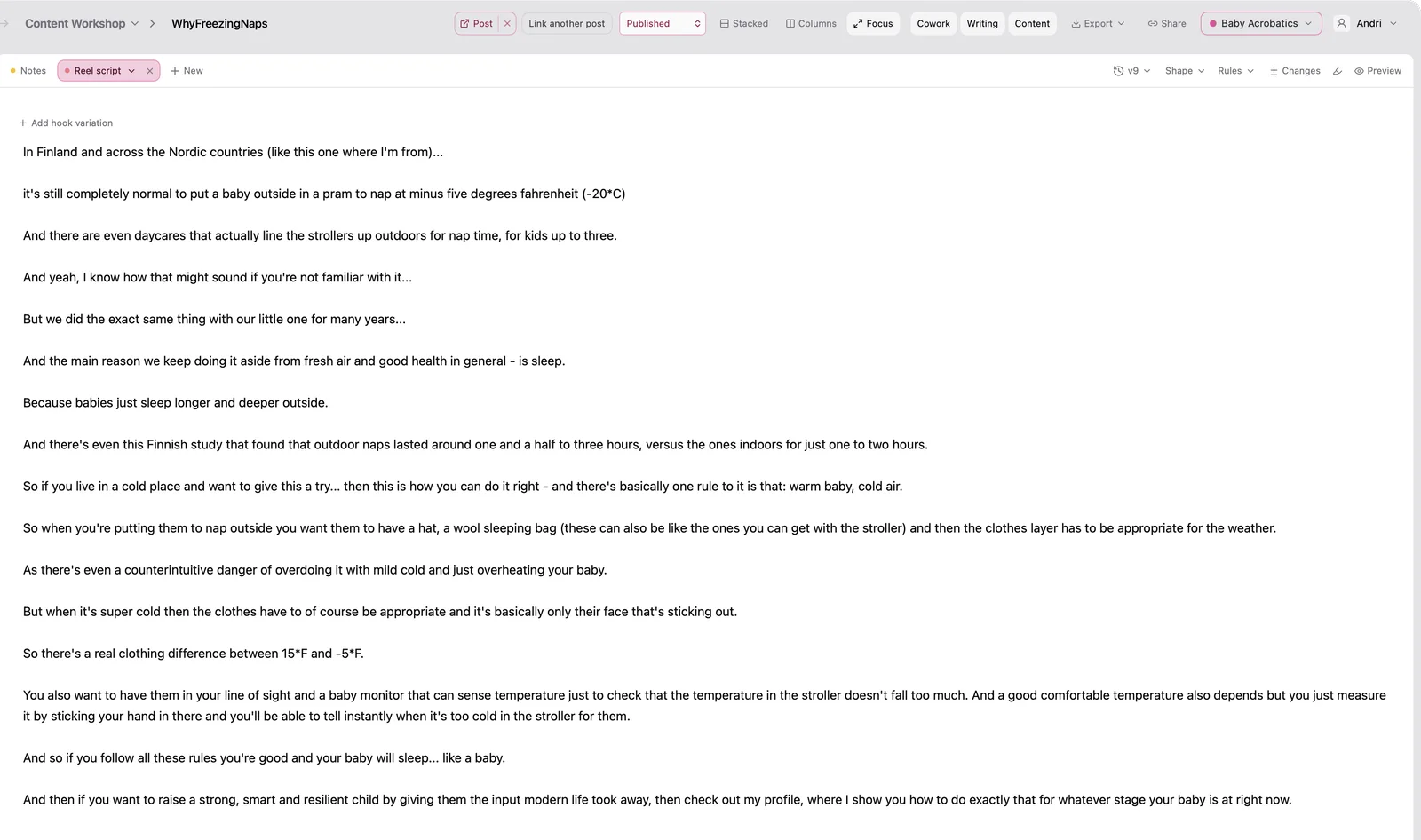
Ask an AI for a reel about car seats and you get "In today's fast-paced world, every parent wants to keep their child safe". Nobody who knows you would say that. The draft is generic because the model has never seen anything you wrote, it does not know who the reel is for, and nothing tells it which words are yours.
Fix these three things and the drafts change. Write your audience, your voice and your call to action once. Give the writer a few of your own best posts. Choose a storytelling shape for each piece, lock the lines you approve, and check every fact before you post. Creator Toolset's Content Workshop has a place for each of these. The Workshop writes with your own Claude Code or Codex on your Mac.
Write the project once
A project is one brand. Its form has one text box called Instructions, with the placeholder "Who you write for, how you sound, what never to say." The writer reads it on every turn, so keep it to a few lines.
- Open the Workshop, then the project's settings.
- In Instructions, write three things: who the reel is for in one sentence, how you talk (short sentences, or not; a joke or not; first person or not), and the words or claims you never use.
- Add your call to action as a line of its own, for example "End on: save this for the next car trip." The form does not have a separate call-to-action box, so the line goes into Instructions.
If you already have an Instagram account linked to the project, Draft from my posts writes a first version of these instructions from your bio and your most-viewed posts. Treat it as a draft. Rewrite it in your own words before you rely on it.
Give the writer your own posts
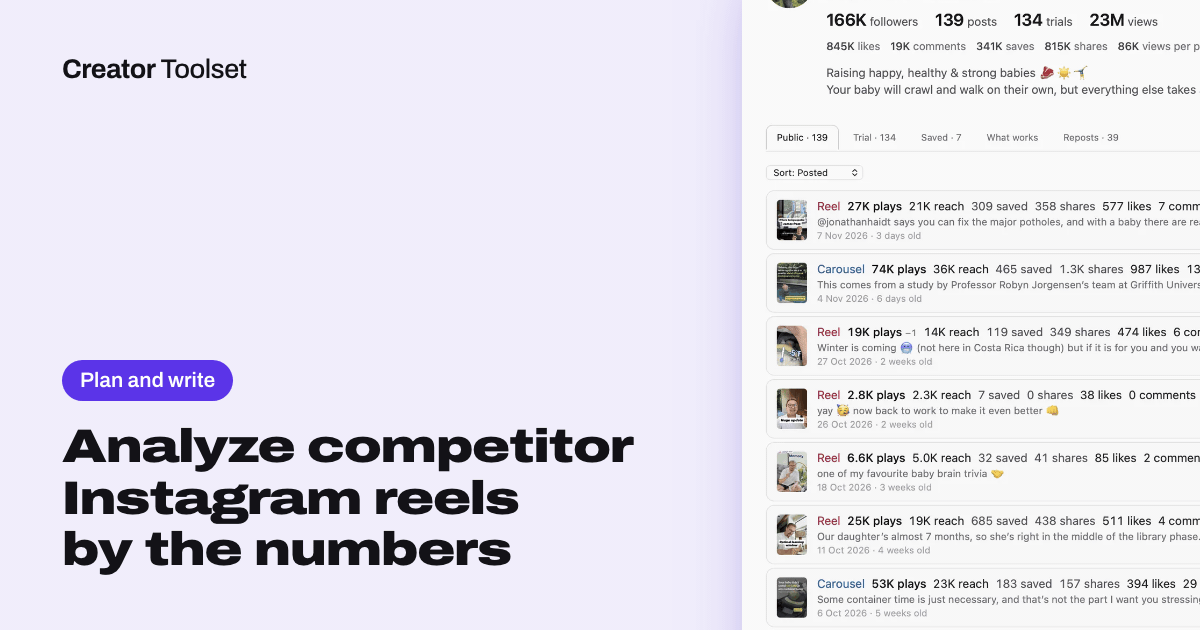
If you have not yet worked out which of your posts did well, start with the numbers.
The writer does not read all of your posts on every turn. For each piece, it takes the five of your posts that are closest in words to the piece, with their numbers. So the examples improve when your posts are in the Workshop's folder.
Link your Instagram account to the project through the Analyzer. The Analyzer reads your own posts through the official Instagram login (log in with Instagram), then Sync. Your own posts then sit in the writer's folder with your saved, shared and viewed numbers. A project with no linked account has no examples of you, and the draft will drift back to generic.
Choose a framework for each piece
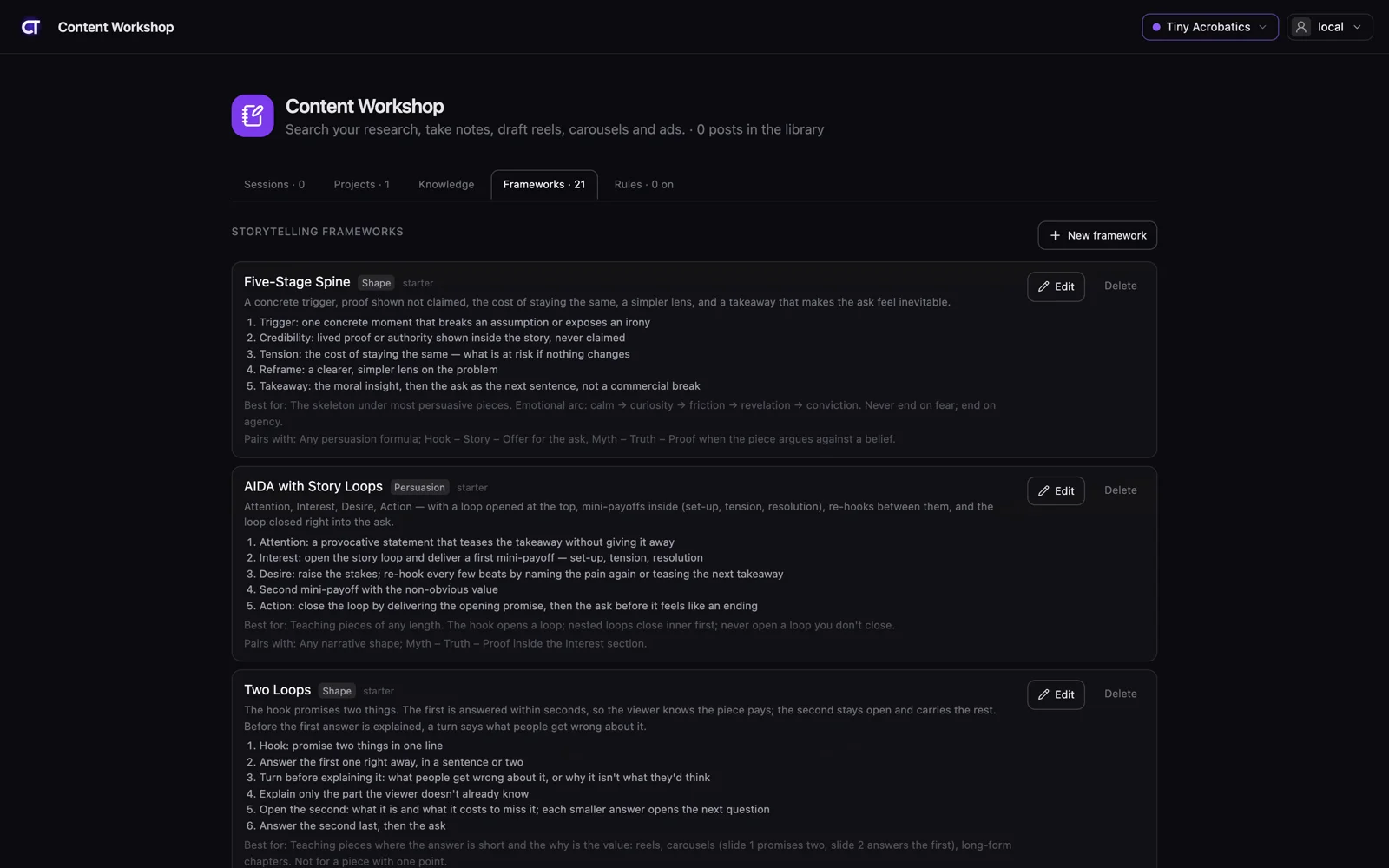
The Workshop ships 21 storytelling frameworks (listed in the app's public repository) in three roles: narrative (how the story runs), persuasion (how the ask lands) and argument (how the reasoning goes). A piece gets one of each. The narrative sets the order, and the other two have to fit inside it. The narrative choices include Five-Stage Spine, Pixar Pitch and I Was Wrong.
Pick the one that matches the job. A piece that walks through steps needs a shape that moves forward in order, such as Five-Stage Spine. A piece where you changed your mind suits I Was Wrong. You can switch off any framework or rule for one project from the project's form, and untick a rule for a single run.
Lock the lines you approved
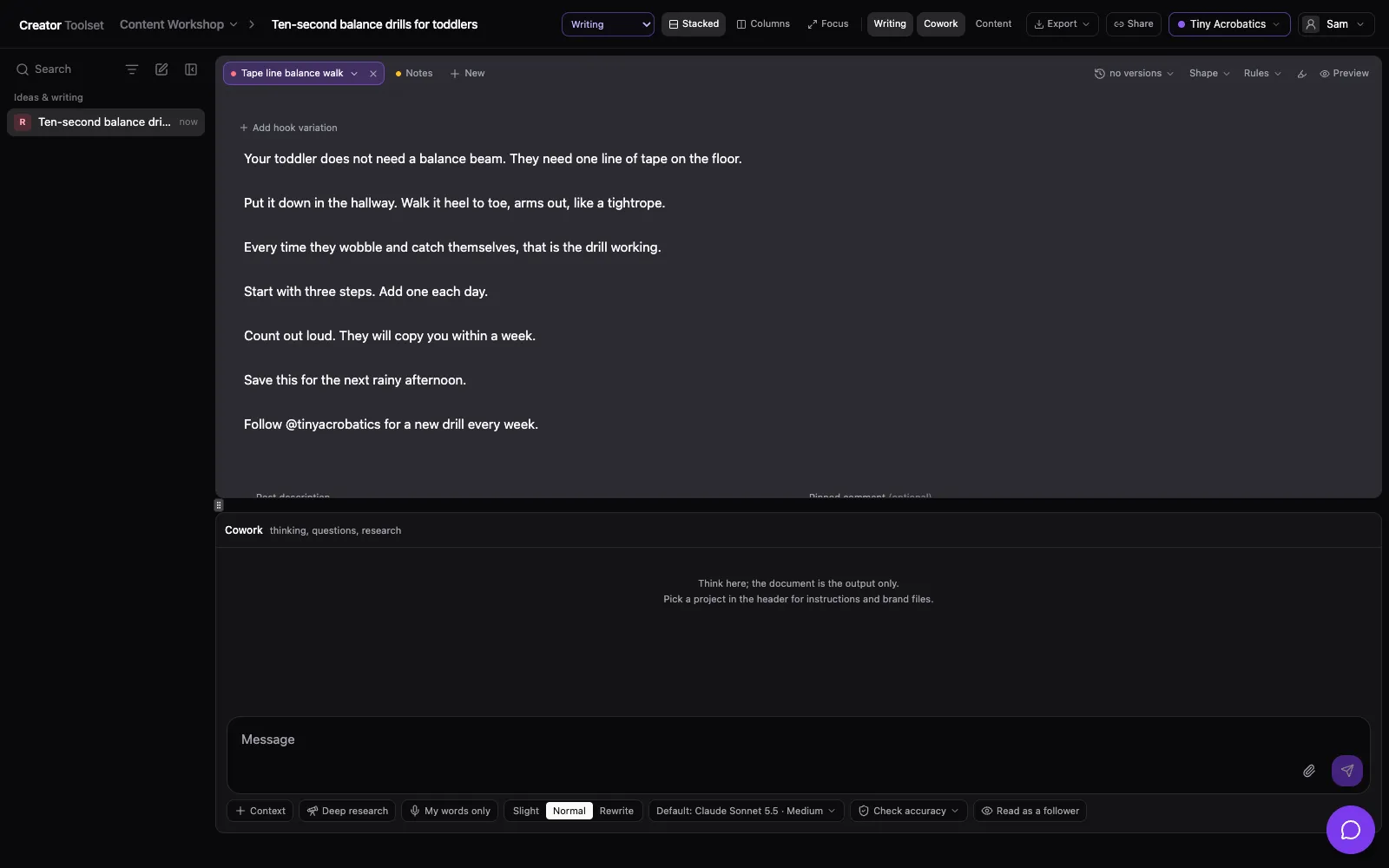
Each slide, or line, in a piece has a lock. A locked line is one you approved. When the AI edits the piece, it leaves locked lines alone. If an edit would change a locked line, the Workshop refuses that change and the reply says which line it left.
Lock a line as soon as you are happy with it. Then ask for changes to the lines around it. That keeps the parts that already sound like you while the rest gets rewritten.
Mark the words that were not yours
The Not mine toggle in the document toolbar shades every word on the AI's lines that you never said in the session. Turn it on after each draft. Words that are shaded are the ones to look at first, because they are where the draft sounds like everyone.
When you rewrite a line the AI wrote, the Workshop keeps the pair of the AI's version and your version. Later drafts see the newest pairs. So rewrite the line yourself. The next draft sees the new pair, and a line you leave alone teaches it nothing.
Check the facts before you post
If the script makes a claim, run Check accuracy on the piece. The button sits beside the piece's other tools. It checks the facts against sources on the web, at one of two depths. It needs your own AI, or a Perplexity key in Settings → API keys, and the button is disabled until one of them is there.
The audit lists each rewording it suggests. Accept the ones that fix a claim, skip the ones that only change a phrase you like, and check the sources it cites before you accept any change.
Check the script against your own writing
Two checks take about five minutes.
- Read it aloud, standing up, at speaking pace. Any sentence you stumble on, or that you would never say to a friend, goes back to the Workshop as a rewrite. Count how many sentences you change. A high count means the draft is still not your voice.
- Put it beside a script you wrote yourself. Pick one you wrote without AI, the last one you are proud of. Read the two one after the other. Ask whether a stranger could tell which one you wrote from the openings alone. If they could not, the draft is close.
The first failure, and the repair
The usual problem is a generic opening that comes back after you rewrote it. This means the examples are thin. Check that your Instagram account is linked to this project and that its last sync worked. If the project has no posts in the folder, the writer has only your instructions to go on, so add two or three lines that describe a real post of yours: the topic, the hook and what happened.
If the draft ignores your instructions, check that they are not switched off for this project. A switched-off instruction is shown struck through in the project form.
Where this does not replace your judgment
The Workshop does not post anything. It does not know whether your audience will like the reel, and it does not measure anything about the result. Those checks are yours, after you post.
If you only want one quick line, a plain chat with your own examples pasted in does the job. The Workshop is for the cases where you want the locks, the examples kept in one place and the fact check in the same tool.
A carousel takes the same setup. The carousel guide covers the slides.
You are done when
- The project's Instructions name the audience, your voice and the call to action.
- The writer's folder has your own posts for this project.
- Every line you approved is locked.
- The shaded words in Not mine are all either rewritten or accepted.
- The script passed the read-aloud test and the side-by-side test, and the facts passed the accuracy check.
 Analyze competitor reels
 Instagram carousels with Claude
 Build a Claude Skill