Descript vs Gling: an editor you work in, or a first pass for your own editor
By Andri Peetso, maker of Creator Toolset · Updated
You record a talking-head episode on Tuesday and need a cut by Thursday. The raw take has six restarts, three long pauses and one answer you want to keep whole. Descript would have you do the cut inside its own editor. Gling would hand you a first pass to finish in the editor you already use. Both work from the words, and they differ on where your cut ends.
Creator Toolset is our app. It is not one of the two tools on this page, and the alternatives page covers where it fits.
The short answer
- If you want to edit the transcript and the picture in one app, pick Descript.
- If you already finish in Premiere Pro, Final Cut Pro or DaVinci Resolve, and want the bad takes and silences removed before you start, pick Gling.
- If you want captions and an export in the same app, stay with Descript, because its own editor handles both.
- If your free plan has to export a file for your editor, check Gling's pricing page first. It gives two answers on that.
- If you only need silences removed and nothing else, a plugin such as AutoCut may cost less than either. See the alternatives page.
Price and plans
Prices were read on each vendor's page on 10 November 2026.
| Tool | Free plan | Paid plans | Platforms and export |
|---|---|---|---|
| Descript | $0: 60 media minutes a month, 720p, watermark on exports, 5 GB storage | Hobbyist $24 a month billed monthly or $16 billed annually; Creator $35 monthly or $24 billed annually; Business $50 or $65, billing not labeled. Each is per person | Platforms not named on the vendor page. Export to Premiere Pro or Final Cut Pro is not stated on the pricing page |
| Gling | $0: 1 hour of AI-edited media a month, watermark on exports | Plus $20 monthly or $10 a month billed yearly (10 hours); Pro $40 or $20 (30 hours); Elite $100 or $50 (100 hours) | Desktop only, per the page. Export to Premiere, Final Cut and Resolve is covered in the export note below |
Descript's Hobbyist and Creator plans have labeled monthly and annual prices on its pricing page. Business does not, so check it there. Gling labels its monthly and yearly prices, so you can see what a year costs before you sign up.
If the cut finishes in Descript
Descript is an editor. You edit a document of the transcript to edit the video, and its pricing page describes that as "Edit video by editing a doc". The same page lists Remove Filler Words, Shorten Word Gaps, dynamic captions and Underlord, which it calls an AI co-editor that makes polished edits. The cut, the captions and the export all happen in one program, so you do not move a file between apps before you finish.
Export is where the plans separate. The free plan exports at 720p, Hobbyist adds 1080p, and Creator adds 4K. The pricing page does not say whether any plan exports a timeline to Premiere Pro or Final Cut Pro, so check that before you plan a hand-off.
The catch: a 4K export needs the Creator plan or higher, and the Business price is not labeled monthly or yearly. Read the pricing page's billing toggle before you compare a Descript figure with a Gling figure.
If the cut finishes in your own editor
Gling is a first-pass tool. Its pricing page lists auto-removal of silences, removal of bad takes, removal of filler words, AI captions with SRT export, AI B-roll and a text-based trimmer. The output is what you take into your editor.
The export route is the part to check. Gling's FAQ says the free version cannot export to Premiere, Final Cut or Resolve. Its free plan's feature list says "XML to Premiere/Final Cut Pro/Resolve". The page does not explain the difference, so open Gling's pricing page and read the plan you intend to buy.
The catch: the paid plans are counted in hours of media per month, and the page says unused Plus hours do not carry over.
If you want the bad takes gone before you edit
This is the job where Gling's page is most specific: it names "Remove bad takes" as its own feature. Descript's pricing page names Remove Filler Words and Shorten Word Gaps, but it does not name a bad-take feature, so check that part on a real clip. If you choose Descript for this job, you then finish the rest of the cut in Descript.
Test the output on a three-minute clip first. Check that the answer you meant to keep is still whole and that its first word is not clipped. Neither tool knows that a pause before a punchline was the point, so mark that pause yourself.
If you want the words to drive the cut
Pick Descript when the words are the edit. You change the transcript, and the video follows the change in the same window, so the whole edit stays in one place.
Gling's text-based trimmer also cuts from the text. Its pricing page does not describe reordering clips in its own editor, so plan to do that step in the editor you finish in.
How we chose
The comparison uses what each vendor's pricing page and feature list state today: the plans, the limits, the platforms and the export routes. We did not run these two tools side by side, and we do not say one is better. Where Gling's pages give two answers, this article says so and leaves the choice to you.
Try both on one take
Take the same three-minute raw clip into each tool. In Descript, cut it by the transcript and export at the resolution your free plan allows. In Gling, run the first pass and open the export in your editor. Compare the two results on three points: the restarts are gone, the pauses you wanted are still there, and you can finish the cut in the program you planned to use. Then choose the plan with the export route that worked.
 Descript alternatives compared
 Cut silences in Resolve
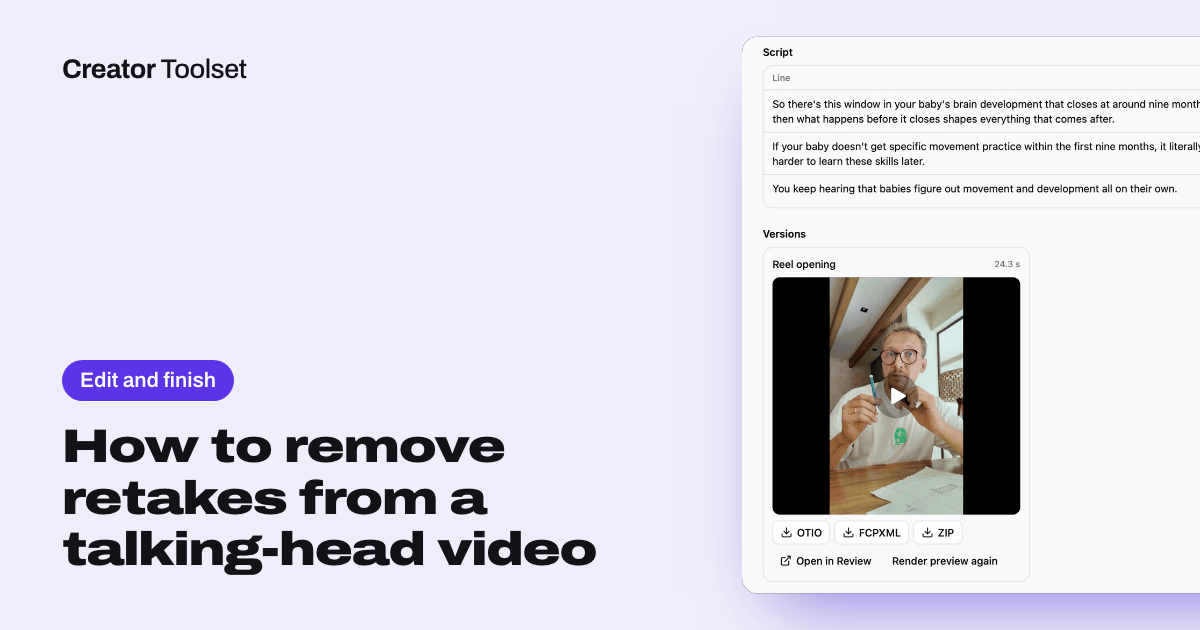 Remove retakes from a take