How to write an Instagram carousel with Claude, slide by slide
By Andri Peetso, maker of Creator Toolset · Updated
A carousel gets one swipe, and most of the swipes happen on slide one. The usual failure is a first slide that promises a surprise and never says what it is, followed by six slides that each try to make three points. The reader leaves on slide two.
Write the carousel as text before you design anything. Give each slide one claim. Make the first slide state the true fact plainly. Keep sources and hedges in the post description, not on the slides. End on one ask. Claude can draft the text quickly if you brief it well, and you lay the text out in your own design tool.
Pick the one claim the carousel is about
Write the claim in one plain sentence before you open any tool. "Most car seat safety comes down to how it is fitted" is a claim. "Car seats are important" is a topic. Until you can write the claim, you only have notes.
Collect the sources for the claim now, with a link and a date for each. You will need them for the description.
Brief Claude with the slide rules
You can brief Claude in the Claude app, or in Creator Toolset's Content Workshop, where a carousel is a piece type. In the Claude app, write a brief with these five parts:
- Who the carousel is for, in one sentence.
- The one claim, and the two or three sources that back it, with links.
- The rules: one claim per slide, no more than about 25 words per slide, the first slide states the true fact plainly, and no sources or hedges on the slides.
- The shape you want: a numbered list, with "Slide 1:" and so on, and a separate block called "Description" for the sources and hedges.
- What the last slide must do: one ask, one action.
Ask for the text only, with no layout. Layout comes after you have decided what the slides say.
In the Content Workshop, a session's menu has Convert to, and one of the choices is Carousel. The Workshop writes the carousel from the session's sources and notes, and the project's Instructions shape the voice. The Workshop's writer reads your own posts that are closest to the carousel, so your slide length and your style carry through. Use the Workshop when you want the locks and the accuracy check in the same place; use the Claude app when you want a quick first draft.
Write slide one: the true fact, stated plainly
The first slide is the only one most people see. It needs the fact, with its number or its concrete detail, in a sentence a stranger can read in two seconds.
Compare two openings for the same claim. "You won't believe what the fitting does to a car seat." That is a teaser: it promises and does not say. "Most car seats are fitted with the belt in the wrong path, and the manual shows the right one on page 12." That is the fact, plainly, and it tells the reader what slide two will be about. Use the second kind.
Check that slide one works alone. Cover slide two with your hand and read slide one. If the reader still does not know what the carousel is about, rewrite it.
Give every middle slide one claim
Each slide after the first does one job: it makes one point, with one example or one step. Write the claim at the top of the slide, then one or two lines of support. If a slide makes two points, split it into two slides, or cut the weaker one.
Slide two must work as a standalone entry too, because some readers land on it from a shared link or a search. Make it a sentence that stands on its own: the problem, or the first step, with its reason.
Keep slides short. If a slide needs a paragraph, it is making two points.
Keep sources and hedges out of the slides
A slide that reads "Most car seats are fitted wrong, according to one study, although results vary" is weaker and harder to read. Put the source and the hedge in the post description instead, with the links and the dates. A slide states the claim as true, with the evidence you can show in the description.
Hedge only where the evidence is weak. Write it once, in the description: "The figure comes from one survey of 300 parents, so treat it as a starting point." Do not spread "may", "might" and "some" across every slide.
The app counts the characters in a description and flags one that goes past 2,200, the length it uses as Instagram's limit. Keep the description short enough that the sources read clearly.
End on one ask
The last slide asks for one thing. "Save this for your next car seat fitting" is one ask. "Save this, share it with a friend and follow for more" is three, and the reader does none of them. Pick the action that matters most for this post, and write only that.
The carousel can also loop: if the last slide's last line leads back to the first slide's claim, a second swipe is more likely. Only do this if it reads naturally.
Lay the slides out in your design tool
Creator Toolset does not make finished slide pictures. The Workshop's carousel preview lays your text out as cards in a chosen layout, with empty spaces where photos or graphics go. It does not export these cards as images. The spaces come in set sizes: banner, square, tall, strip and pair. The preview also offers six carousel types (explainer, choice comparison, say or do this instead, myth corrections, case collection and conversation), and Generate layouts picks a layout for each slide. Treat the preview as a way to see the text at size. You make the images, and the final slides, in the design tool you already use.
Check the carousel before you post
Two checks come before you post.
- Read-through. After each edit, the Workshop's reply lists problems it found: two sentences in a row that open the same way, the same four-word phrase on two slides, and slides longer than your posted carousels usually are.
- Accuracy check. Run it on the claim before you post. Accept the rewordings that correct a fact, and skip the ones that only change a phrase.
Then read the slides aloud, in order, at normal speed. Stop on any slide where you want to say something else.
Slide count and shape
As of the August 2024 change, a carousel can hold up to 20 photos or videos, mixed in any order, as MacRumors reported. Limits change, so check the current number in the Instagram Help Center before you plan a long carousel.
Look up the supported aspect ratios in the Instagram Help Center before you design the slides. Then preview the carousel on a phone before you post it, so you see how the first slide crops and sits in the feed.
Where it goes wrong, and the fix
The most common problem is slide one. If the first slide is a question, a teaser or a long paragraph, rewrite it as the plain fact, and check it alone. The second problem is a crowded slide. If a slide has two claims, split it.
If Claude's draft sounds like everyone else's carousel, the brief was too general. Add two of your own posts, or a sentence about what you said last time, and ask again. The draft comes back closer to you.
You are done when
- The claim fits in one sentence.
- Slide one states the fact plainly and works alone.
- Each slide has one claim.
- The sources and hedges are in the description, with links and dates.
- The last slide has one ask.
- You have read the slides aloud, and the carousel is inside the current Instagram limit.
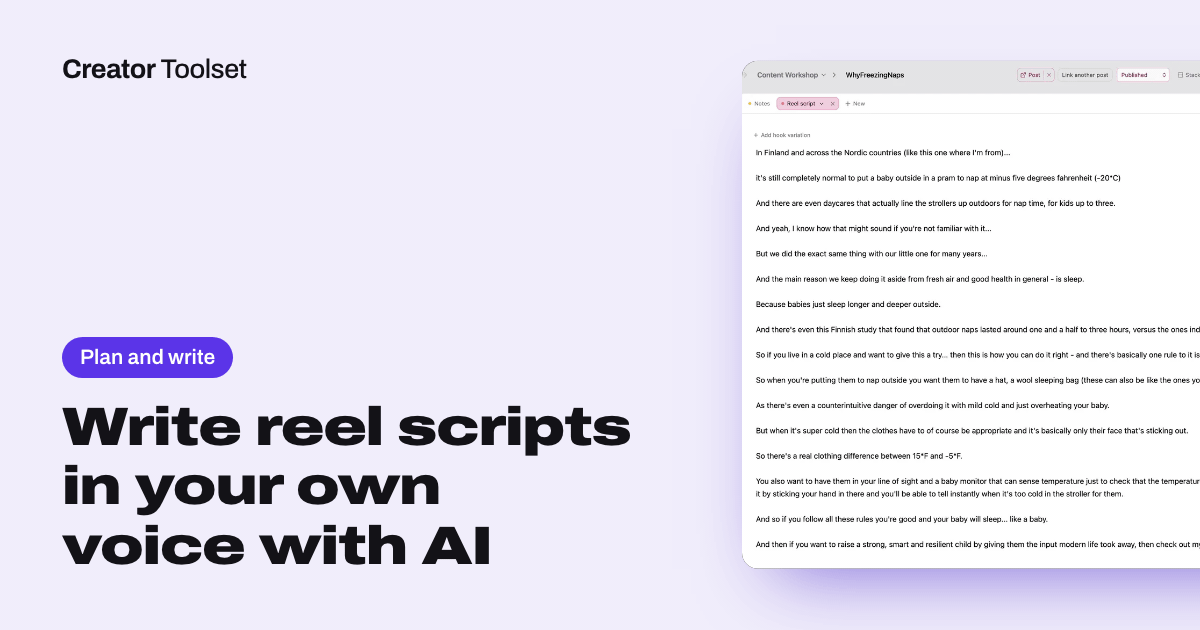 Reel scripts in your voice
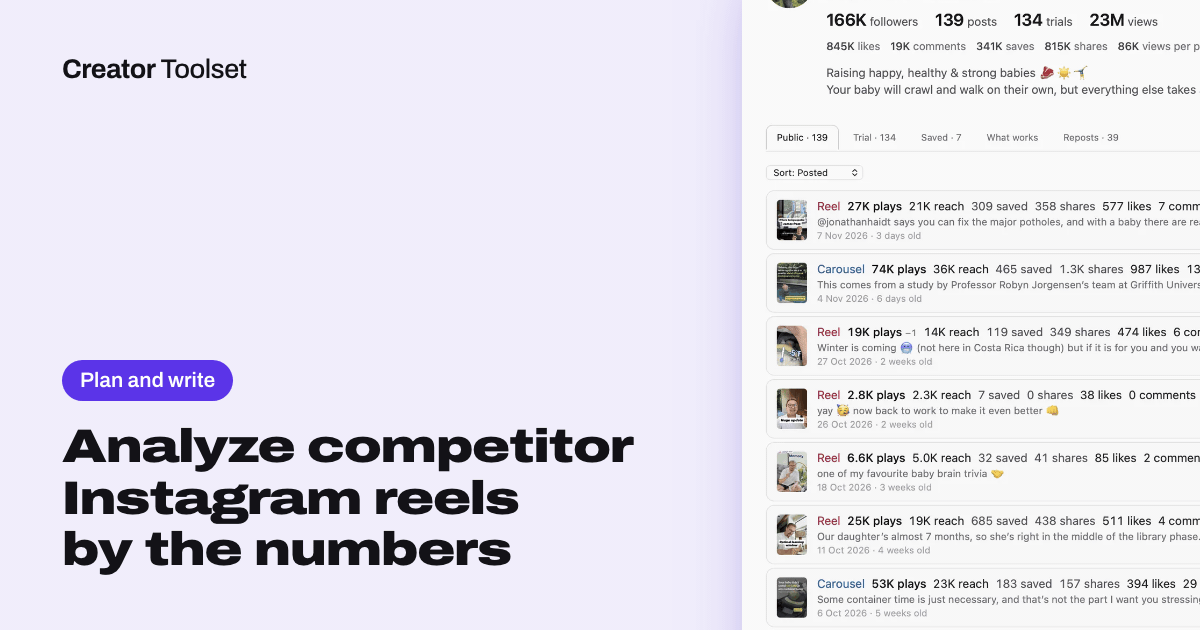 Analyze competitor reels
 Are prompt packs worth it