Scheduled tasks: your AI runs a request on a schedule
By Andri Peetso, maker of Creator Toolset · Updated
Every morning you check the same places: the Review comments left on yesterday's cut, the Workshop sessions still waiting for a caption, the posts from the weekend. A scheduled task asks your AI to do that check at a time you pick, so the answer is waiting in a chat when you sit down.
What a scheduled task is
A scheduled task is a saved prompt with a time. At that time, Claude Code on the computer you chose runs the prompt with Creator Toolset's own tools, and posts the prompt and the answer as a turn in an assistant chat. It is part of the free, open-source Creator Toolset Mac app. You bring the AI: Claude Code installed on that Mac and signed in with the Claude plan you already pay for. An Anthropic API key does not run a task, and only Claude Code can run one.
What you do with it
Open Settings, go to the AI group and choose Scheduled tasks. Then:
- Press New task. If the page says Tasks can't run yet, press Open Providers and set up Claude Code on a computer first.
- Pick the computer under Runs on. Only Claude Code on a computer is listed. Model and Thinking then follow that AI.
- Type a Name (up to 80 characters) and a Prompt (up to 4,000 characters). Write the prompt as you would brief someone who has not seen the last run.
- Choose a Destination. New chat each run starts a new chat every time. One chat, continuing the conversation posts every run into one chat, and each run carries on from the last. One chat, fresh each run also posts into one chat, but each run ignores the earlier answers.
- Optionally pick a Project, so the run knows which Workshop project it works for.
- Choose the schedule. At a time asks for Run at and Days to run (leave every day unticked for all seven). Once asks for Run on, a date and a time. Every interval asks for Run every and a Unit of minutes or hours.
- Leave Enabled on and press Create task. Fixed times use the time zone of the browser you made the task in.
Some examples of prompts a person would type, using only tools the app gives a task:
- At a time, Monday to Friday at 08:30: "List my Workshop sessions that are not posted yet, newest first, and say which one I should finish today."
- At a time, Mondays at 09:00: "Look at my Review videos and list every comment not yet resolved, with the video name and what the comment asks for. Change nothing."
- Every 24 hours: "From the Instagram Analyzer posts of my account from the last seven days, list the three with the most plays, with their links." This needs the account pulled into the Analyzer first.
A task can also change things, because the tools include editing. If a run should only read, say so in the prompt.
Check it. The row shows Next run in and a time. To see a run now, open the row's menu and press Run now. It runs the prompt once right away. Then open the chat the row links to.
How it works inside
The app's server checks the task list once a minute, so your browser does not need to stay open for the clock. For each task that is due, the server first asks whether it can run. The answer is one of three: run now, wait, or skip with a reason. A run that can go ahead starts a turn in the chat with the prompt, a note that nobody is at the screen, and a job token that lets Claude Code call the app's tools for that turn only. The run is told to use the tools and not to open pages.
Each run ends as one of three results: done, failed or skipped. The app stores up to 2,000 characters of the answer or the error on the task. A run that failed or was skipped is written on the task's row, and the inbox gets a note for each run. A failure or skip that repeats the last one is noted only once.
What has to be on
- Creator Toolset must be open on that Mac. Its relay takes each run and hands it to Claude Code, so a run needs the app open.
- The computer you picked must be awake and reaching the server. A computer that has made no call to the server for 40 seconds counts as offline.
- A fixed-time run that is more than 10 minutes late is skipped. The row then says something like "Missed the 09:00 run (the computer's name is offline)", and the task waits for its next time.
- An interval or once task waits instead and runs when the computer is back.
- A task that posts into one chat waits while that chat is still answering.
- Claude Code must be set up under Providers. The app refuses to save a task on any other AI. A team member cannot use the team's AI for a task, so a member needs Claude Code on one of their own computers.
Every run uses your own Claude Code sign-in, so it counts against that plan's limits. The free Mac app is at /download. For what your plan allows outside its own app, read using your AI subscription in other apps.
Where a run stops
When a run hits a usage limit, it is recorded as Failed. The row shows the time the limit resets when the app knows it. The task does not retry on its own. It waits for its next scheduled time, and an interval counts from the last run.
A failed or skipped run is the first thing to read. A task that is off, with Enabled turned off, keeps its prompt and does not run. A Once time already in the past is refused when you save it. Names and prompts have the limits given above, and an interval can be up to one week.
Use a scheduled task for a check you already know how to ask. If you want to work through a result with the AI, open the assistant and ask there. For a request that changes as you go, the assistant in Creator Toolset is the better fit, and what MCP lets your AI do with your tools explains the tools a run is given.
 The assistant chat
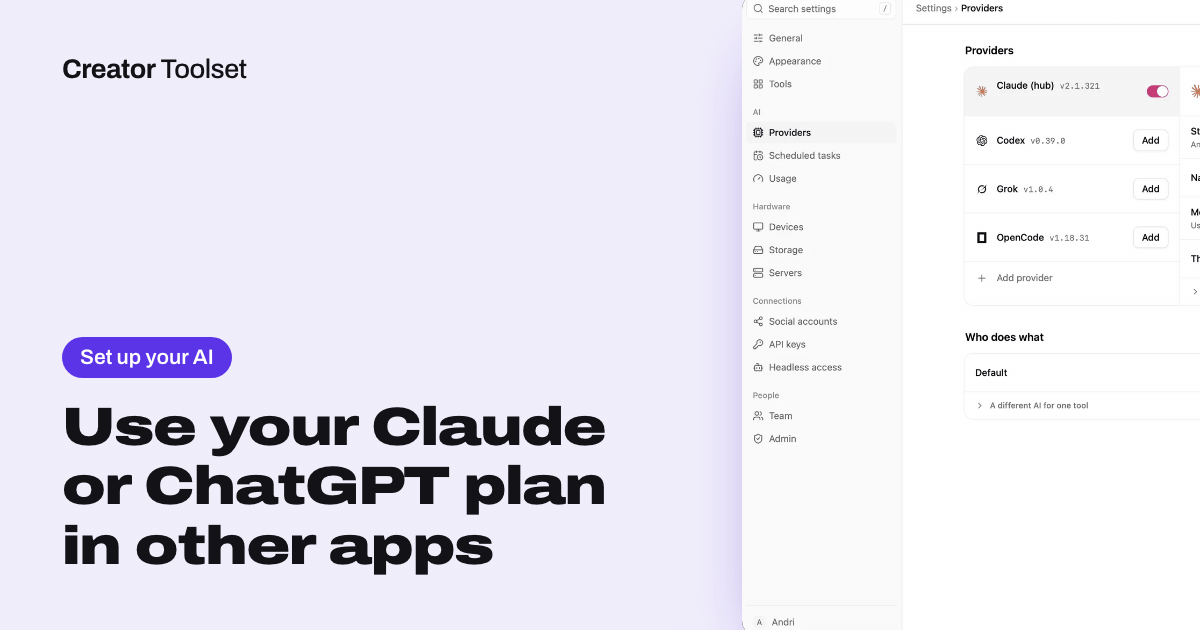 Use your AI plan in other apps
 What MCP means for creators