Descript alternatives for cutting talking-head video in 2026
By Andri Peetso, maker of Creator Toolset · Updated
A 25-minute interview is sitting in Descript, and the free plan allows 60 minutes of media a month. You have to decide whether the whole cut happens in Descript, or whether the cut goes to an editor you already use. The tools below split on that line.
Creator Toolset is our app. It is on this list where it fits the job, and each pick says who should choose something else.
The short answer
- If you want to edit by transcript and add captions in one app, stay with Descript. Its Hobbyist plan costs $24 a month billed monthly or $16 a month billed annually.
- If you want to cut silences and bad takes inside Premiere Pro or DaVinci Resolve, pick a plugin: AutoCut or FireCut.
- If you want a standalone cut tool that runs on Mac and Windows and exports to Premiere, Final Cut or Resolve, pick TimeBolt or Eddie AI.
- If you already own DaVinci Resolve Studio, start with its Ripple Delete Silence command before you pay for anything else.
- If you want a free, open-source editor where you change the words to change the cut, pick Audapolis, and check its licence first.
- If you have raw takes and want a first-pass timeline for your own editor, pick Creator Toolset's AI Editor. It does not replace a transcript editor.
Comparison
Prices were read on each vendor's page on 10 November 2026.
| Tool | Best for | Platforms | Free tier | Price from |
|---|---|---|---|---|
| Descript | Editing by transcript, in one app | Not named on the vendor page | Yes: 60 media minutes a month, 720p, watermark | Hobbyist $24 a month billed monthly or $16 billed annually |
| Gling | Silence, bad takes and filler cut from talking heads | Desktop only, per the page | Yes: 1 hour a month, watermark | Plus $10 a month paid yearly, or $20 a month monthly |
| AutoCut | Silences, repeated takes and captions as a plugin | Mac and Windows; Premiere Pro and Resolve | Trial only | $79 a year (Basic) |
| FireCut | Pause trimming and captions inside Premiere or Resolve | Premiere and Resolve plugins | Resolve free tools; Shorts free plan | $8.25 a month billed yearly (Resolve Captions) |
| TimeBolt | Silence, filler words and bad takes, transcribed locally | Mac and Windows | Watermark, no XML export, no saved projects | $97 a year, or $347 once |
| Eddie AI | Scripted edits and cleanup, exported to your editor | Mac, Windows, web, iPhone | 500 credits | $10 for 1,000 credits, one time |
| DaVinci Resolve | A full free editor with Ripple Delete Silence | Mac, Windows, Linux | Free edition | Studio $236, sold as a purchase |
| Audapolis | Editing spoken audio and video by its text | See the project page | Free, open source | Free |
| Creator Toolset AI Editor | A first-pass draft timeline from raw takes | Mac (Apple silicon, macOS 14 or later) | Free app; you bring your own AI | Free |
Descript
Descript is an editor you work inside. You change the transcript to change the picture, and its pricing page lists Remove Filler Words and Shorten Word Gaps as AI features. The free plan is limited to 60 minutes of media a month, exports at 720p, and puts a watermark on exports. The pricing page does not name the platforms it runs on.
Pick it if the whole job is one talk, one editor and one export, and you want the words to drive the cut. The catch: the free plan will not hold a long project, and Business's two prices are not labeled monthly or yearly on the page.
Gling
Gling removes silences, bad takes and filler words from talking-head video. Its free plan gives you 1 hour of AI-edited media a month, with a watermark on the export.
Gling's pricing page gives two answers on export. The FAQ says the free version cannot export to Premiere, Final Cut or Resolve, while the free plan's feature list includes "XML to Premiere/Final Cut Pro/Resolve". Check this on Gling's pricing page before you pick the free plan for a real edit.
Pick it if you record talking heads on a desktop, want the bad takes gone, and will finish the picture in Premiere, Final Cut or Resolve. The catch: the paid plans are measured in hours, 10 for Plus, 30 for Pro and 100 for Elite, and unused Plus hours do not carry over.
AutoCut
AutoCut is a plugin for Premiere Pro and DaVinci Resolve. It detects dead air and repeated takes, keeps the best version of a repeat, and adds word-by-word captions. The Basic plan covers silence removal only, and the AI plan covers all the modes.
The page gives the free trial as both 14 days and 28 days, so read the terms on autocut.com before you install it.
Pick it if you already edit in Premiere or Resolve and want the cut inside that editor. The catch: Basic leaves out captions, B-roll and repeat detection.
FireCut
FireCut is a plugin for Premiere Pro and DaVinci Resolve that trims pauses and adds captions. Its Resolve tools include a free, one-time download that removes silences.
The paid Resolve plans are measured in transcription hours, 8 a month for Resolve Captions and 10 for Resolve Pro. The page does not describe retake or filler removal.
Pick it if you want captions and pause cuts inside Resolve and do not need a transcript editor. The catch: Premiere plans require Premiere itself, and the page does not name Mac or Windows for the plugins.
TimeBolt
TimeBolt is a desktop tool for Mac and Windows that removes silence, filler words and bad takes from long videos. It transcribes locally and says "No upload" on its page, which matters if you cannot send footage to a cloud service.
Its free tier is a full editor with watermarked exports, and it has no XML export and no saved projects. Pro adds XML and plugin export for Premiere Pro, Final Cut Pro and DaVinci Resolve. Pro costs $17 a month, $97 a year, or $347 once, and the page says it covers up to two machines.
Pick it if you want to cut on the desktop without uploading, and then move the cut into your editor by XML. The catch: the free tier cannot produce a file for your editor, and the page does not name captions or B-roll.
Eddie AI
Eddie AI is an editing workspace for footage. It runs scripted edits, where you cut to a script take by take, and it logs B-roll. Exports go to Premiere Pro, Final Cut Pro and DaVinci Resolve, and Avid Media Composer is in beta.
The page sells credit packs, not a subscription. The yearly subscription is mentioned, but its price is not given. Packs run from $10 for 1,000 credits up to $350 for 50,000, and the free plan is 500 credits.
Pick it if you have a script and want the cut to follow it, and you would rather buy credit packs than a monthly plan. The catch: the free plan's watermark and length limits are not stated on the page, and retake removal is not named as a feature.
DaVinci Resolve
DaVinci Resolve is a full editor, and its free edition is a real place to start. Studio costs $236, and Blackmagic sells it as a purchase on its product page.
Resolve has a silence command. On a selected clip, choose Clip > Audio Operations > Ripple Delete Silence. The Resolve manual describes it on pages 773 and 1124. Our silence guide shows the settings. Check the Clip menu in your copy to confirm the command is there.
Resolve Studio also supports AI assistants such as Claude Desktop and Claude Code through its built-in MCP server (Blackmagic's manual, page 4318). Our setup guide covers how to connect them.
Pick it if you want one free editor for the whole job and will learn its cut pages. The catch: the silence command cuts by loudness and length, so the pauses that do a job need you to check them one by one.
Audapolis
Audapolis is an open-source editor where you edit spoken audio and video by changing the text. Its licence is GNU AGPL version 3, which the project's own LICENSE file states. That licence requires that a changed copy you pass to someone else comes with its source.
Pick it if you can install and run it yourself, and you want the free route with the source in your hands. The catch: it is a community project, so check its recent activity before you build a weekly job on it. Our open-source list explains how to read a licence.
Creator Toolset's AI Editor
Creator Toolset is a free, open-source Mac app that runs on Apple silicon with macOS 14 or later. Its AI Editor takes raw talking-head takes and makes a first pass: it picks the best take of each line, removes the restarts its transcript shows, and tightens long pauses by loudness. The output is a draft timeline as an OpenTimelineIO file or an FCPXML 1.10 file, and you open it in your own editor to finish.
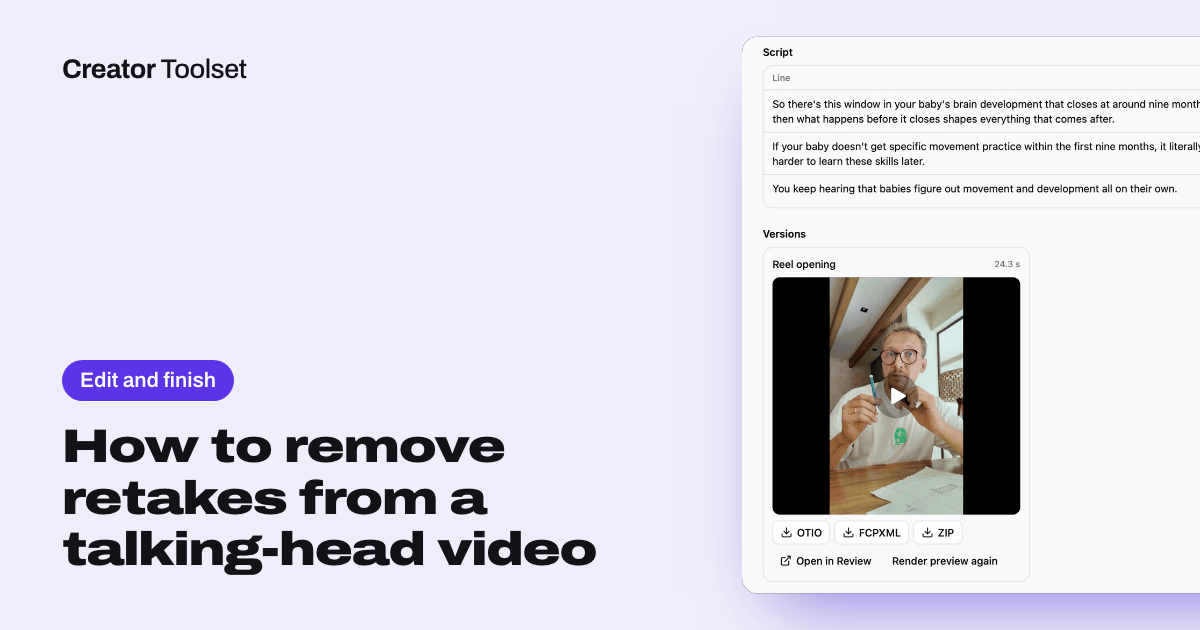
The AI Editor does not edit by transcript. You cannot change words to change the cut, and it gives you no finished export. You bring your own AI: Claude Code or Codex on your Mac, signed in with the plan you already pay for. Our retake guide walks through the check you run on each draft.
Pick it if you have many takes of the same line and want a draft timeline to start from. The catch: the Mac app is the only place it runs today, and you still finish the cut in your own editor.
How we chose
The picks come from what each vendor publishes: the features on its page, its limits, its price and the platforms it names. We did not run these tools side by side, and we do not rank them. Where a vendor page leaves out a platform or a price period, the table says so, and the vendor's page is the place to confirm it. Prices were read on each vendor's page on 10 November 2026, and they change.
Try two on the same clip
Pick a clip that has one restart and one long pause, about three minutes long. Run it through the two tools that fit your editor. Open each result in the editor you will finish in, then check three things: the restart is gone, the pause you wanted to keep is still there, and the first word of each sentence is not clipped. Only then choose a paid plan.
 Set up the Resolve AI assistant
 Cut silences in Resolve
 Remove retakes from a take