Write reel scripts and carousels with your own AI, in Content Workshop
By Andri Peetso, maker of Creator Toolset · Updated
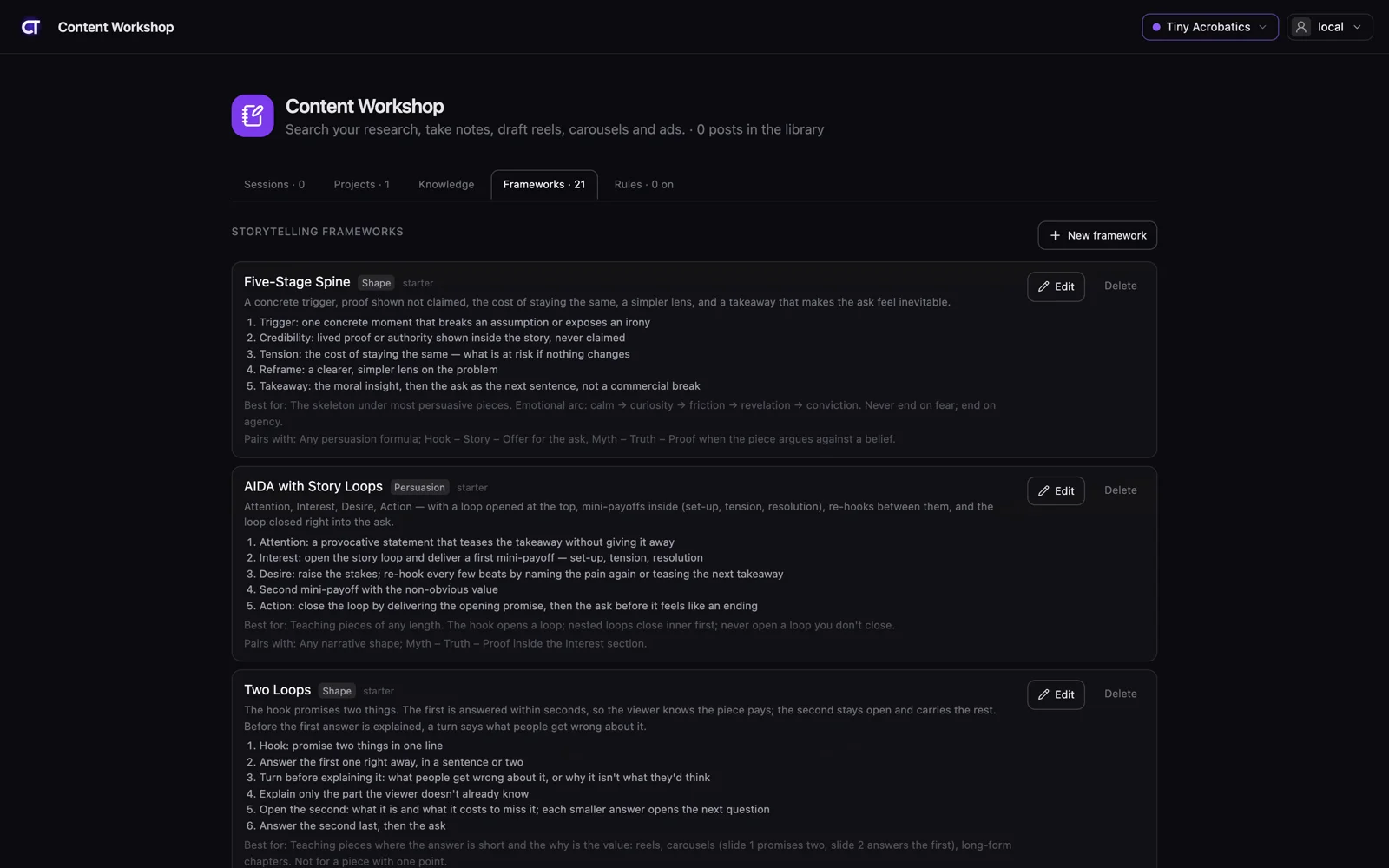
You saved a dozen posts about one topic and now you have to write a reel on it. You open each one, copy the lines you liked into a note, and by the third post you have forgotten which carousel had the hook.
Content Workshop keeps that material in one place for one project. It is a tool in Creator Toolset, the free and open-source Mac app. You give it the posts, links and notes you have collected, and it drafts a reel script, a carousel, ad copy or another piece in a storytelling framework you pick. The drafting runs on Claude Code or Codex, installed on your Mac and signed in with your own plan. An Anthropic API key does not run it.
What it is
Content Workshop has five tabs: Sessions, Projects, Knowledge, Frameworks and Rules. A session is one piece of work with its sources, its drafts and its chat. A project holds the name, a colour, one handle per platform and an Instructions box, which is where you write who you are talking to, how you sound and what you never say. Older projects had separate audience, voice and call-to-action fields. The form now folds them into Instructions.
The generator makes four kinds of piece: reel, carousel, ad copy and "anything else". The chat can also start an X thread, a newsletter, a YouTube script or an article.
Where it came from
Content Workshop follows the way we already worked by hand. We typed a topic, opened the reels and carousels that matched, and kept the ones worth keeping, with notes in one window and the posts in the other. Then we wrote the draft.
The Workshop keeps that loop in one place, and the AI works inside it: it reads the session's own folder through your own Claude or Codex.
What you do with it
- Open Projects, choose Create project, and fill in the name, colour, handles and Instructions. If the project is linked to an Instagram account, Draft from my posts writes a first set of brand facts from its bio and posts, for you to rewrite.
- Open Sessions and choose New session.
- In the session, search the Browse pane by topic, or paste an Instagram or YouTube link. A pasted post link is read with the "watch" recipe, so the words of the video come in too, and it is added as a source.
- Pick a kind tile (Reel, Carousel, Ad copy or Anything else), tick up to three frameworks from Storytelling frameworks, and generate. A generation uses at most 12 sources.
- Read the draft, then revise in the chat. Turn on Not mine to mark every word of the AI's text that you never said in this session. Press Stop to end a reply that is still running.
- Choose Check accuracy, then Quick check (the main claims against the first sources it finds, about a minute) or Deep research (dozens of pages, five to fifteen minutes).
- Open Export. Copy as Markdown and Save as Markdown are built in. Exports you set up under Edit exports… appear there too, each with its Target set to Obsidian plugin (writes into the vault) or Download. To share a project, use Share: it makes one link with every piece in it, and the person who opens it needs no account.
Write your first reel with the steps in how to write scripts in your own voice, and a carousel slide by slide with the carousel guide.
The check that the job is done: each draft ends with two to four "why it works" bullets that name the sources its choices came from. If a bullet names a source you did not choose, reject the draft.
The first likely failure is that nothing happens when you generate, or the chat says "AI is not configured". Content Workshop runs on your own AI, so no AI is connected. Open Settings → Providers, add Claude Code or Codex, and try again.
How it works inside
A generation packs the sources you chose, the project's Instructions and knowledge files, and the frameworks into one prompt. The AI returns a JSON plan, and the app renders that plan as Markdown. The prompt holds three rules: facts come only from the sources or the author, comments are for objections and the audience's own words and never for facts, and no numbers are invented.
The prompt also sets the shape. A reel is 30 to 60 seconds spoken, about 80 to 160 words, in 3 to 7 beats. A carousel has 6 to 10 slides, and the first is a headline only. An ad gives exactly three variants, each with a different angle and primary text of 60 to 150 words.
The app ships 21 starter frameworks. Each has a role of narrative, persuasion or argument. A narrative framework sets the order, and the persuasion and argument steps go inside it.
A chat turn is a Claude Code session that reads the session's folder with Read, Glob and Grep. The chat does not browse the web on its own. When it wants more material, it proposes a search or an audit, and you accept it.
The accuracy check labels each claim Supported, Partly, Contradicted or Unverifiable, with citations and a score from 0 to 100. Claude Code, Gemini CLI or Grok on your Mac tries web search first. If that misses or cannot search, and you have a Perplexity key, Perplexity takes over. The app is one React page app with a Hono server, as the app's README says.
What it needs and where it stops
Creator Toolset runs on a Mac only today: Apple silicon, macOS 14 or later. Get the free app at /download. You need Claude Code or Codex signed in on that Mac, connected in Settings → Providers. Check accuracy runs in one of two ways. Claude Code, Gemini CLI or Grok on your Mac can search the web for it. Codex cannot, because its sandbox has no network. Or add your Perplexity key in Settings → API keys. Without either, Check accuracy is greyed out.
Projects, frameworks, rules and sessions can be edited with no AI at all. Generating and chat are off until an AI is connected.
The limits the code states:
- Project Instructions: 20,000 characters.
- Knowledge: up to 24 files, 80,000 characters each. PDF, .docx, .odt, EPUB, Markdown and text are read. PDF links are refused.
- A chat turn reads at most 20,000 characters of the open document. The accuracy check reads the first 24,000 characters of a piece.
Content Workshop writes from material you have saved or pasted in. If you want to see which posts are working before you choose sources, use Content Analyzer first. If you only need one line of ad copy and have no saved posts, a general AI chat is quicker.
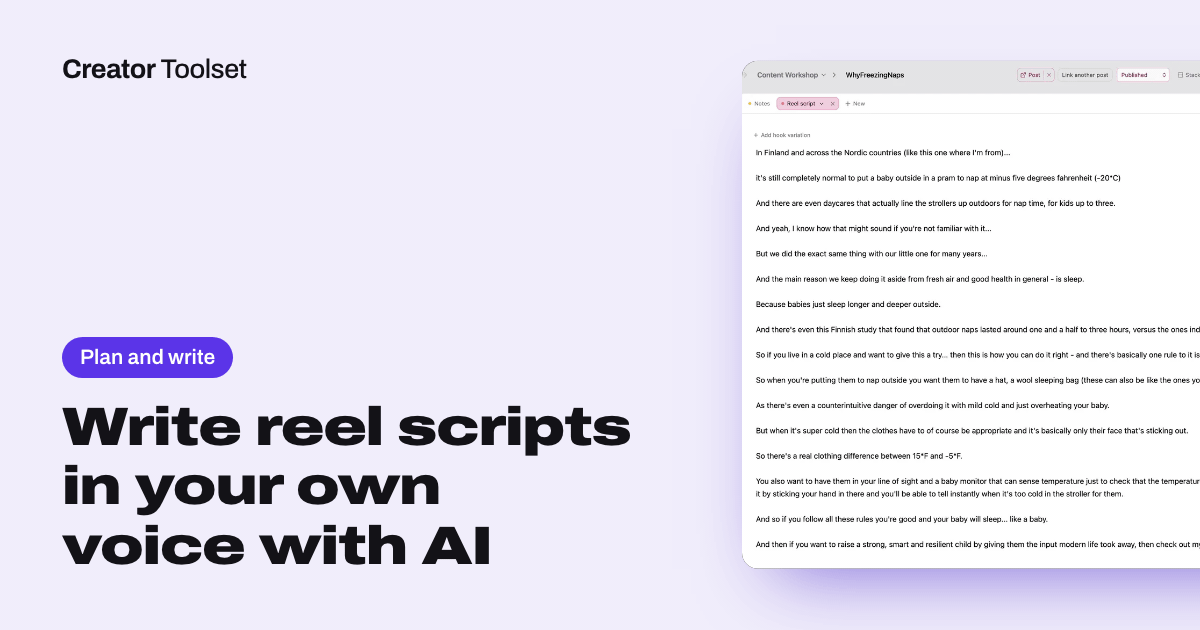 Reel scripts in your voice
 Instagram carousels with Claude
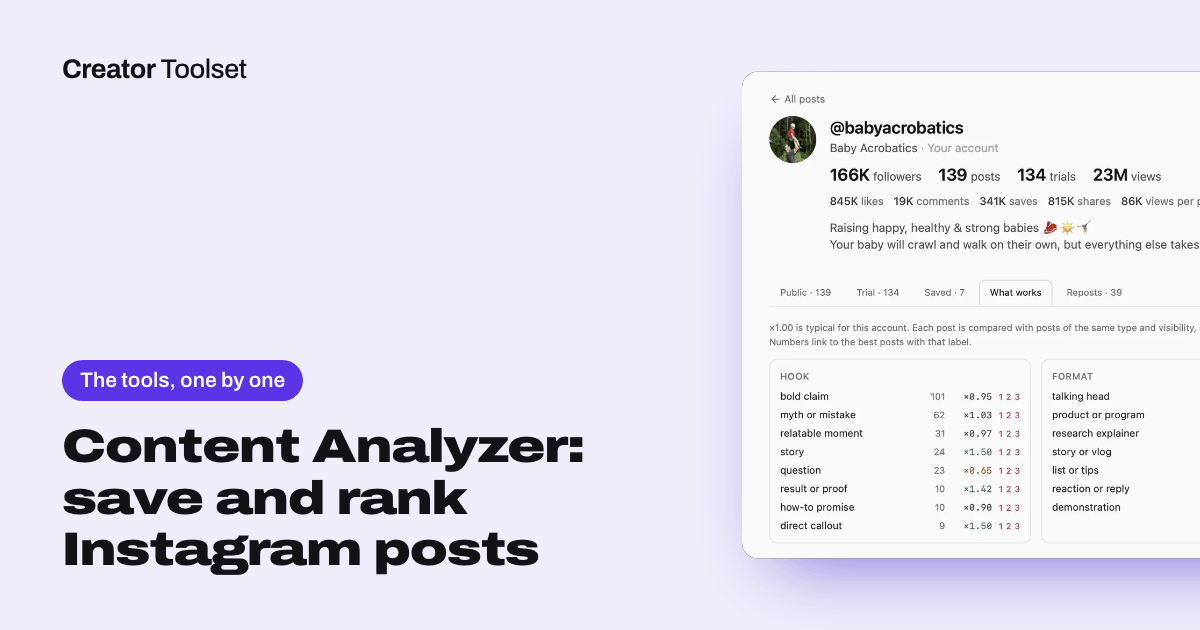 Content Analyzer: saved posts