CapCut alternatives in 2026: editors for your phone and your computer
By Andri Peetso, maker of Creator Toolset · Updated
You cut a vertical video on your phone between two meetings, and the client wants it for the afternoon review. The cut is simple: trim the start, lay one music bed, add captions, and export. You want an editor that handles that on the phone you have, or on the laptop you are sitting at, without learning a new timeline first.
We make Creator Toolset. It is on this list where it fits, and each pick says when something else is the better choice.
The short answer
- If you post Reels and want the editor Instagram makes, pick Edits. It runs on iOS, Android and Apple silicon Macs, and its page says exports carry no watermark.
- If you want a phone editor with templates and no watermark, pick VN. Its page lists 150 or more free templates.
- If you cut only on an iPhone and want a phone app with auto captions, pick InShot.
- If you want a free Mac editor for a simple cut, pick iMovie.
- If you want a full timeline on a Mac, Windows or Linux computer, pick DaVinci Resolve. Its free version handles up to Ultra HD and 60 fps.
- If you edit by changing the transcript, pick Descript.
- If you cut in a browser or on Windows, pick Clipchamp.
- Stay with CapCut if you want a desktop editor for Windows or macOS with auto captions and smart search through your media.
- If you want a first pass from raw takes plus captions, pick Creator Toolset, then finish the cut in your own editor.
Compare the editors
| Tool | Runs on | Free plan (as stated) | Paid from | Captions and AI named |
|---|---|---|---|---|
| CapCut | Windows and macOS desktop | Free plan; limits not stated | Pro $17.99 a month, or $149.99 a year | Auto captions; smart search |
| Edits | iOS, Android, Mac with Apple silicon | Free; exports with no watermark, per its page | Free | Unlimited automatic captions on desktop |
| InShot | iOS, Android, Huawei AppGallery | Not stated | Not stated | Auto Captions, AI Cut, AI Speech |
| VN | iOS, Android, Mac, Windows | No watermark; 150+ templates | Not stated | Auto Captions, Cutout, AI Avatar |
| DaVinci Resolve | Mac, Windows, Linux | Free version: up to Ultra HD and 60 fps | Studio $236, sold as a purchase | Magic Mask and AI region tracking on Studio |
| Descript | Not stated | 60 minutes of media a month; 720p; watermark | Hobbyist $24 a month billed monthly, or $16 billed annually | Remove filler words; dynamic captions |
| Clipchamp | Web; Windows app | Free; no watermark; export up to 1080p | Premium through Microsoft 365 | AI subtitles; silence removal |
| iMovie | iPhone, iPad, Mac | Free on the Mac App Store | Free | Not stated |
| Creator Toolset | Mac app on Apple silicon with macOS 14 or later; browser for captions | No paid plan; the app is free and open source | No paid plan | Captions from browser transcription; AI first pass for your own editor |
Prices are from each vendor's own page as of 10 November 2026. The iMovie price is from its Mac App Store listing.
CapCut
CapCut is a video and photo editor with a desktop app for Windows and macOS. Pick it when you want to cut and caption on the same computer. Its desktop page names auto captions and a smart search that finds media by objects, dialogue and people. Pro is $17.99 a month or $149.99 a year, with a 7-day trial. CapCut pricing
What you give up: the free plan's limits are not stated on its page, so run a test export before a client relies on the file.
Edits
Edits is Instagram's own creation app. It runs on iOS and Android, and as a desktop app on Macs with Apple silicon (M1 or later). It is free. Its page says exports carry no watermark, the desktop version exports up to 4K, and it generates unlimited automatic captions. Pick it for Reels cut on a phone or a Mac. Edits and Edits on desktop.
What you give up: there is no Windows desktop app, an Instagram account is required, and the page does not state export limits for the mobile app.
InShot
InShot is a mobile editor for iOS, Android and Huawei AppGallery. Its page names Auto Captions, AI Speech, AI Cut, Voice Enhance, Auto Beat and Video Stabilizer. Pick it for a phone-only cut with music and captions in one app. InShot
What you give up: the page does not state the free plan's watermark or export limits, and it does not state a paid price, so check both in the app before you commit.
VN
VN is a free photo and video editor. Its vendor page lists iOS, Android, a Mac build from the App Store and a Windows build, and it says exports carry no watermark. It names Auto Captions and Cutout background removal, plus AI avatar and image tools. Pick it if you want the same templates on a phone and a computer. VN
What you give up: the paid tier and the export resolution are not stated on the page, so check them in the app before a longer job.
DaVinci Resolve
DaVinci Resolve is a professional editor, color grader and audio tool. The free version runs on Mac, Windows and Linux, handles up to Ultra HD at 60 fps, and includes HDR grading and multi-user collaboration. Studio costs $236, sold as a purchase, and adds 10-bit footage, 120 fps and resolutions beyond 4K. Pick it when the cut needs several tracks and a real grade. DaVinci Resolve
What you give up: it has far more panels than a phone editor, so budget an afternoon for your first project.
Descript
Descript edits video through its transcript. You delete filler words in the text, and the video follows. Its pricing page names removal of filler words and shortening of word gaps. Pick it for a talking-head cut where the words do most of the work. Descript pricing
What you give up: the free plan has 60 minutes of media a month, exports at 720p and puts a watermark on exports. Hobbyist is $24 a month billed monthly, or $16 billed annually.
Clipchamp
Clipchamp is Microsoft's editor. Its free online editor needs no download, exports carry no watermark, and export goes up to 1080p. There is also a Windows app. It names silence removal and AI subtitles. Pick it on a Windows PC or in a browser on a Mac. Clipchamp pricing
What you give up: Premium comes through Microsoft 365, and AI video creation needs a Copilot license.
iMovie
iMovie is Apple's editor for iPhone, iPad and Mac, and it is free on the Mac App Store. Pick it for a simple cut on a Mac. Apple's iMovie help page covers troubleshooting and names no AI features. iMovie on the Mac App Store
What you give up: the help page notes that projects from older versions may need updating for newer macOS.
Creator Toolset
Creator Toolset is not an editor. Its AI Editor makes a first pass from raw takes: it picks the best take of each line, cuts the pauses and the restarts its transcript shows, and gives you a draft timeline for your own editor. Caption Studio transcribes in the browser and exports SRT, WebVTT and ASS files. It can also burn highlighted captions into an MP4 or export them as a transparent layer. Pick it for the first pass and the captions, then finish the cut in CapCut, DaVinci Resolve or another editor you already use.
What you give up: you finish the cut yourself, and the Mac app needs Apple silicon and macOS 14 or later. The app is free and open source. You bring your own AI: the Claude or ChatGPT plan you already pay for, or an API key. Download the Mac app.
How we chose
The picks come from what each vendor publishes: platforms, free plan limits, prices and named features, read on 10 November 2026. We did not edit the same clip in these tools, so this page does not say which one is faster or produces better edits. The Creator Toolset entry describes what its own source code does.
Test two editors on one vertical clip
Export the same 60-second vertical video from two candidates, one on your phone and one on your computer. Watch each export on a phone with the sound on. Check the captions against the speech, the edges of the frame, and whether the file has a watermark you did not put there. Send the one you would show the client. If you want more free options first, see the free video editing roundup. For paid options, see the video editing software roundup.
 Opus Clip alternatives
 Submagic alternatives
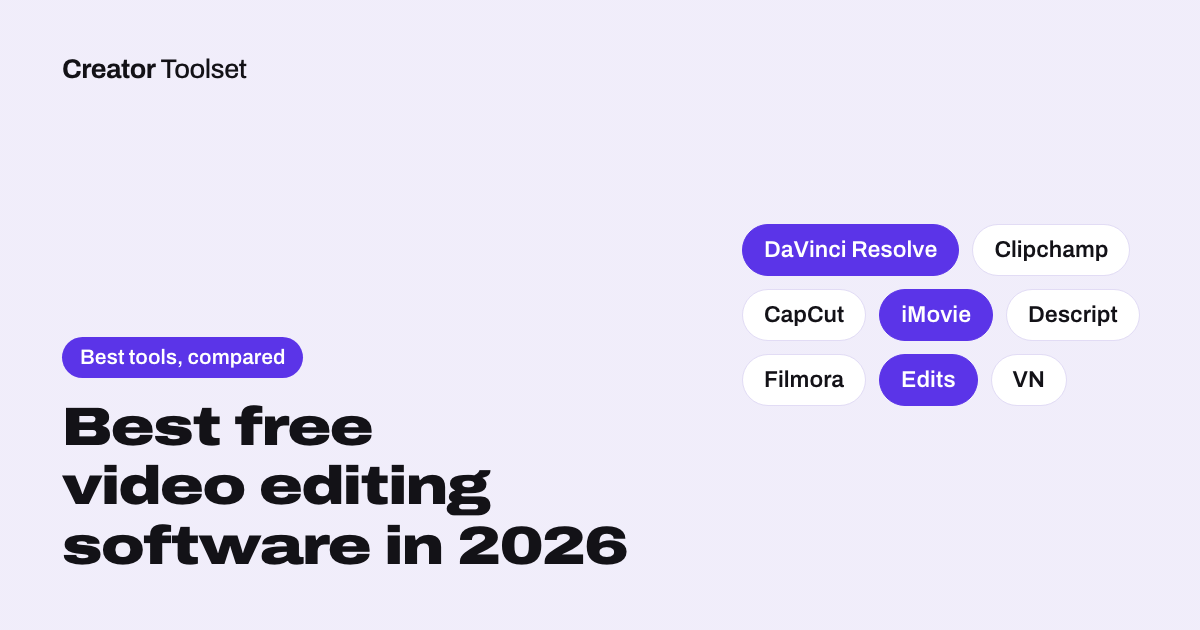 Best free video editors