Are AI prompt packs worth it for creators?
By Andri Peetso, maker of Creator Toolset · Updated
You open a pack with forty prompts, each with a name like "Viral Hook Generator". You paste one into an AI chat, and it returns a neat, confident hook. Then you notice that the same hook shape is in the last three reels you watched from other accounts. The prompt was the same for all of them.
A prompt pack is worth paying for only when it teaches you something about your own work. What it holds is prompt text and templates. Your audience, your voice and your best posts are the parts a pack cannot supply.
What paid packs usually contain
Packs, courses and paid communities for creators tend to include the same categories:
- Hook and title generators, often one per platform.
- Caption and post-description templates.
- Content calendars and idea lists sorted by niche.
- Script frameworks for reels, shorts or talking-head videos.
- Brand-voice or "tone" prompts.
- A bundle of these with lessons, a member feed or live calls.
Sellers change their offers often. Check the price on the seller's own page on the day you decide, and read whether it renews each month or each year.
Why one prompt gives everyone the same output
A prompt is an instruction. What comes back depends on what the model knows about the person asking. "Write a hook for a reel about protein" tells the model nothing about who is watching, which words that audience uses, or what the account's last ten posts did. So the answer is the average hook for protein reels.
Take two accounts with the same prompt. A physiotherapist who talks to people over sixty about knee pain and a gym coach who talks to teenagers about lifting will get hooks of the same shape, because the prompt gave the model neither of them. The output only starts to sound like one account when the audience, voice and examples are inside the prompt.
Build your own in an afternoon
- Write the audience in three sentences. Who watches, what they are trying to fix, and what they already tried. Take the words from your comments, not from a guess.
- Paste five captions you wrote yourself and are proud of. Under them, write the words you never use and the claims you will not make.
- Pick your three best posts by saves, shares or replies, not by likes. Paste each with its numbers, so the AI can see what worked.
- Write your call to action and your rules. For example: no before-and-after claims without a source, and no medical advice.
- Keep all of it where the AI reads it every time, so you are not pasting it into each new chat.
Where you keep it depends on your setup.
- In Creator Toolset, a Content Workshop project holds the audience, voice, call to action and notes, and the AI reads only the project you are in. Under Draft from my posts, the app drafts the project's instructions from your linked account's bio and most-viewed posts. Rewrite that draft in your own words. Context files and your own notes go under Knowledge, and the AI reads them on each turn.
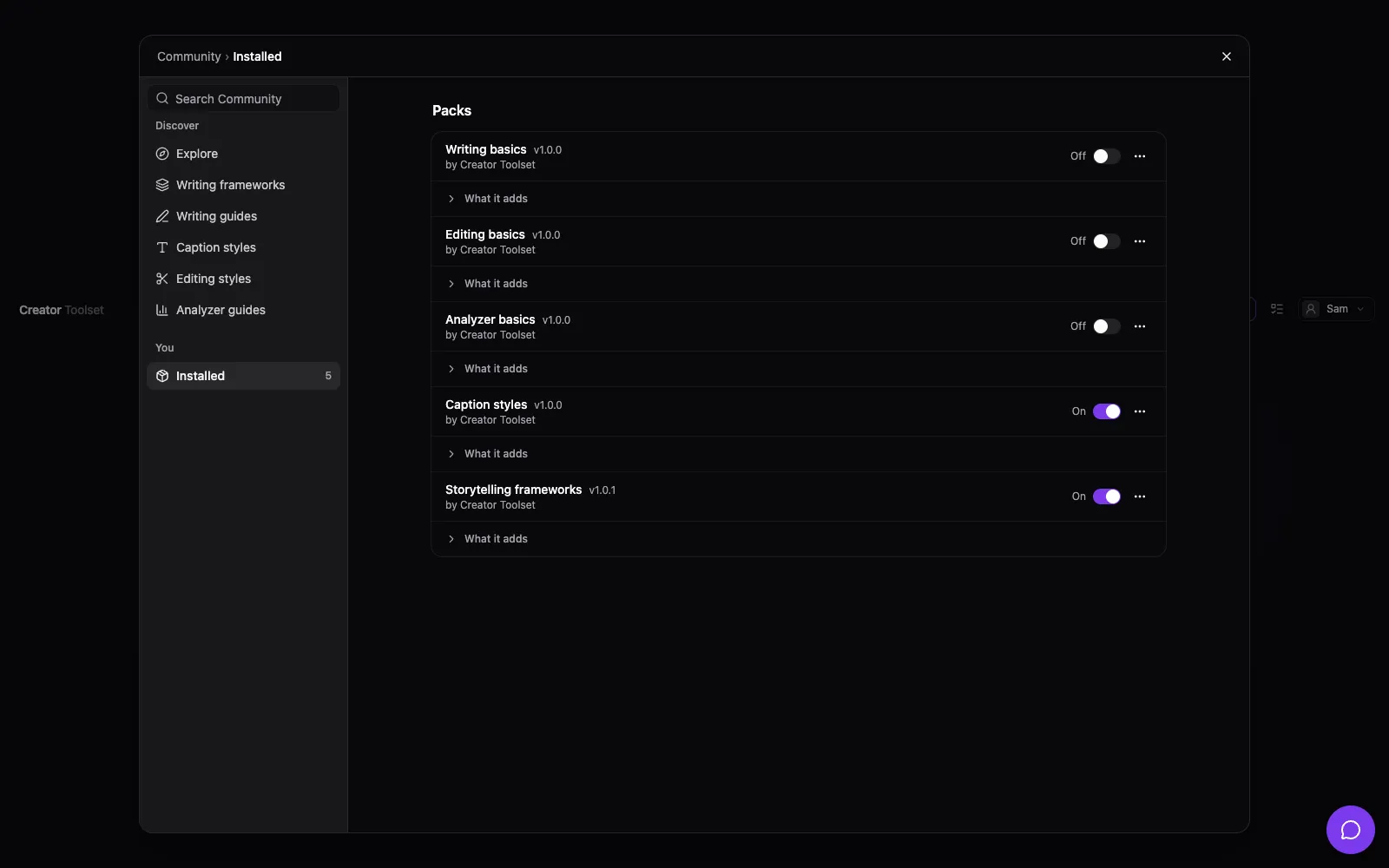
- In the free Community section, people share packs. A pack is a file that adds writing frameworks, caption styles and extra instructions. Each pack's instructions can be switched off for a project, and where two instructions disagree, your own rules win. Packs in the Community catalog were reviewed by a person before they were listed. A pack file you get anywhere else has had no review, so install it only if you trust who made it.
- Without our app, a Claude Project holds the same instructions and files, and a Claude Skill packages your steps and examples in a folder the AI loads when it needs them. Either one works with any AI plan that offers it. For a Skill, see how to write one for a content job.
The check: ask for the same reel hook twice, once with your setup and once with a bare prompt. Your version should use a phrase from your own captions and name the problem the way your audience does. If it reads like any account in the niche, the context is too thin, so add the audience sentences and one more example post.
The first likely failure: the AI copies your best post almost word for word. Add one line to your notes: "Use the examples for structure and tone. Never reuse a sentence from them." Then ask for a new piece and compare.
For the tools around the prompt, the best AI tools for content creators in 2026 goes job by job.
A pack can still be worth borrowing from. A checklist of what a good reel contains saves you thinking time, as long as you take the idea and write the words yourself.
Creator Toolset does not come with an AI account. You bring your own, either a Claude or ChatGPT plan you already pay for, or an API key. For how to write scripts in your voice with AI and check them, read write scripts in your own voice.
 What AI slop is
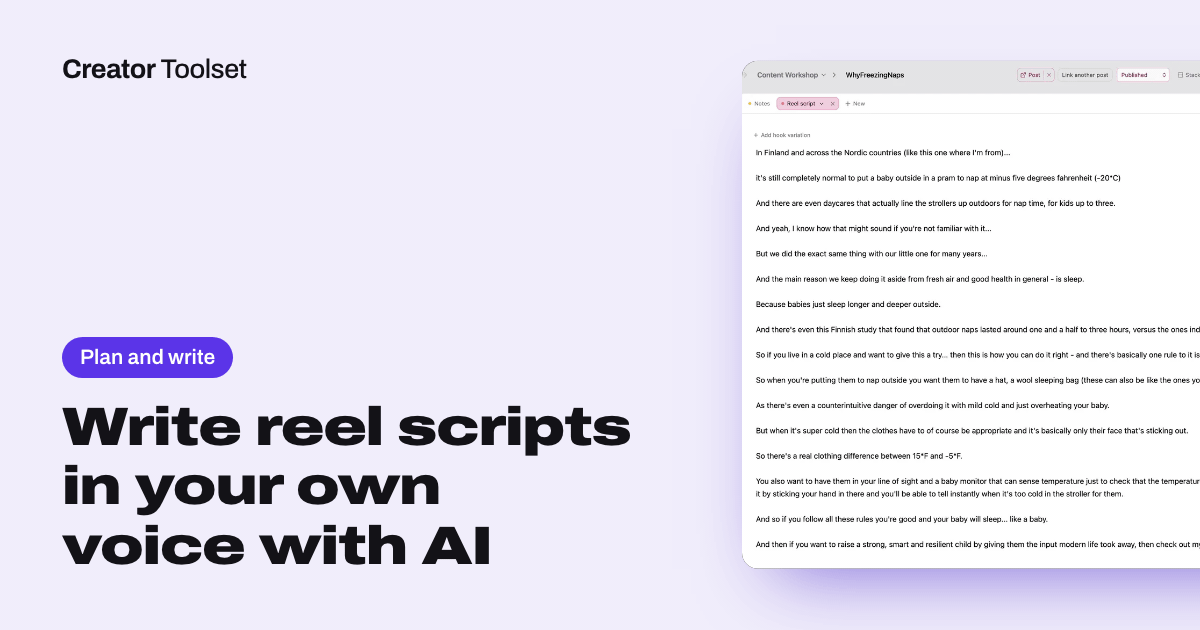 Reel scripts in your voice
 Build a Claude Skill