Best AI tools for content creators in 2026
By Andri Peetso, maker of Creator Toolset · Updated
You want a second opinion on a reel hook at eleven at night. The same week you need captions for a client cut, a voice-over fixed and a thumbnail made. Each job has its own AI tool and its own plan, and the limit on each plan usually shows up in the middle of the job.
One AI plan now covers several of these jobs, if the tools around it accept it. Claude Code runs Creator Toolset. The vidIQ MCP connects to Claude and ChatGPT, and vidIQ says that is free on every plan. Eddie AI lists Claude and ChatGPT integration on its own pricing page. How to use the AI subscription you already pay for in other apps explains which routes are allowed. So pick the assistant first, then add one tool for each job you do every week.
We make Creator Toolset, which is on this list where it fits. Each pick below says who should choose something else. Prices were read on each vendor's page on 10 November 2026, in US dollars.
The short answer
- If you want one assistant for thinking and writing, pick Claude. Pro is $20 a month billed monthly, or $17 a month billed yearly. Claude Code, the coding agent that Creator Toolset uses, starts at Pro.
- If you want to study which posts work, pick Creator Toolset's Content Analyzer for Instagram, and vidIQ if your work is on YouTube.
- If you want scripts in your own voice, pick Creator Toolset's Content Workshop, which keeps a separate voice for each project.
- If you want the first pass of a talking-head edit, pick Creator Toolset's AI Editor, then finish in DaVinci Resolve.
- If you want captions on your own Mac without an upload, pick Caption Studio.
- If you want an AI voice or a presenter video, pick ElevenLabs for voice and HeyGen for avatars.
- If you want to generate images or short video, pick Runway or Adobe Firefly, and read the credit terms first.
Thinking and writing: an AI assistant
Claude is Anthropic's chat assistant, with Claude Code for building and fixing things. Its free plan has usage limits, and Claude Code is not on it. Pro is $20 a month billed monthly, or $17 a month billed yearly ($200 up front). Usage limits apply on every plan, but the pricing page does not state the amounts, so check your own usage before a long shoot day.
ChatGPT has a free plan with limited image creation, voice, deep research and Codex, plus unlimited text chats subject to its guardrails. Its Plus plan includes Codex with expanded usage. The Plus price is not stated on the pricing page, so check ChatGPT's pricing page before you compare.
Google's AI plans bundle Gemini with Veo video and Flow credits. Its regional page shows prices in Costa Rican colones, and its plans page shows no dollar amounts, so check the current price on Google's AI plans page before you decide.
Studying what works
Creator Toolset's Content Analyzer saves Instagram accounts and posts, with their captions, transcripts and numbers, then lets you search them and rank what worked. It uses your own Instagram login for your posts. Other creators' posts need your own Apify key, and Apify bills that. Use it for the study in the guide to analysing competitor reels.
vidIQ is for YouTube. Its Boost plan is $19 a month for one channel, or $16.58 a month billed yearly ($199 a year). Its free plan includes 150 AI credits every month. vidIQ prices per channel, so three channels cost three times as much. Its other free-plan limits are not stated on the pricing page, so check them there.
Scripts in your own voice
Creator Toolset's Content Workshop keeps each project's audience, voice and call to action apart. It needs an AI of your own, Claude Code or Codex on your Mac. Writing reel scripts in your own voice with AI goes through how to check a draft against your own posts.
Before you buy a paid prompt pack, look at what it contains.
The first pass of an edit
Creator Toolset's AI Editor takes raw talking-head takes from your Media Library, picks the best take of each line, and cuts the pauses and the restarts its transcript shows. It gives you draft timelines for your own editor, with a preview in Review. It works on talking-head takes, makes a first pass, and runs on a Mac. Removing retakes from a talking-head video shows how restarts get cut from a raw take.
Descript edits video by editing its transcript. Its pricing page lists Remove Filler Words and Shorten Word Gaps. Its Creator plan is $35 a month billed monthly, or $24 billed annually. Its free plan allows 60 minutes of media a month, with 720p exports and a watermark on every export.
Captions
Caption Studio transcribes in your browser with Whisper unless you add a cloud transcription key, so no transcription service gets the video. It exports a transparent overlay and SRT, WebVTT or ASS files. It is free and needs no AI plan. Whisper captions in the browser covers the steps. It is a captions tool only, and it does not schedule or publish the captioned video.
Submagic adds captions and clips, with AI translation of captions. Its Starter plan is $19 a member a month billed monthly, or $12 billed yearly. Starter has no silence or bad-take removal and handles videos up to two minutes, which rules out most long-form work. Pro is $23 a member a month billed yearly, for videos up to five minutes. Its page shows no monthly price for Pro.
Voice
ElevenLabs has a free plan of 10,000 credits a month, with 3 Studio projects and no rollover. Starter is $6 a month and includes 30,000 credits, instant voice cloning and a commercial license. The page says commercial rights for music vary by tier, so clone only your own voice and read the license before you publish a voice-over.
Adobe Podcast has an Enhance Speech tool, which its page describes as an AI filter for cleaning up spoken audio. The price and the free limits are not on the page, so check them at podcast.adobe.com before you plan a job around it.
Avatars
HeyGen makes a presenter video from a script, with lip-synced translation into 175 languages. Its free plan allows three videos a month, each up to a minute, with a watermark and one custom avatar. Creator is $29 a month billed monthly, or $24 billed yearly. A custom avatar needs an on-camera verification step, and HeyGen's moderation rules bar political campaigning and harm to minors.
Images and video
Runway has a free plan with 125 one-time credits that do not expire, and no monthly credits. Standard is $12 a month billed yearly, with 625 credits a month. Its monthly price is not stated. Its monthly credits do not roll over, and the free credits are one-time, so the free plan does not refill.
Adobe Firefly has a free plan with limited generations and no stated count. Standard is $9.99 a month, with 2,000 credits, up to 400 images and 20 five-second videos. Its annual price is not stated. Check the free plan's generation count on Adobe's plans page before you plan a job around it.
Google Veo 3.1, in the Gemini app and in Flow, generates video with native audio. Google's own page says consistent spoken audio for short speech segments is still in development, so test any shot with a line of dialogue before you plan around it. Google's plan FAQ names Veo 3.1 for its Ultra plan, with a limited trial on Pro.
Sora is left out of this list. Check OpenAI's Sora page for whether it is available to you, and on which plan.
Design
Figma has a free Starter plan with unlimited drafts, UI kits and templates. It includes 150 AI credits a day, up to 500 a month. Professional is $16 a month for a full seat, with the billing period not labelled. Check which AI features each plan includes on Figma's pricing page before you rely on one. Figma suits carousels and thumbnails. It is not a video editor.
Scheduling
Metricool has an AI social media assistant, with 5 credits per brand a month on its free plan, 20 on Starter and 35 on Advanced. Its free plan covers one brand and 20 scheduled posts a month, and it leaves out LinkedIn and X. Starter is $25 a month billed monthly, or $20 billed yearly (check before you buy), for up to five brands. Plan around the free plan's 5 AI credits per brand a month.
Later has no free plan, only a 14-day trial on each paid plan. Starter is $18.75 a month billed yearly; its monthly price is not stated. It includes 5 AI credits a month, and each Caption Writer generation uses one credit. Cancel before the 14-day trial ends if you are not ready to pay.
How we chose
The picks come from what each vendor publishes: its features, free-plan limits, prices and the platforms it names. We did not run these tools side by side, so no pick here says one tool works better than another. Creator Toolset is listed for the jobs its published features cover, and the note under each pick says where it stops. Before you buy, read the limits and check the price on the vendor's page that day.
Start with the assistant. Use it for one week on your own work, then add one tool for the job that took you the most time. Keep the tools you use every week, and drop any you open once a month.
 Best creator tool stack
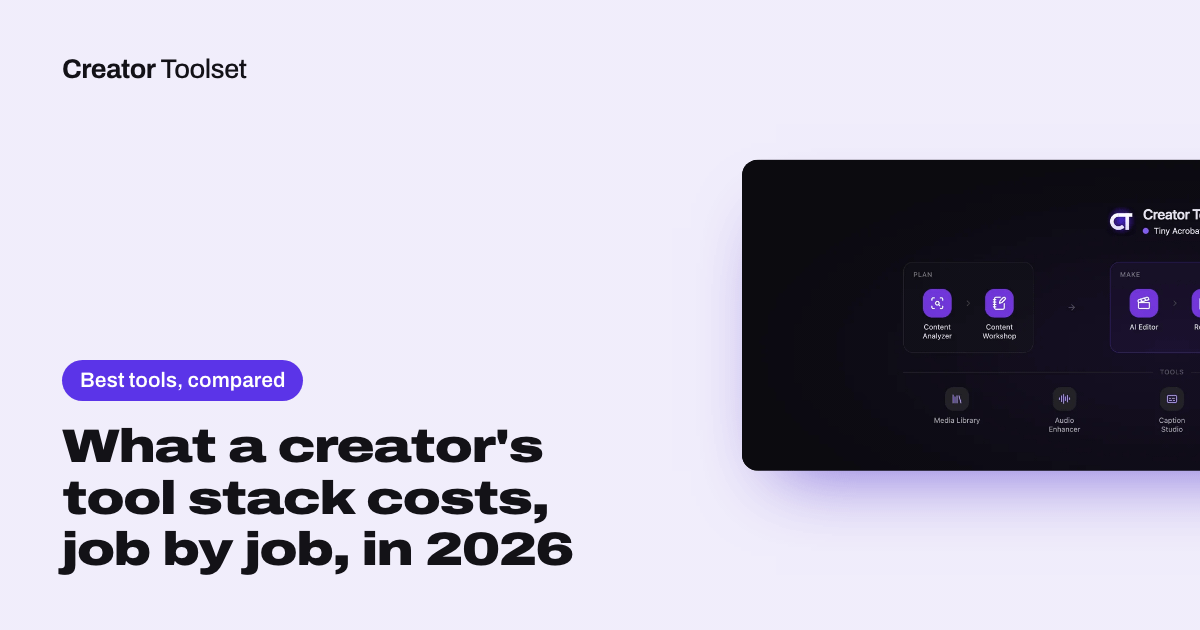 Creator tool stack costs
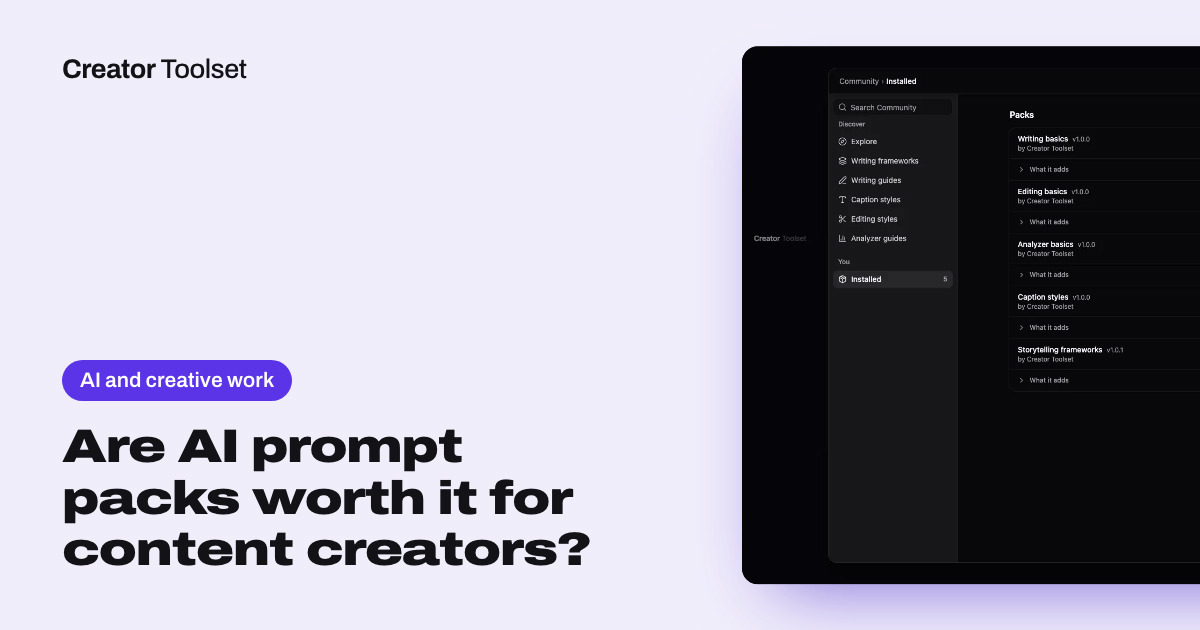 Are prompt packs worth it