Save and rank Instagram posts in Content Analyzer
By Andri Peetso, maker of Creator Toolset · Updated
You saved forty reels last month, each one because it made you stop. Now you want to know which hook did the work, and whether the post you liked was a one-off. A folder of bookmarks cannot answer that.
Content Analyzer is the library part of the free, open-source Creator Toolset Mac app. You paste links to Instagram and YouTube posts, and it keeps each one with its caption, the text on its slides, its transcript, its comments and its numbers. You search that library, rate posts by hand, group them into topics, and send the ones you want to a Content Workshop session. You bring your own keys for the reading and AI parts, listed below. Get the app.
Where it came from
We built it for our own research. We wanted a library of Instagram accounts and their posts that keeps growing and can be searched. A downloader for single reels did not give us that.
What you do with it
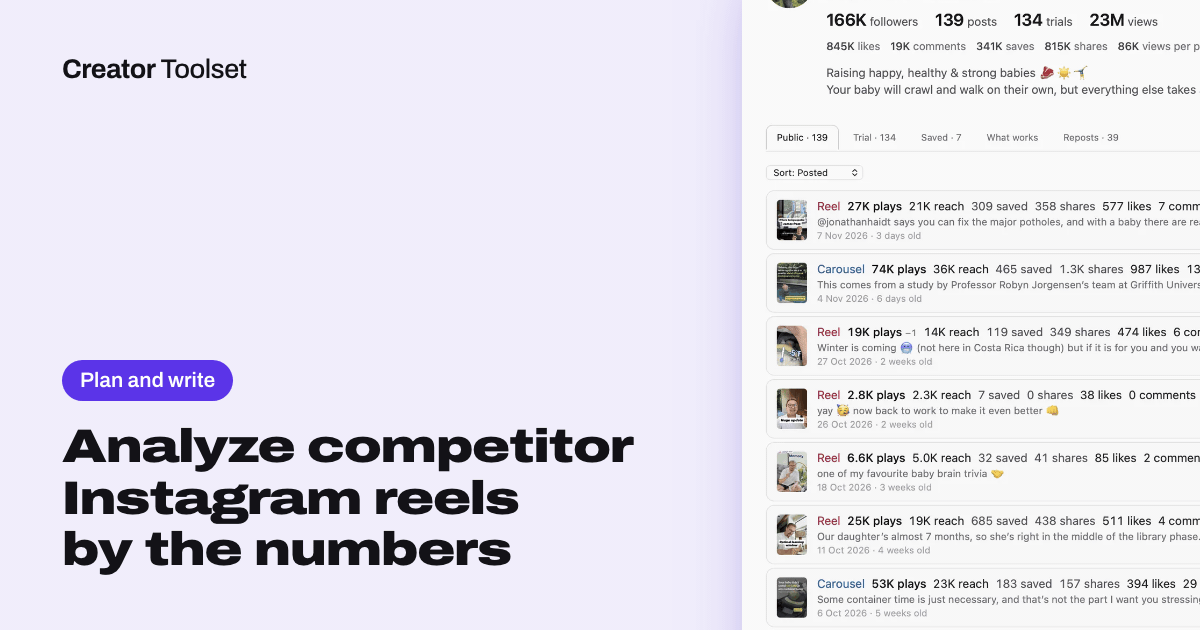
For the reasoning behind studying which posts work, read how to analyze competitor Instagram reels. These steps cover the buttons.
- Open Content Analyzer from the Plan group on Home.
- Paste links into the paste box: Instagram posts, reels or carousels, or YouTube videos and Shorts. Under Kept for, choose Content, Format or Know-how, then save. One save takes up to 25 links.
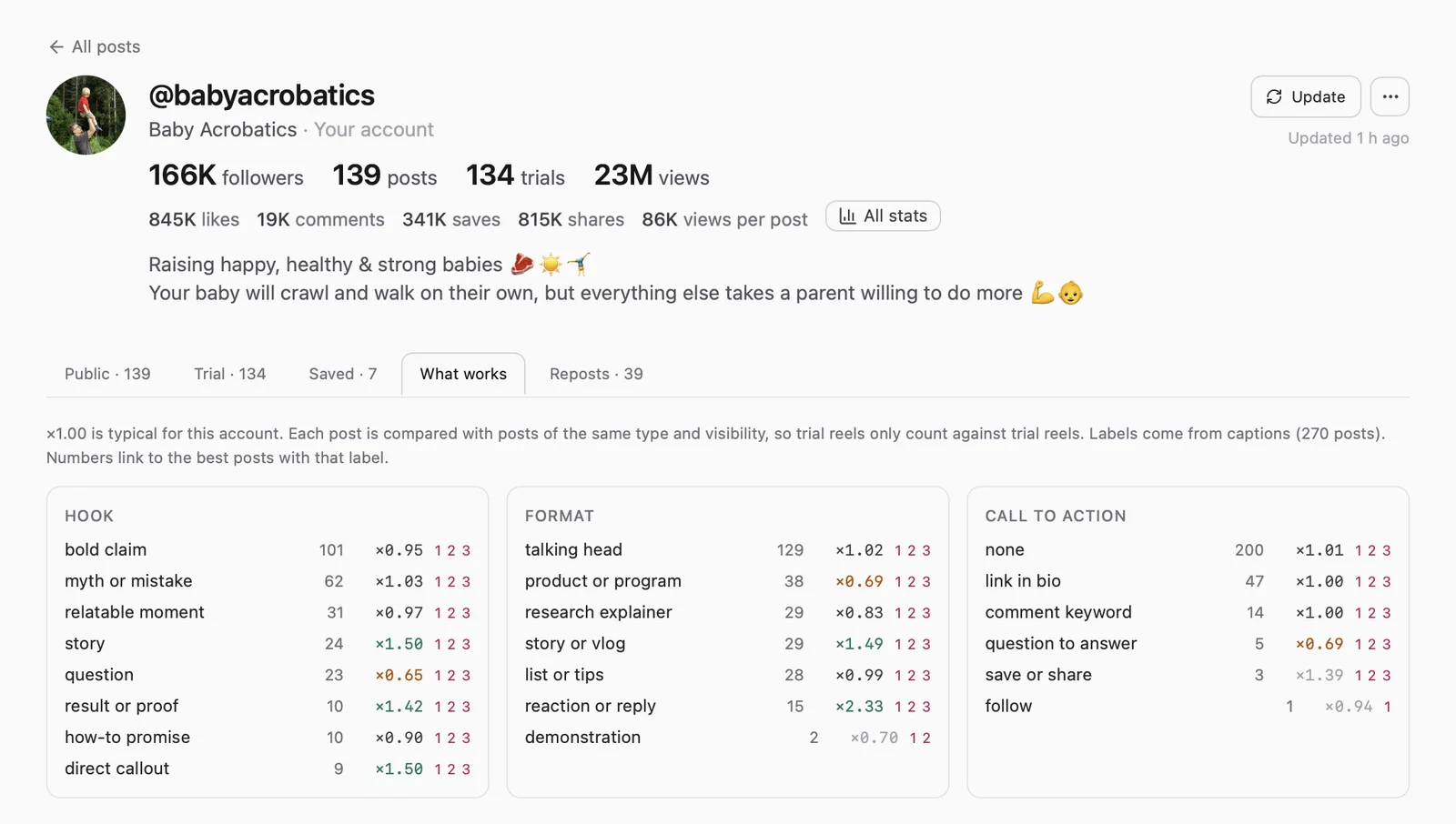
- Or add an account. On your own connected account the page has the tabs Public, Trial, Saved and, when available, What works. Trial holds reels that are not shared to the main feed.
- Sort from the menu: Recently added, Rating, Virality, Posted, Plays, Account or Age when saved. Virality uses plays, or likes when a post has no play count.
- Rate a post by clicking its stars. The card shows five stars. The server keeps a number from 1 to 10, and any rating above five shows as five stars. For several posts at once, choose a number of stars in the Set rating menu, which offers one to five.
- Type in the search box. Each word is stemmed, and a post matches when it contains any of your words. Idea notes count the most, then slide text, transcript, caption and comments.
- Use Stack on a post to put it in a topic, or No stack to take it out.
- Choose Find ideas for a board of up to 10 remakeable ideas, each listing the posts it came from. This runs an AI pass.
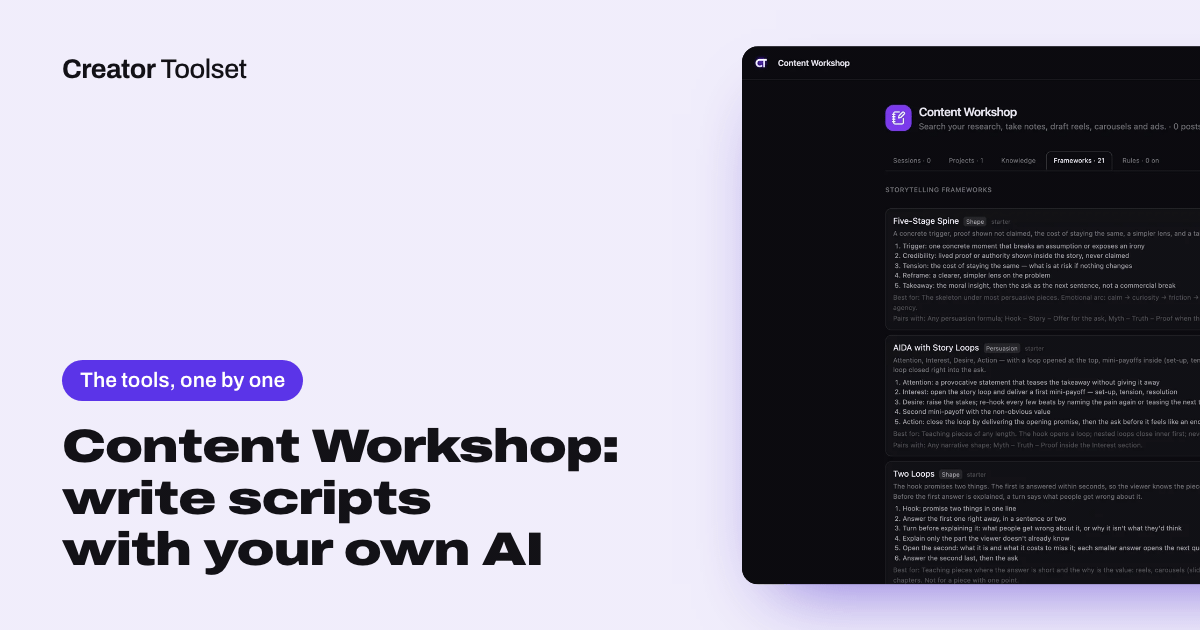
- Select posts and choose Send to Workshop to open a Content Workshop session with them as its sources.
The first likely failure is a save that stops because the Apify key is missing. Add it in Settings → API keys, then paste the link again. The check that the job is done: the post appears in the list with its Kept for choice and rating, and a search for one word from its caption finds it.
How it works inside
A save runs the "watch" set of steps, in order: info, stats, media, transcript and vision. Vision reads the slides or video frames, six frames per slide by default, and an environment setting can raise that to twelve.
Other creators' posts come through Apify actors. One reads Instagram posts, one reads their comments, and a YouTube scraper handles YouTube. They run on your own Apify account, and the app's own text says Apify bills you for each read.
Your own account is read through Meta's Graph API, using the Facebook sign-in you give in Settings → Social accounts. For reels, the feed flag decides whether a post sits under Public or Trial.
Transcripts are made by the app's own code: FFmpeg writes a 16 kHz mono WAV from the audio, and the server sends it to Deepgram with your key.
Search is also the app's code. Words are stemmed, and a post matches when it contains any term. Each post scores by the fields its words appear in, weighted from idea notes (5) down to comments (0.5), with the number of terms it covers and a bonus for an exact phrase. A hashed 256-dimension similarity breaks ties. With three or more terms, TypeSafe Jev can re-order the top 30 results.
Comments are judged the same way. With a TypeSafe key, a judge rates each one for whether it is worth reading and hides comments below 0.2. Without it, a word filter decides. Ratings and virality are plain numbers you sort on. The app does not rate a post for you.
What it needs and where it stops
| Part | What you connect | What comes back |
|---|---|---|
| Other creators' posts, accounts and YouTube | Your Apify key, in Settings → API keys | Captions, numbers, media and comments |
| Your own account | Facebook sign-in, in Settings → Social accounts | Your posts, numbers, Public and Trial |
| Transcripts | Your Deepgram key, in Settings → API keys | Text and word timings per post |
| Tags, idea board, slide text | Your AI: Claude or Codex on your Mac, or an Anthropic key | Tags, filed ideas, slide text read from images |
| What works | Optional TypeSafe Jev key, plus your own account | A hook, format and call-to-action label per post |
Rating, search, stacks and statuses need no key. Without a TypeSafe key, the What works tab is left out. Its comparisons need at least five posts.
Limits the code states: 25 links per save by default, 50 at most. An account keeps 12 recent posts in its catalog by default, from 1 to 200. Slide files may be 200 MB, posts 500 MB, and the library 20 GB by default, each set by an environment variable. Apify's free plan allows five concurrent runs. The Mac app needs Apple silicon and macOS 14 or later. Other platforms are not released yet.
The Analyzer is the wrong choice when you only want to watch a few reels once. The Instagram app does that. It earns its place when you return to the same pile of posts over weeks.
Before you build a library of someone else's reels, read Instagram's Terms of Use and check what they allow for collecting and reusing posts. Apify has its own terms, which you should read on its site too. The app does not check either for you.
 Analyze competitor reels
 Are prompt packs worth it
 Content Workshop