Final Cut Pro vs DaVinci Resolve in 2026: a Mac purchase or a free editor
By Andri Peetso, maker of Creator Toolset · Updated
You bought a new MacBook, and the Apple Store rep mentions a Creator Studio subscription that includes Final Cut Pro. You could also download DaVinci Resolve for free and never pay Apple a cent. Both run on your Mac, and both can cut a talking-head video. The question is which one you want to own, and which one you can keep using if you change machines.
Creator Toolset is our app. It makes a first pass, not a finished edit, and this page names it only as a first-pass companion. Our roundup of video editors lists more options.
The short answer
- If you work only on a Mac and want to pay once, pick Final Cut Pro. Apple lists a one-time purchase at $299.99 on the Mac App Store.
- If you want the editor free, pick DaVinci Resolve's free edition. Its page lists Mac, Windows and Linux.
- If you want Final Cut Pro plus Apple's other apps, such as Logic Pro and Motion, pick Creator Studio. It is $12.99 a month or $129 a year for new subscribers.
- If you work on an iPad, pick Final Cut Pro, because Resolve's pages name no iPad version. Some iPad features need export to a Mac, so test your job first.
- If you work with a Windows or Linux editor on the same projects, pick Resolve, which runs on all three systems.
Side by side
Prices were read on each vendor's page on 10 November 2026.
| Tool | Price | Platforms named | Free tier | AI features the vendor names |
|---|---|---|---|---|
| Final Cut Pro | One-time $299.99 on the Mac App Store, or Creator Studio at $12.99 a month or $129 a year | Mac (macOS 15.6 or later); iPad (iPadOS 18.6 or later); Final Cut Camera on iPhone | Not stated for Final Cut Pro. Creator Studio has a one-month free trial for new subscribers (three months for new iPad or Mac buyers) | Transcript Search and Visual Search (Apple silicon, US English), automatic captions, Magnetic Mask, Object Tracker, Voice Isolation, Beat Detection, automatic reframing, and machine-learning color enhancement |
| DaVinci Resolve | Free edition; Studio at $236, sold as a purchase | Mac, Windows, Linux | Free edition runs up to Ultra HD 4K at 60 fps | Neural Engine tools, Magic Mask and AI spatial noise reduction (Studio), Voice Isolation, and the AI assistant (Studio) |
Apple's Creator Studio bundle also includes Logic Pro, Pixelmator Pro, Motion, Compressor and MainStage. Students and educators pay $2.99 a month or $29.99 a year for the same bundle, per Apple's page.
If you want to own the editor
Final Cut Pro is a one-time purchase on the Mac App Store at $299.99. The price is for the Mac version, and Apple's page offers Creator Studio as the subscription route.
Resolve's free edition works on all three desktop systems. Studio is the paid option at $236, and Blackmagic sells it as a purchase on its product page.
The catch with Final Cut Pro: the one-time price is for Mac, and Apple's page names no Windows version.
If you work on a Mac and an iPad
Final Cut Pro runs on iPad, on iPadOS 18.6 or later. The page names M1 and later iPads, the iPad A16, and the iPad mini A17 Pro for that version.
Apple's page says some iPad features, including Magnetic Mask and advanced color, need an export to a Mac. So a rough cut started on an iPad can move to a Mac for the finishing features. Test that route with one clip before you move a client project onto an iPad.
Transcript Search and Visual Search need Apple silicon, and they are US English only. Some features also need an Apple Intelligence-capable device. Check your machine against the features list on Apple's Final Cut Pro page before you rely on one.
The catch on iPad: the export to a Mac is part of the job for the Magnetic Mask and color features, so plan the hand-off before you start.
If you work with Windows or Linux
Resolve names Mac, Windows and Linux on its product page. Open a copy of the project on the other machine before you hand it over, and check the effects you used, because a plugin or effect installed on one machine may not be on the other.
Final Cut Pro does not run on Windows or Linux, and Apple's page names no other platform. If your collaborator is on a PC, Resolve is the editor you can both open.
If you want a free first cut
Resolve's free edition exports up to Ultra HD 4K at 60 fps. Its silence command, Ripple Delete Silence, sits under Clip > Audio Operations. Our silence guide explains its settings. Check the Clip menu in your copy to confirm the command is there.
Final Cut Pro's page does not state a free tier for the app itself. Apple's free offer is the Creator Studio trial: one month for new subscribers, or three months for new iPad or Mac buyers. It renews until you cancel, so put a reminder on the calendar before the trial ends.
The catch on Resolve: the free edition's watermark and GPU limits are not stated on the page. Check the comparison table before you deliver a client file from it.
If you need to bring in an edit from another tool
Creator Toolset's AI Editor writes a draft timeline as an OpenTimelineIO file or an FCPXML 1.10 file, as our retake guide explains. Each editor's own documentation answers part of the question:
- Final Cut Pro: Apple's user guide, "Use XML to transfer projects", says "In Final Cut Pro, choose File > Import > XML." It describes FCPXML as the format for data exchanged with other tools. Apple's page does not mention OpenTimelineIO. Read the guide page before you build a project on the draft.
- DaVinci Resolve: Blackmagic's manual says Resolve imports Final Cut Pro X XML (page 505) and OpenTimelineIO files (page 527). Choose File > Import Timeline (Shift-Command-I), or see page 506 for the Media Pool route. The manual is on Blackmagic's manual page.
Open the draft in each editor you might use and check it before you commit a project to it.
How we chose
The comparison uses what each vendor's own pages state for price, platforms, free tier and AI features. We did not run either editor on the same project, and we do not rank them. Where a page does not state a platform, a free tier or an import format, this article leaves that point out and tells you where to look.
Try the same clip in both
Take one three-minute talking-head clip and cut it in Final Cut Pro, then in Resolve, using the same silence and caption steps in each. Export a 30-second section from each. Check the audio levels and whether the exports match your target resolution. Then choose the editor and the plan you would have to renew, if any.
 Set up the Resolve AI assistant
 Cut silences in Resolve
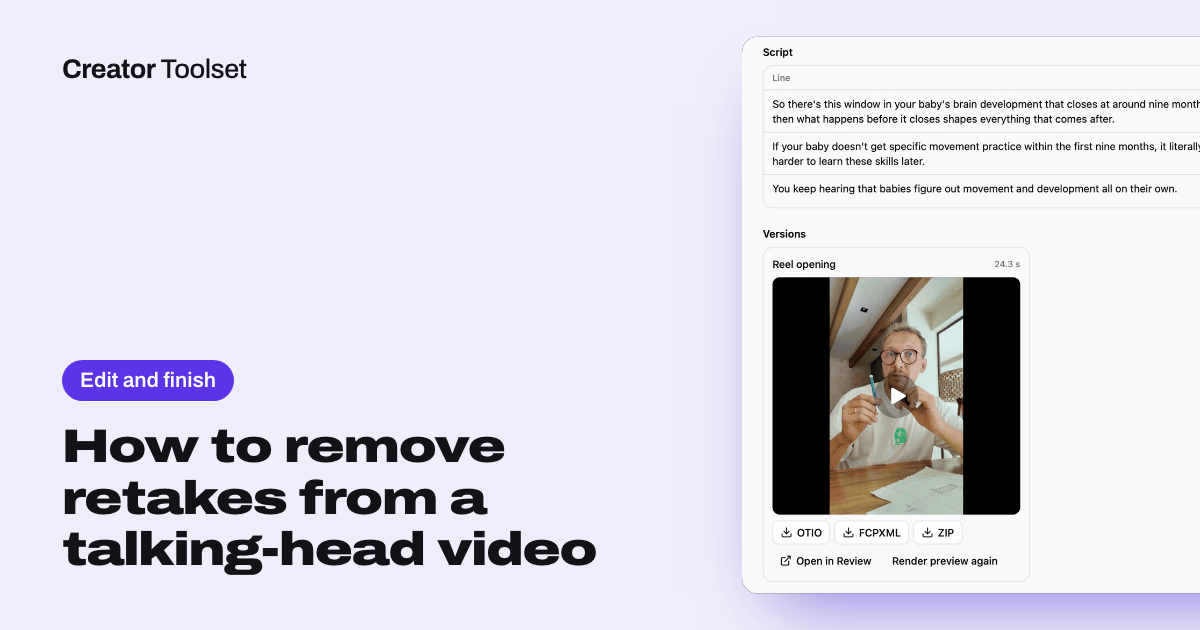 Remove retakes from a take