Open source tools for content creators, by job
By Andri Peetso, maker of Creator Toolset · Updated
Suppose the tool you cut every reel in raises its price next month. You can pay, or you can move your work to something else, and that move is only practical if your files and settings are yours to take with you. Open-source software gives you that choice in a way a hosted service does not.
Open source means the project publishes its code under a license that lets you keep a copy and change it. A copy you keep keeps working, whatever the company behind the project decides later. The license does not promise that anyone still maintains the project, so check the project's activity before you build a job on it.
Why it matters if you never read code
Three things change for a creator who does not write code:
- Your AI can change the tool. It can read the source, find the setting you want and add a button. Creator Toolset is built this way on purpose, and a plug-in is one way to do it.
- Nobody can switch it off or reprice your copy. A copy on your own computer keeps running after the company stops selling it. A hosted service can end, and its prices can change.
- You can see what it does with your files. You can search the code for network calls, or ask your AI to list them. With a closed tool you have only the company's description.
The list, checked today
Each license below is taken from the project's own LICENSE or COPYING file, as of 10 November 2026. Tools without a readable license file are left out.
| Job | Tool | License (from its file) | What it is for |
|---|---|---|---|
| Record the screen and camera | OBS Studio | GNU GPL version 2 | Recording and live streaming from your own computer. |
| Cut a timeline | Kdenlive | GPL version 3, "only" | Multi-track editing with a timeline, like the basic work in a paid editor. |
| Cut a timeline | Shotcut | GPL version 3 | Timeline editing with a simpler layout than Kdenlive. |
| Cut without re-encoding | LosslessCut | GPL version 2 | Trim a file quickly, keeping its original quality. |
| Remove silence | auto-editor | The Unlicense (public domain) | A command-line tool that cuts the quiet stretches out of footage. |
| Transcribe | whisper.cpp | MIT | Speech-to-text that runs on your own computer. |
| Transcribe | faster-whisper | MIT | A Python library for the same kind of speech-to-text. |
| Edit audio | Audacity | GNU GPL version 3 | Recording, cleaning and mixing sound. |
| Edit by transcript | Audapolis | GNU AGPL version 3 | Edit spoken audio and video by changing the text. |
| Schedule posts | Postiz | GNU AGPL version 3 | Plan and publish posts across social accounts. |
| Captions, review, first cut | Creator Toolset | MIT | A Mac app for captions, client review and AI draft cuts. |
A few notes on the table:
- The GPL and AGPL licenses require that a changed copy you pass to someone else comes with its source. Read the license before you build a service on top of one.
- Audapolis is the closest free match for Descript, the paid tool that edits video by changing its transcript. Descript has a free plan, and its page shows paid plans from $16 to $65 a month per person, with two prices for each plan. Check on Descript's pricing page which price applies to monthly billing before you compare.
- whisper.cpp and faster-whisper are engines, not apps. You run them from a terminal or through a tool that calls them.
Free is a wider group than open source. The best free video editing software in 2026 sets these editors beside the free plans of the paid ones.
Where Creator Toolset fits
Creator Toolset is MIT licensed, as its repository's LICENSE file says. It is a Mac app with a caption tool that transcribes in your browser, a review page where a client comments on a frame by link, and an AI Editor that makes a first draft timeline for your own editor to finish. It is free to download from the download page, and you bring your own AI for the parts that use it. It does not replace a dedicated editor, and for a single cut in a single editor the tools above may do the job better.
What open source usually lacks
You get no support contract. A free project is often thinner in the places a paying customer notices: menus that match your platform, fewer presets, a manual that falls behind, and slower fixes for the bug that bites you on a deadline. Most open-source editors also have no cloud collaboration, so sharing a project with a client means exporting a file or using a separate review tool.
If these gaps matter more than the freedom, a paid tool may be the right choice. Whichever you pick, check that you can export your work in a format your next tool can open.
Check a license before you build on a tool
- Open the project's repository, then find the file called LICENSE or COPYING in the top folder.
- Read its first line. "MIT License" and "GNU GENERAL PUBLIC LICENSE, Version 3" are the two you will meet most.
- If the repository has no such file, or the README says "source available", the code is public but the license may stop you using or changing it. Do not treat that project as open source until you have read its terms.
- Ask your AI to confirm the license and to tell you the last date the project was updated.
The first likely problem is a tool that installs cleanly and then does nothing useful for your footage, usually because it needs a second program, such as ffmpeg, that is missing from your computer. The project's install page names that program, and your AI can check whether it is installed and install it for you.
For the captions and transcript jobs in particular, read captions with Whisper in the browser to see what stays on your computer, and how to remove retakes from a talking-head video if your job is the first cut.
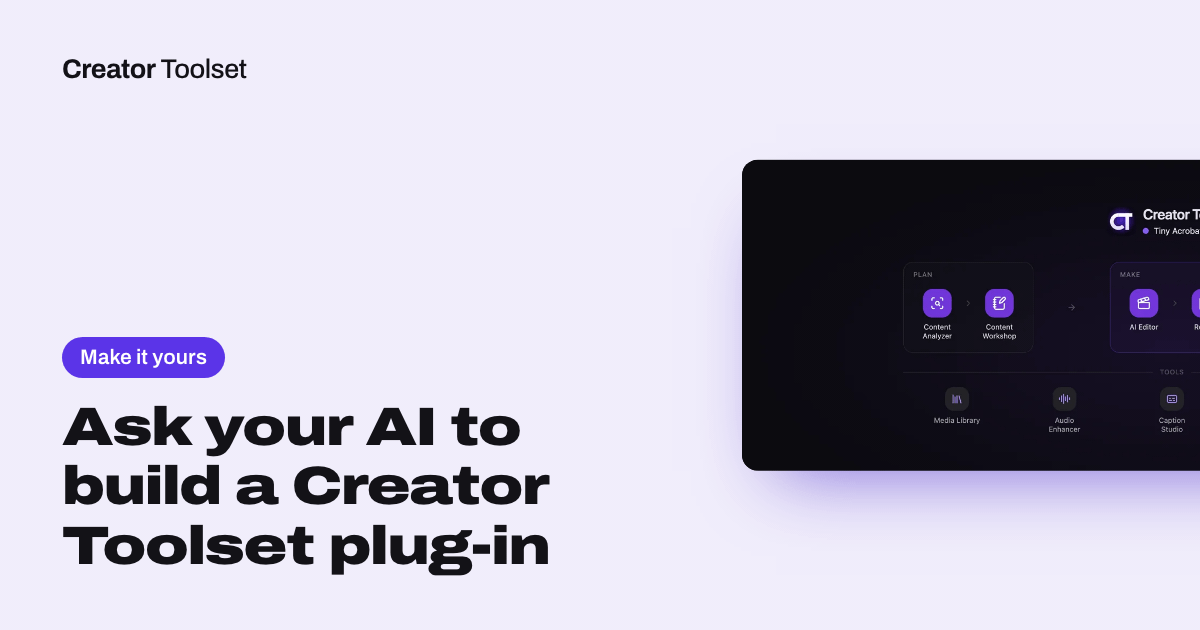 Build a plug-in with your AI
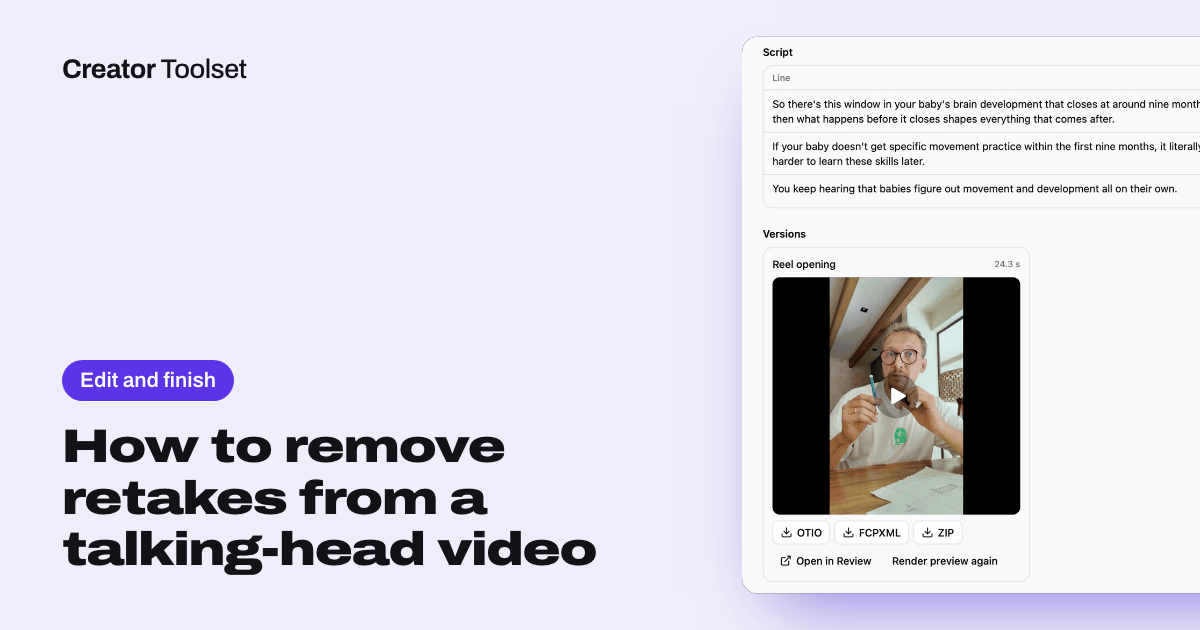 Remove retakes from a take
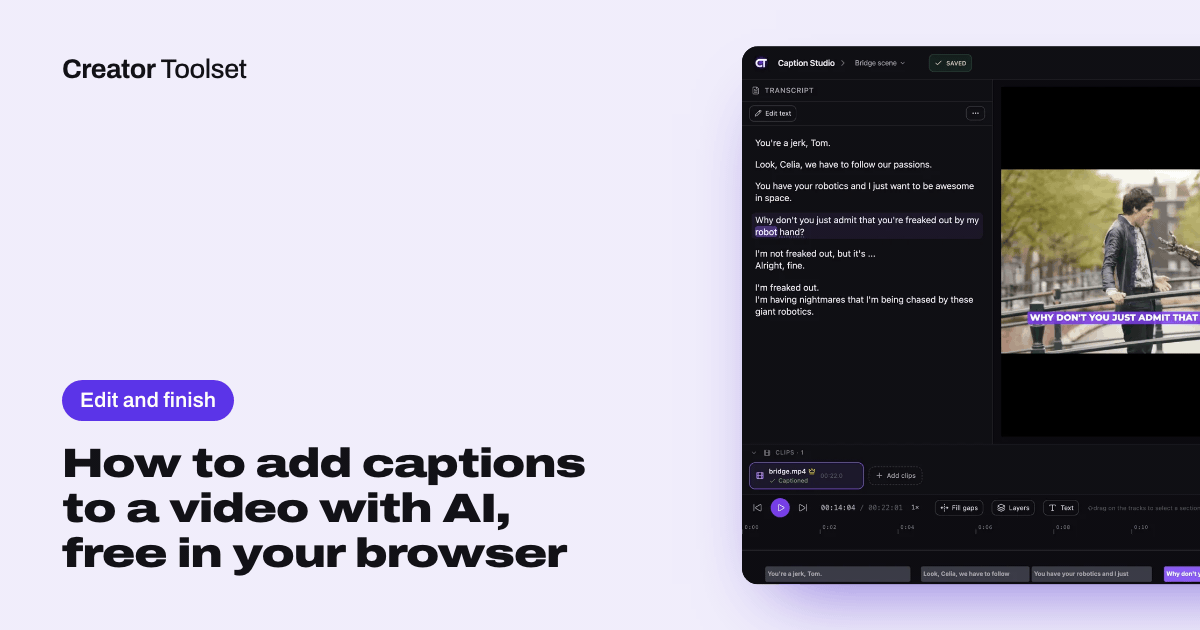 Browser Whisper captions and SRT