DaVinci Resolve vs Premiere Pro in 2026: which one you pay for and why
By Andri Peetso, maker of Creator Toolset · Updated
Your Premiere Pro subscription renews on the 3rd. A colorist you work with has just sent you a Resolve project, and they use the free edition. Before the renewal, you want to know what each editor costs, what runs on your machine, and which AI features come in the box.
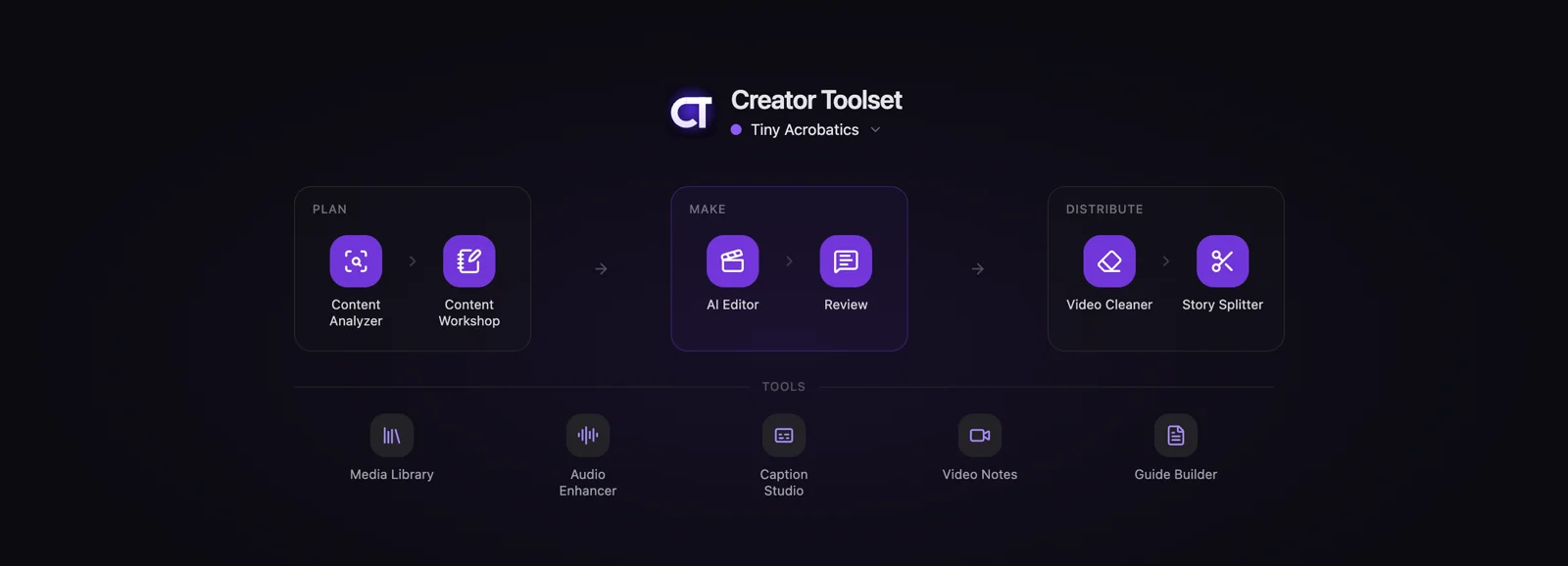
Creator Toolset is our app. It is not an editor, and we name it on this page only as a first-pass companion. Our roundup of video editors covers more tools.
The short answer
- If you want an editor you can keep without a renewal, pick DaVinci Resolve. Its free edition is a full editor up to Ultra HD 4K at 60 fps, and Studio is sold as a purchase at $236 on Blackmagic's page.
- If you already pay for Adobe apps and want transcript-based editing and captions inside that plan, pick Premiere Pro.
- If you want the AI assistants that connect to Resolve, you need DaVinci Resolve Studio. The free edition does not include them.
- If you work across Mac, Windows and Linux with the same project, check Resolve's platform list, which names all three.
- If you want a first pass from raw takes before you open either editor, use Creator Toolset's AI Editor. It writes a draft timeline you then finish in whichever editor you chose.
Side by side
Prices were read on each vendor's page on 10 November 2026.
| Tool | Price model | Platforms named | Free tier | AI features the vendor names |
|---|---|---|---|---|
| DaVinci Resolve | Free edition, plus Studio at $236, sold as a purchase | Mac, Windows, Linux | Up to Ultra HD 4K and 60 fps, with multi-user collaboration | Neural Engine tools such as smart reframing and speed warp, Magic Mask and AI spatial noise reduction (Studio), Voice Isolation (Fairlight), and the AI assistant (Studio) |
| Premiere Pro | Subscription, monthly or annual: $22.99 a month on an annual plan billed monthly | Desktop and mobile per the vendor page; the page names iPhone and Android and does not list Mac or Windows | A free standalone mobile app; no desktop free tier stated | Text-Based Editing, automated captions in 20+ languages, an AI Assistant, automated reframing, subject masking, and generative clips that use monthly credits |
Adobe's plans page lists several Premiere prices without a billing label, so only the labeled figure is in the table. Check the plan you would buy on that page before you sign up.
If you want to pay once
Resolve is the editor you can own. The free edition runs up to Ultra HD 4K at 60 fps. Studio adds 10-bit color, up to 120 fps and resolutions above 4K, and Blackmagic sells it as a purchase, so you pay once.
Premiere is a subscription. The plans we read have no perpetual license, so if you stop paying, you no longer have a license to open Premiere. Keep that in mind for projects you will reopen later.
The catch on Resolve: the free edition's watermark and GPU limits are not stated on the page. Check Blackmagic's comparison page before you deliver a client file from the free edition.
If you work across machines
Resolve names Mac, Windows and Linux on its product page. A project made on a Linux workstation and opened on a Mac is the test to run: open the project file, play the timeline, and check the effects you used.
Premiere's vendor page names iPhone and Android apps and says "Premiere on desktop and mobile". It does not list Mac or Windows, so check Adobe's system requirements for your machine before you buy.
If you edit by the transcript
Premiere has Text-Based Editing, which lets you trim and reorder a transcript-like view. It also has automated captions and caption translation into more than 20 languages.
Resolve's vendor page names IntelliSearch, which it describes as "for fast content searching". The page does not name a transcript editor or AI speech-to-text, so do not count on Resolve for editing by text. For a transcript cut in Resolve, the silence guide covers the Ripple Delete Silence command, which cuts by loudness and length, not by words.
The catch on Premiere: the features that draw on generative credits use a monthly allowance. The plan named on Adobe's features page includes 25 monthly generative credits.
If you want AI in the edit
Both editors say they have AI. The difference is how you reach it.
In Resolve Studio, the built-in MCP server lets an AI assistant such as Claude Desktop or Claude Code control Resolve from a chat. Blackmagic's manual covers this on page 4318. The assistant runs scripts inside Resolve. Our setup guide covers the steps and a first test that changes nothing.
In Premiere, Adobe's page names the AI Assistant as something that sorts bins, batch-renames clips, identifies interview questions and assembles rough cuts. The page does not say which plan includes it, so check the plan page before you rely on it.
Creator Toolset as a first-pass companion
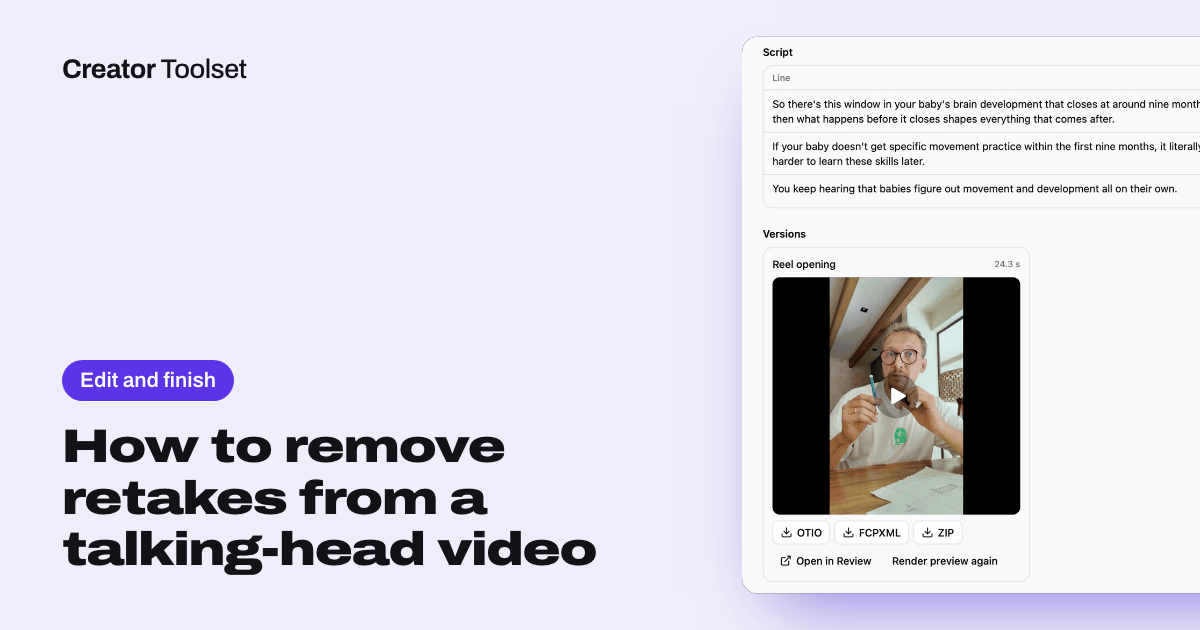
Creator Toolset's AI Editor takes raw talking-head takes and makes the first pass. It picks the best take of each line, removes the restarts its transcript shows, and tightens long pauses by loudness. The output is a draft timeline as an OpenTimelineIO file or an FCPXML 1.10 file.
Whether your editor opens that file is a question for your editor's own documentation. Blackmagic's manual does cover Resolve's import, so start there:
- Resolve imports Final Cut Pro X XML, as the manual describes on page 505. Choose File > Import Timeline (Shift-Command-I), or right-click the Media Pool on the Edit page and choose Timelines > Import > AAF/EDL/XML/DRT/ADL/OTIO (page 506).
- Resolve imports OpenTimelineIO files. The manual's "Conforming OTIO Files" section is on page 527.
- The manual is on Blackmagic's manual page.
For Premiere, check Adobe's help page on importing Final Cut Pro XML before you assume FCPXML comes in. Adobe's documentation is the one that answers that question for Premiere.
The OpenTimelineIO clips carry the transform, volume, link and marker data that our Resolve setup guide describes. Our retake guide explains the check to run on the draft. Do not assume either editor reads the file until you have opened it.
The AI Editor is a Mac app and needs your own Claude Code or Codex plan. It does not edit the picture for you, and you finish the cut in the editor you chose.
How we chose
The comparison uses each vendor's own pages for price, platforms, free tier and the AI features it names. We did not run these two editors on the same project, and we do not rank them. Where a page does not state a platform, an import format or a billing period, this article leaves that point out and tells you where to check it.
Try both on one timeline
Take one ten-minute timeline with a title card, a cut of two clips and an audio track. Open it in Resolve, then in Premiere, and export a short section from each. Compare the audio levels, the title timing and the frame rate of the export. Then decide which subscription or purchase you need, and not before.
 Cut silences in Resolve
 Set up the Resolve AI assistant
 Remove retakes from a take