Make more of your ideas, with the AI you already have
AI now does the parts of content work that used to need a team, a budget or a skill you never had time to learn. These guides show how each job is done, step by step, with the free app we built for it.
No guide matches that.
Places to start
 AI and your ideasSee which costs that used to stop your ideas AI now takes over, which part of the making is still yours, and where to start.
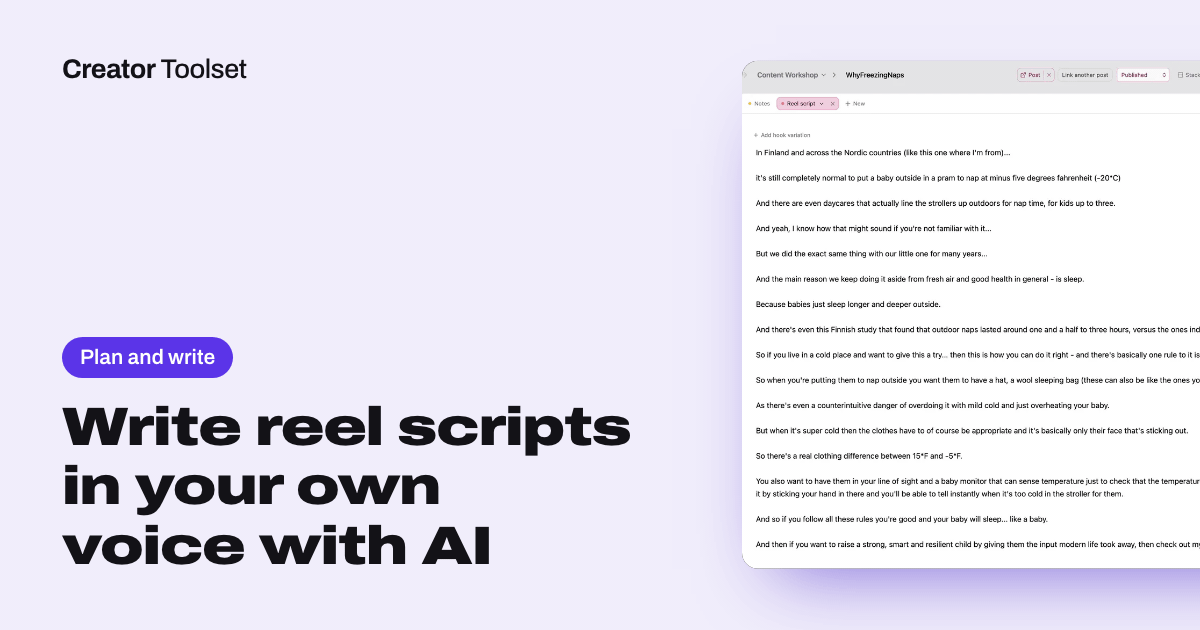 Reel scripts in your voiceSet up an AI writer with your audience, voice and posts, lock the lines you approve, and check the script against your own writing before you post.
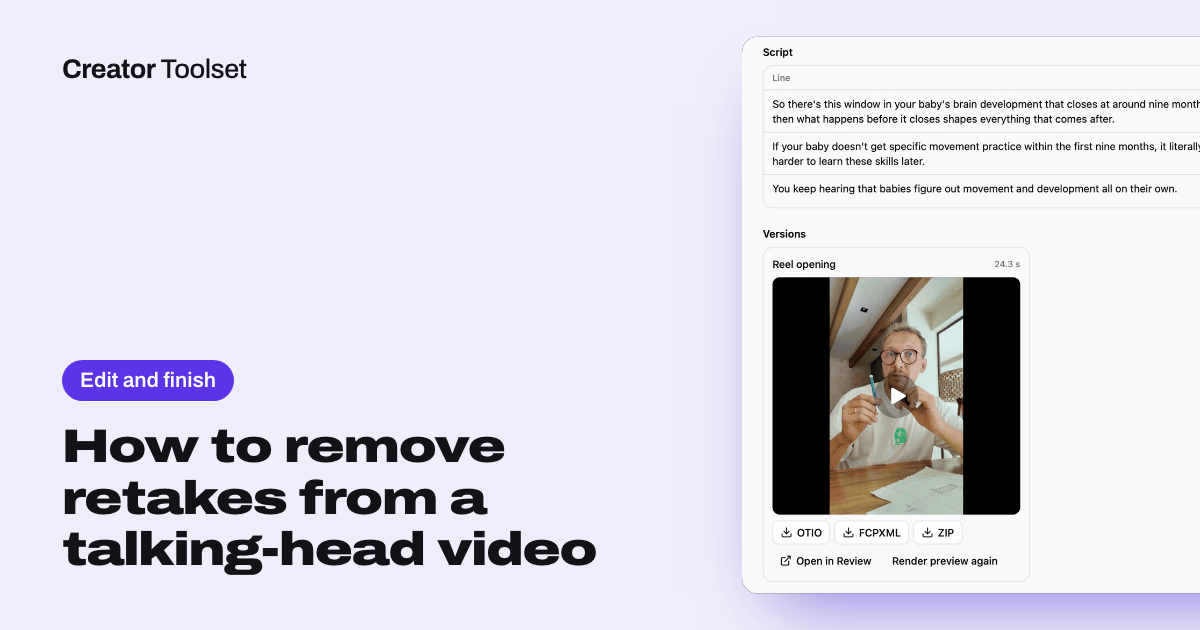 Remove retakes from a takeFind the restarts in a talking-head recording, keep the last clean take of each line, and check the cut. Four ways to do it, with the misses to watch for.
 Edit a talking-head videoTranscribe a talking-head take, find its pauses and restarts, cut a copy with ffmpeg, caption it, and check every join. Each command was run on a test clip.
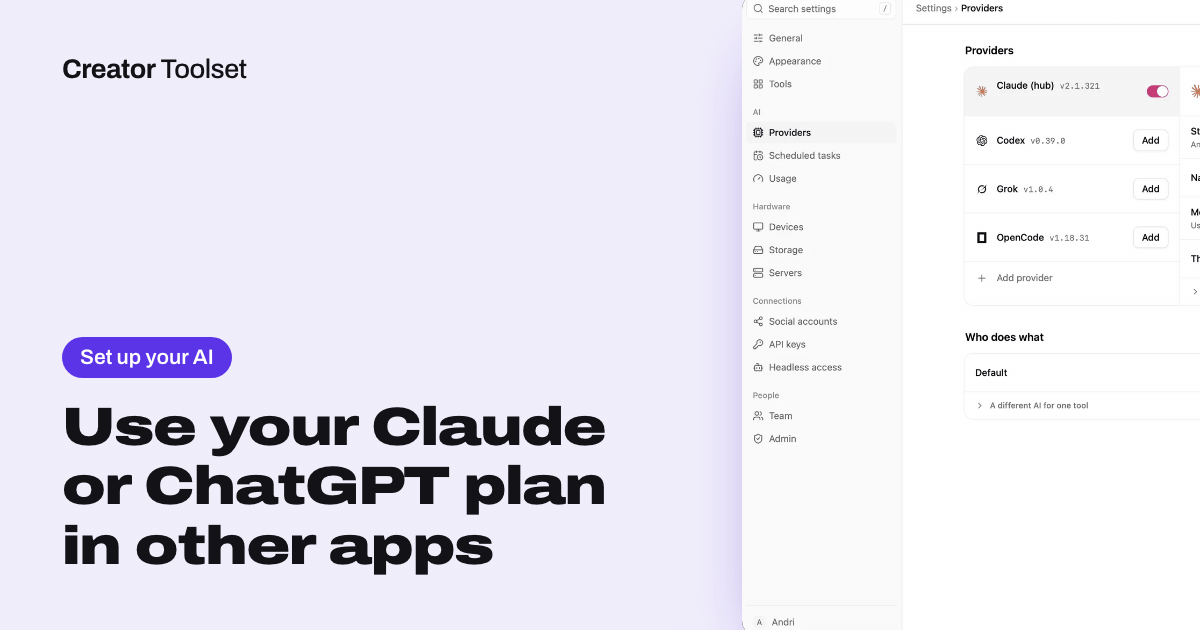 Use your AI plan in other appsChoose the way a creator app gets AI, check what Anthropic and OpenAI allow, and run your own Claude Code or Codex on your Mac.
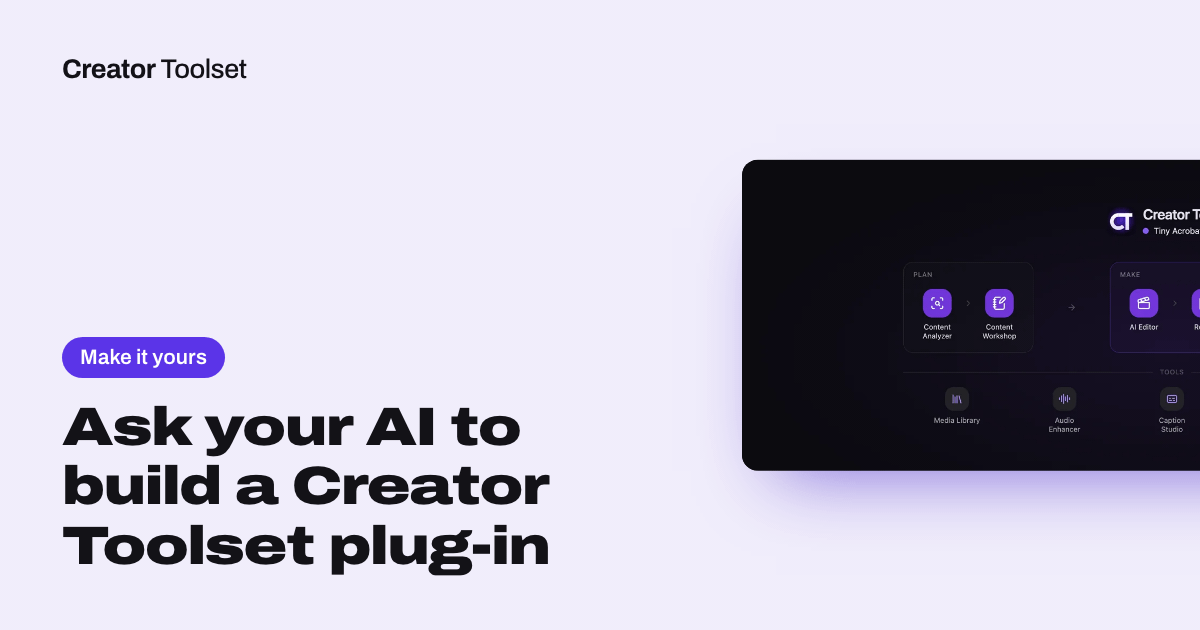 Build a plug-in with your AIGive the open-source Creator Toolset repository to Claude Code or Codex and have it build a plug-in: a page, a Home tile or a Settings section for your work.
AI and creative work
What changes when the tools get this good, and what stays yours.
- AI and your ideasSee which costs that used to stop your ideas AI now takes over, which part of the making is still yours, and where to start.
- What AI slop isAI slop is generic, unchecked content with nobody behind it. See what audiences and platforms do about it, and run five checks before you post.
- Are prompt packs worth itCheck what a paid prompt pack holds, see why a shared prompt gives everyone the same output, and build your own setup in an afternoon.
- Is AI replacing editorsSee which parts of a talking-head edit AI does well today, where it fails, and where a first-pass tool fits in your own edit.
Plan and write
Find what works, then write it in your own words.
- Analyze competitor reelsCollect posts from three to five accounts, compare each with its own median, and choose which ideas to remake. Works by hand or in the Analyzer.
- Reel scripts in your voiceSet up an AI writer with your audience, voice and posts, lock the lines you approve, and check the script against your own writing before you post.
- Instagram carousels with ClaudeWrite carousel slides as text first: one claim per slide, a plain true fact on slide one, sources in the post description, and one ask at the end.
Edit and finish
Rough cuts, captions, sound and feedback.
- Remove retakes from a takeFind the restarts in a talking-head recording, keep the last clean take of each line, and check the cut. Four ways to do it, with the misses to watch for.
- Cut silences in ResolveUse Resolve's Ripple Delete Silence command, set its controls, keep the pauses that carry a joke, and review the cut quickly. Covers limits and one alternative.
- Set up the Resolve AI assistantConnect Claude or ChatGPT Codex to DaVinci Resolve Studio 21.1 from the File menu, run a read-only first test, and work on a copy before any change.
- Browser Whisper captions and SRTTranscribe a video with Whisper in a browser tab, fix the words, and export SRT, WebVTT or ASS. Covers the model download and the limits.
- Transparent caption overlay exportExport word-highlighted captions as a transparent layer in ProRes 4444, WebM or PNG, then place it over your edit in Resolve and check it.
- Frame-accurate client video feedbackSend a cut by one link so the client can comment on the exact frame and draw on it, with no account. Covers setup and who can open the link.
- Remove location from phone videoSee what a phone video file records, stop the camera saving location, share without it, and check the exported file. Covers iPhone, Pixel and the Video Cleaner.
- Edit a talking-head videoTranscribe a talking-head take, find its pauses and restarts, cut a copy with ffmpeg, caption it, and check every join. Each command was run on a test clip.
- Edit an Instagram ReelCrop a talking-head cut to 9:16, burn in captions made from its transcript, and check the frame in the Instagram app before you post.
- Resolve Studio AI featuresWhich Resolve AI tools help with a talking-head edit, where each one sits in the app, whether it needs Studio, and what to check in the result.
Set up your AI
Use the plan you already pay for, in the tools you already use.
- Use your AI plan in other appsChoose the way a creator app gets AI, check what Anthropic and OpenAI allow, and run your own Claude Code or Codex on your Mac.
- Claude Code for non-codersInstall Claude Code on a Mac, add ffmpeg, and find the pauses in a copy of your video. Read each command, stop it safely, and connect Creator Toolset.
- What MCP means for creatorsLearn what MCP is, see three real examples a creator meets, then connect one tool to your AI chat, test it and remove it safely.
- Build a Claude SkillBuild a Claude Skill that turns your voice memos into reel scripts in your voice: the SKILL.md, two examples of your writing, and three test briefs.
Make it yours
Have your AI change the app to fit the way you work.
- Build a plug-in with your AIGive the open-source Creator Toolset repository to Claude Code or Codex and have it build a plug-in: a page, a Home tile or a Settings section for your work.
- Open source tools by jobPick open-source tools for recording, cutting, transcribing, audio and scheduling, and check each license in its own repository before you rely on it.
The tools, one by one
What each tool in the app does, how it works inside, and where the idea came from.
- Content WorkshopTurn saved posts, pasted links and notes into reel scripts, carousels and ads for one project. Your own Claude or Codex, on your Mac, does the drafting.
- Content Analyzer: saved postsKeep Instagram and YouTube posts in a private library, rate and search them, then send the best to a Workshop session. Shows which keys each part needs.
- Media Library and FinalsStore footage on your Mac, search it by title, tag or spoken words, watch a folder for new files, and assemble finished pieces in Finals. Steps and limits.
- AI Editor first cutMake a first draft from raw talking-head takes with the AI Editor: one take per script line, and the checks to run before you finish the edit yourself.
- Review toolUpload a cut, share one link, and collect comments on exact frames from reviewers with no account. Covers the steps, how it works and its limits.
- Caption StudioTranscribe a video, set its captions in lines, and export a captioned MP4, subtitle files or a transparent overlay. Free and open source, in the Mac app.
- Story Splitter: 20-second storiesStory Splitter places cuts in one finished video so each story runs close to 20 seconds, then downloads them as a ZIP of MP4 files. No key needed.
- Audio EnhancerRemove noise and room sound from one voice recording, compare it with the original in a before-and-after player, and download the cleaned audio.
- Screen Recorder (Mac)Record a window, display or area on your Mac, then make a zoom-and-pointer version. Covers the steps, the macOS 15 requirement, and the files it saves.
- Video Notes: transcript and chaptersDrop in a screen or camera recording and get a transcript, title, summary and chapters on your Mac. What it needs, and what a share link reaches.
- Guide BuilderTurn one screen recording into a numbered guide with a screenshot per step, check it against the recording, and share it by link. Free and open source.
- The assistant chatThe chat in the corner of Creator Toolset. Ask your own AI to find, open, send or schedule your work, and approve or deny each Mac action it asks for.
- Packs and plug-insInstall a pack to add writing frameworks and instructions to your AI tools, or run a plug-in folder from source. How each works, and where each stops.
- Scheduled tasks for your AISave a prompt, pick a time, and your Claude Code on your Mac runs it and posts each answer in a chat. Free, open source, and clear about what has to be on.
- Obsidian plug-in for the WorkshopLink a folder of Obsidian notes with the Content Workshop: send a note, keep its status in step both ways, and get exports back in your vault.
Best tools, compared
Which tool fits which job, what it costs today, and the catch to know.
- Creator tool stack costsPrice five creator jobs with one paid tool each, check the vendor pages, and compare the cost with Creator Toolset plus your AI plan.
- Free client review tools comparedCompare the free plans and first paid tiers of Frame.io, Dropbox Replay, Wipster and Creator Toolset Review on accounts, comments and drawing.
- Best video editing softwareChoose a video editor for your situation, whether YouTube, a first project, a Mac, Windows or a phone, with each price and free limit from its vendor page.
- Best free video editorsCompare free video editors by watermark, export size, time limits and what moves behind a paid plan, using each vendor's own free-tier page.
- Best AI video editing toolsPick an AI video editing tool by the job it does: a first pass on talking-head footage, an assistant in your editor, clipping, or captions.
- Best AI tools for editing ReelsChoose an app for each part of a Reel: a tight first cut, word-highlight captions, clipping a long video, B-roll, and finishing on the phone.
- Best creator tool stackThree creator tool stacks for 2026, for a solo creator, a YouTuber and a team, with paid and free versions and totals on monthly billing.
- Best AI tools for creatorsThe AI tool for each job in a creator's week in 2026, with its plan, free limit and main limit from each vendor's own page.
- Screen recorders for tutorialsPick a screen recorder by situation: free built-in tools, automatic zooms, team links, written step guides and editors. Prices are from each vendor's page.
Alternatives and head-to-heads
One tool against another, on what each vendor's own page says today.
- Loom alternatives comparedChoose a Loom alternative by situation: a free recorder, a Mac tool, or an editor that records. Each price is from its vendor's page, read 10 November 2026.
- Screen Studio alternatives comparedFind a Screen Studio alternative for zooms on clicks and a smooth cursor. Zoom, platform and price come from each vendor's page, read 10 November 2026.
- Screen Studio vs LoomScreen Studio or Loom? Pick by job: a polished tutorial file or a quick shared link. Prices and platforms come from each vendor's page, read 10 November 2026.
- Descript alternatives comparedPick a Descript alternative for your talking-head cut by where it finishes: in one app, as a plugin, or as a draft for your own editor.
- Descript vs Gling comparedChoose between Descript and Gling for a talking-head cut by where it finishes, what each plan costs, and which export route you need.
- Resolve vs Premiere Pro comparedCompare DaVinci Resolve and Premiere Pro on price model, platforms, free tier and AI features, and pick the editor for the work you do.
- Final Cut Pro vs Resolve comparedCompare Final Cut Pro and DaVinci Resolve on price, Mac and iPad support, free tier and AI features, and pick the editor for your Mac.
- Opus Clip alternativesPick an Opus Clip alternative by free limits, clip counts and prices from each vendor's own page, then test two on one section of your footage.
- Opus Clip vs KlapChoose between Opus Clip and Klap by free plan, monthly clip count, team seats and price, using each vendor's own pricing page, then test both.
- Submagic alternativesChoose a caption tool for short video by output, plan and platform, comparing Submagic, Captions, CapCut, Veed, Kapwing, Descript and Caption Studio.
- Submagic vs CaptionsCompare Submagic's per-member price with Captions' iOS plans, seats, free start and clip limits, then pick the one that fits your team size.
- CapCut alternativesCompare CapCut with Edits, InShot, VN, DaVinci Resolve, Descript, Clipchamp and iMovie for short video, by free plan and platform, from each vendor's page.