Is AI replacing video editors?
By Andri Peetso, maker of Creator Toolset · Updated
You have forty minutes of raw talking-head footage. The first line was said three times, one take has a long restart, there is a cough before the good part, and the best sentence sits in the middle of a sigh. A few years ago the job began with an afternoon of scrubbing through the clip. Now software can make the first pass in minutes. The question is which parts of the editor's job that leaves behind.
AI takes the first pass: the transcript, the retakes, the dead air and a rough assembly. The choices about what the video is for, which take carries the feeling and what the client has already turned down still need a person. The tool is good at the first group, and it is weak at the second for reasons you can check.
What AI does well today
These jobs are checkable, so you can see the result on the timeline:
- Transcripts. Words with timings, so you can cut the video by editing its text. Creator Toolset's Caption Studio transcribes in the browser with Whisper unless you add a cloud transcription key, so no transcription service gets the video.
- Restarts and retakes. Spotting the same line said twice and keeping one take. The Creator Toolset AI Editor describes this step as picking the best take of each line and cutting the restarts and pauses.
- Silences. Removing gaps longer than a set length. This is the most mechanical part of the work and the easiest to check by eye.
- A first assembly. Putting the kept takes in script order as a draft timeline.
- Captions. Timed text made from the transcript, which you then correct and restyle.
On a talking-head piece, these five steps are the work that used to go to scrubbing.
What AI does badly, and why
It samples the picture. Google's Gemini documentation says video is sampled at one frame per second by default. Read the video understanding docs. A one-second sample misses a flash frame, a half-second glance at the wrong place, or a hand over the mouth. A person scrubbing the clip sees all of it.
It cannot tell which pause carries the joke. A silence before a punchline is a beat. A silence after a stumble is dead air. The two can have the same length and the same words around them. Deciding which one it is depends on the performer's timing and on what the viewer saw one second earlier. A transcript shows the words, and the editor hears the gap.
It does not know the client's intent. A reaction shot where the best take is the one with the stumble, because the stumble is the joke. A client who wants the product named in the first five seconds and has said so in a call last week. These decisions live in briefs and in conversations the file does not hold.
Check it on your own footage. No published benchmark says how often a first pass needs fixing, so no number is given here. Count the cuts you reverse in the first pass. That count tells you more than a demo does.
What an editor's day shifts to
- Deciding the purpose and the order of the cut before the software runs.
- Reviewing a draft for choices instead of hunting for restarts.
- Fixing the flash frames, the eye-lines and the places where a cut is too tight for the speaker's rhythm.
- Finishing the sound, the grade and the graphics.
- Talking with the client and with reviewers, and answering their notes on a specific frame.
Where a first-pass tool fits
The Creator Toolset AI Editor picks the best take of each line and cuts the pauses and the restarts its transcript shows, then gives you draft timelines for your own editor, with a preview you can send to Review. You finish the edit in the editor you already use.
Before you file a draft, check it in two steps. Play it through with the sound on, then read the transcript beside it and confirm each kept line is the take you wanted. If a take was cut where the joke lives, put it back by hand and note the case for next time.
A first-pass tool is a poor fit for some jobs. Brand films with heavy graphics, multi-camera shoots with many angles, and long documentary cuts need an editor's hand from the start, in our view. Some AI cutting tools work inside their own app, and others sit inside the editing program you already use. Choose by the program your work ends in, and time a real job in each before you decide.
To try the workflow on your own talking-head footage, the Creator Toolset Mac app is free and open source. You bring your own AI. For a step-by-step on removing retakes from one take, read how to remove retakes from a talking-head video.
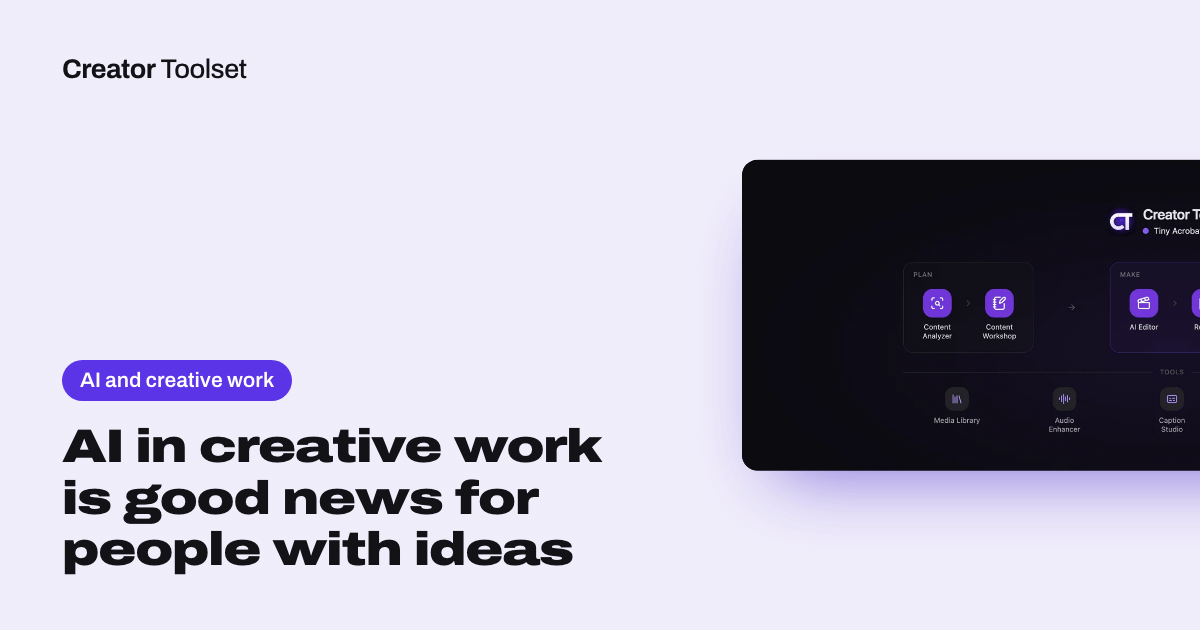 AI and your ideas
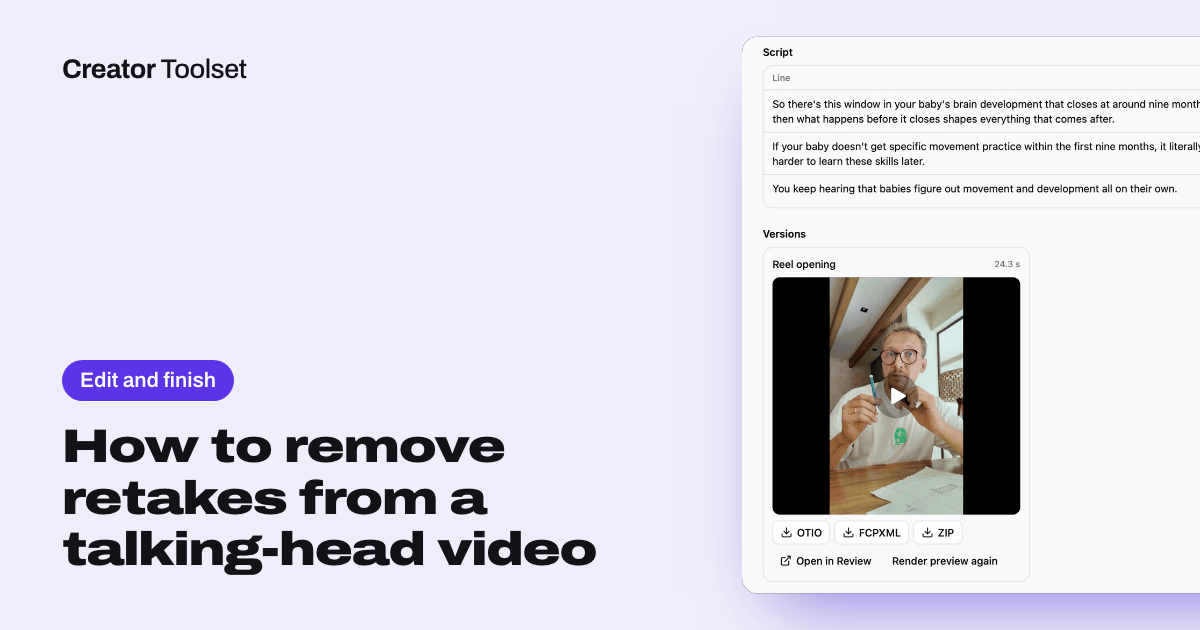 Remove retakes from a take
 Cut silences in Resolve