Edit a talking-head video with Claude Code, step by step
By Andri Peetso, maker of Creator Toolset · Updated
You have a twelve-minute take of yourself talking to the camera. There are long pauses, two restarts and a cough, and you want a first cut that you can read before anything is removed. Claude Code can do that first pass, but it reads text and command output. It does not watch the picture, so the last check is yours.
The job has five parts. Claude Code runs ffmpeg to find the pauses. It reads a transcript with word times to find the restarts. It writes a cut list for you to approve, cuts a copy from that list, and makes a caption file from the cut. You listen to every join at the end.
This guide assumes Claude Code and ffmpeg are already installed. If they are not, Claude Code for non-coders: a first video job covers both. The commands below ran on a 36-second test clip made from macOS speech with a few pauses and one restart, on an Apple silicon Mac. A real take is longer, and the steps are the same.
1. Make a working folder with a copy
- In Finder, make a folder called talking-head-edit in Movies.
- Hold Option and drag a copy of the video into it. Name the copy
talk-copy.mp4. - Leave the original where it is. Every command below reads the copy.
2. Install whisper.cpp for word times
ffmpeg can find silence, but it cannot tell you which words come before a pause. whisper.cpp is an open-source port of OpenAI's Whisper speech model that runs on your Mac and writes word times. Its repository gives these commands. Run them in Terminal from the talking-head-edit folder:
git clone https://github.com/ggml-org/whisper.cpp.git
cd whisper.cpp
sh ./models/download-ggml-model.sh base
cmake -B build
cmake --build build -j --config Release --target whisper-cli
cd ..
The model file is about 148 MB. The build takes a few minutes, and the program lands in whisper.cpp/build/bin. Check it with whisper.cpp/build/bin/whisper-cli --help, which prints its options.
3. Transcribe with word times
First make a mono audio file at 16 kHz, which whisper.cpp reads, and then transcribe it:
ffmpeg -i talk-copy.mp4 -vn -ac 1 -ar 16000 audio16k.wav
../whisper.cpp/build/bin/whisper-cli -m ../whisper.cpp/models/ggml-base.bin -f audio16k.wav -l en -nfa -np -ojf -dtw base -of transcript
The flags that matter for timing are -dtw base and -nfa. The first turns on word alignment, so each word is placed against the sound, and -nfa turns off flash attention, which the alignment does not support. Leave out -nfa and whisper.cpp prints a warning that it has disabled the alignment.
Do not skip the alignment. On the test clip, the default word times drifted. The first sentence was close, but by the end of the 36 seconds the default times were about two seconds late. The aligned times matched the pauses. This is also why a caption file made without the alignment can put words in the wrong place.
The command writes transcript.json, which holds each word and its time.
4. Turn the times into one word per line
Save this as words.py in the talking-head-edit folder. It is about fifteen lines of Python and uses only the standard library:
import json, sys
data = json.load(open(sys.argv[1], encoding="utf-8"))
words = []
for seg in data["transcription"]:
    for tok in seg["tokens"]:
        t = tok["text"]
        if t.startswith("[_"):
            continue
        t0 = tok["t_dtw"] / 100 if tok.get("t_dtw", -1) >= 0 else tok["offsets"]["from"] / 1000
        if t.startswith(" ") or not words:
            words.append([t0, t.strip()])
        else:
            words[-1][1] += t
for i, (start, w) in enumerate(words):
    end = words[i + 1][0] if i + 1 < len(words) else start + 0.3
    print(f"{start:.2f}\t{end:.2f}\t{w}")
Run python3 words.py transcript.json > words.tsv. Each line is a start time, an end time and a word, in seconds. The start of the test file reads:
0.32	0.84	Hi,
0.84	0.92	I
0.92	1.18	am
5. Find the pauses
This command lists every stretch of quiet longer than one second, using a threshold of -40 dB:
ffmpeg -i audio16k.wav -af silencedetect=noise=-40dB:d=1.0 -f null - 2>&1 | grep silence_ > silences.txt
Each pause prints a start line and an end line. The first pause on the test clip was:
[silencedetect @ 0x89945c420] silence_start: 3.713812
[silencedetect @ 0x89945c420] silence_end: 5.422562 | silence_duration: 1.70875
On the test clip, thresholds of -30, -40, -50 and -60 dB all found the same six pauses. Your room may not behave that way. If the list misses pauses, raise the number toward -30 dB. If the list cuts into speech, lower it toward -60 dB, and then listen to the cut.
6. Find the restarts in the transcript
Search words.tsv for the phrases a person says before a retake, such as "again", and for a word that repeats. On the test clip, grep -n -i "again" words.tsv finds the end of "Let me start that again." just before the take that stays.
The test clip has two restarts, and you choose which take to keep:
- 11.60 to 12.94: "So the thing about the," before the take that continues "the thing about the copy".
- 17.90 to 24.85: "Then I make a transcript with the time of every word. Let me start that again." The take after it is the one to keep.
Make the choice by listening, not by the transcript alone. The transcript shows the words. You pick the better delivery by hearing both takes.
7. Write the cut list
Ask Claude Code to write cut-list.txt from silences.txt and words.tsv, with three rules. Each pause longer than one second is trimmed to leave 0.4 seconds of quiet on each side. A pause that sits inside a restart is dropped, because the restart already removes it. The restarts are the two ranges you chose.
The file the test produced:
| start | end | reason |
|---|---|---|
| 4.11 | 5.02 | pause 1.71 s, leave 0.4 s |
| 10.23 | 11.05 | pause 1.62 s, leave 0.4 s |
| 11.60 | 12.94 | restart |
| 15.81 | 17.41 | pause 2.41 s, leave 0.4 s |
| 17.90 | 24.85 | restart |
| 29.86 | 31.86 | pause 2.80 s, leave 0.4 s |
Read the list before you cut. Play the copy at three of the listed times. Each pause should be quiet, and the words on either side should be whole. Change any row that is wrong and tell Claude Code what you changed. Claude Code shows each command and file write for your approval before it runs, so approve the cut only when the list is right.
8. Cut a copy from the list
Claude Code turns the rows that are not removed into a list of ranges to keep, and passes them to ffmpeg's select and aselect filters. On the test clip the keep list was:
between(t,0.00,4.11)+between(t,5.02,10.23)+between(t,11.05,11.60)+between(t,12.94,15.81)+between(t,17.41,17.90)+between(t,24.85,29.86)+between(t,31.86,35.64)
The command that uses it:
ffmpeg -i talk-copy.mp4 -vf "select='KEEP',setpts=N/FRAME_RATE/TB" -af "aselect='KEEP',asetpts=N/SR/TB" -c:v libx264 -pix_fmt yuv420p -c:a aac cut.mp4
Replace KEEP with the keep list. The video and the audio use the same ranges, so they stay together. The file is re-encoded, so each cut lands on the frame you asked for, which takes longer than a plain copy of the streams.
9. Check the lengths and the pauses
Three checks tell you whether the copy is sound:
ffprobe -v error -select_streams v:0 -show_entries stream=duration -of csv=p=0 cut.mp4
ffprobe -v error -select_streams a:0 -show_entries stream=duration -of csv=p=0 cut.mp4
ffmpeg -i cut.mp4 -af silencedetect=noise=-40dB:d=1.0 -f null - 2>&1 | grep -c silence_
The first two lines print the length of the picture and the sound. They should match within a few hundredths of a second. On the test clip they printed 22.000000 and 22.012018. The third prints a count of pauses longer than one second that are left. It printed 0.
A mismatch in the first two lines means the copy has drifted, and the join list is not worth reading until you fix it. In our test, the source file's sound was 1.8 seconds shorter than its picture, and the cut carried that gap into the copy. The two numbers exposed it.
10. Caption the cut
Make the captions from the cut itself, so they already match the new timing:
ffmpeg -i cut.mp4 -vn -ac 1 -ar 16000 cut16k.wav
../whisper.cpp/build/bin/whisper-cli -m ../whisper.cpp/models/ggml-base.bin -f cut16k.wav -l en -nfa -np -osrt -of cut
The command writes cut.srt, a standard caption file. The first two entries of the test file read:
1
00:00:00,000 --> 00:00:04,520
 Hi, I am going to show you how I cut a talking head video.

2
00:00:04,520 --> 00:00:09,840
 The first step is a copy of the footage, so the original never changes.
Read every caption against the sound. The transcript is a machine's reading, and it can be wrong at the joins.
11. Listen to every join
A join is any point where the cut goes from one kept range to the next. On the test cut these are at 4.11, 9.32, 9.87, 12.74, 13.23 and 18.24 seconds. Play each one with headphones, starting about two seconds before it and ending two seconds after.
The join at 9.87 was the hard one. The caption there read "Something about the copy", where the speaker says "the thing about the copy". Cutting the first restart 0.16 seconds later, at 13.10, read "Soon about the copy". Cutting 0.24 seconds earlier, at 12.70, read "So the thing about the copy", with the restart's first word still in it. No single point read cleanly. So a strange caption at a join is a reason to listen, and to move the cut point in steps of 0.05 to 0.1 seconds. Cut again, transcribe again, and listen again.
Where the picture comes in
Claude Code can read a transcript and the output of a command. It cannot tell whether a laugh landed, whether a frame is blurred, or whether a cut between two sharp takes looks like a jump. It also works from word times that are close but not exact. These checks stay with you, in the editor, on playback.
If your editor should make the final cut, ask for a timeline file instead of a copy. The DaVinci Resolve manual lists File → Import Timeline with AAF, EDL and XML files. Check which of these formats your editor reads, and check the menu name in your version. This guide did not test a timeline import.
Where Creator Toolset fits
Creator Toolset's AI Editor makes a first pass like this without a terminal. You pick the footage in the Media Library and say what the video is. The app's README says the AI picks the best take of each line, cuts restarts and pauses, and gives you draft timelines for your own editor, with a preview in Review. The app is free and open source. You bring the AI: Claude Code or Codex, installed on your Mac and signed in with the plan you already pay for, set up under Settings → Providers. The Mac app is on the download page.
Use the terminal route when you want to see each pause and restart in a file, and approve each command, on a take you will cut by hand. Use the app route when you have many takes to sort, when you do not want to install whisper.cpp and ffmpeg, or when you want the preview in Review for comments from a client.
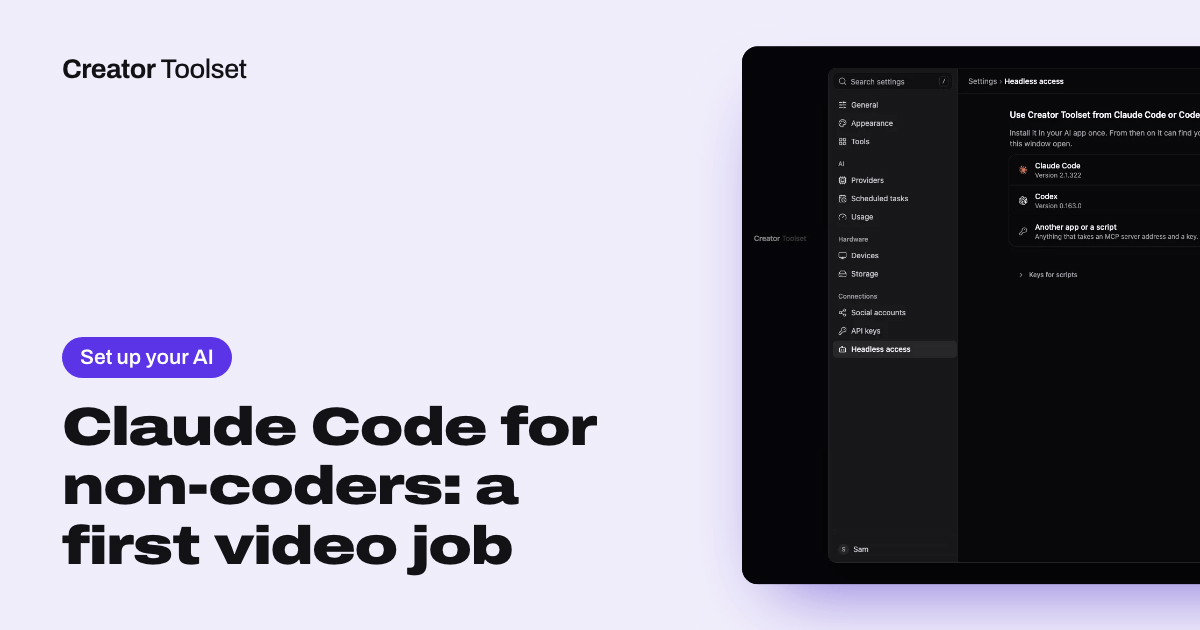 Claude Code for non-coders
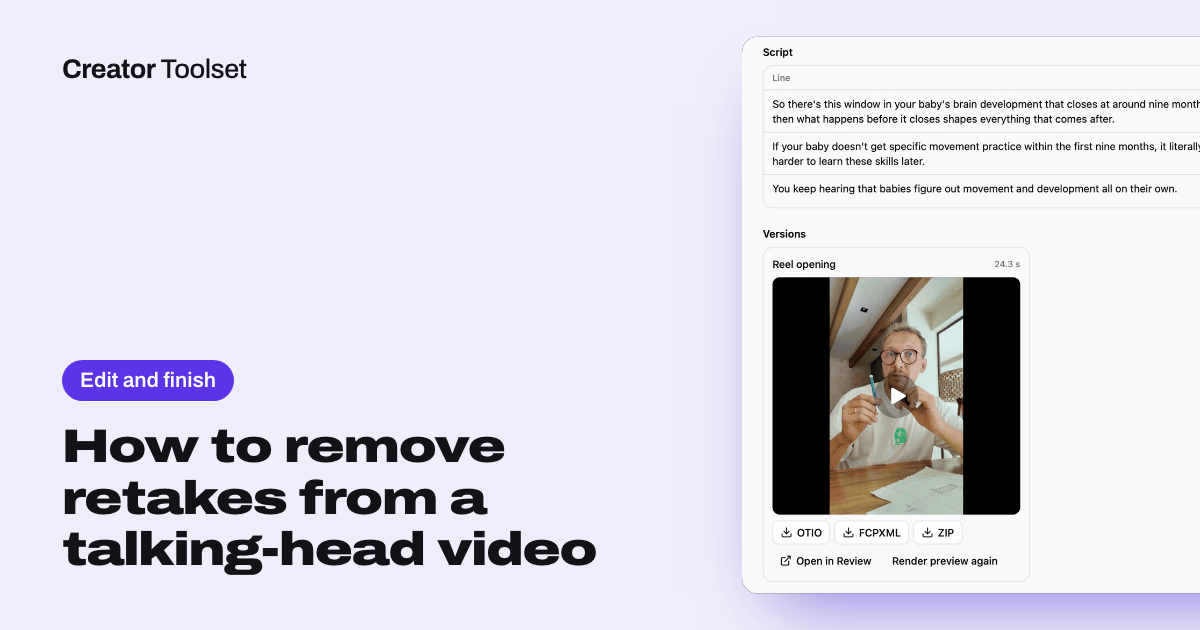 Remove retakes from a take
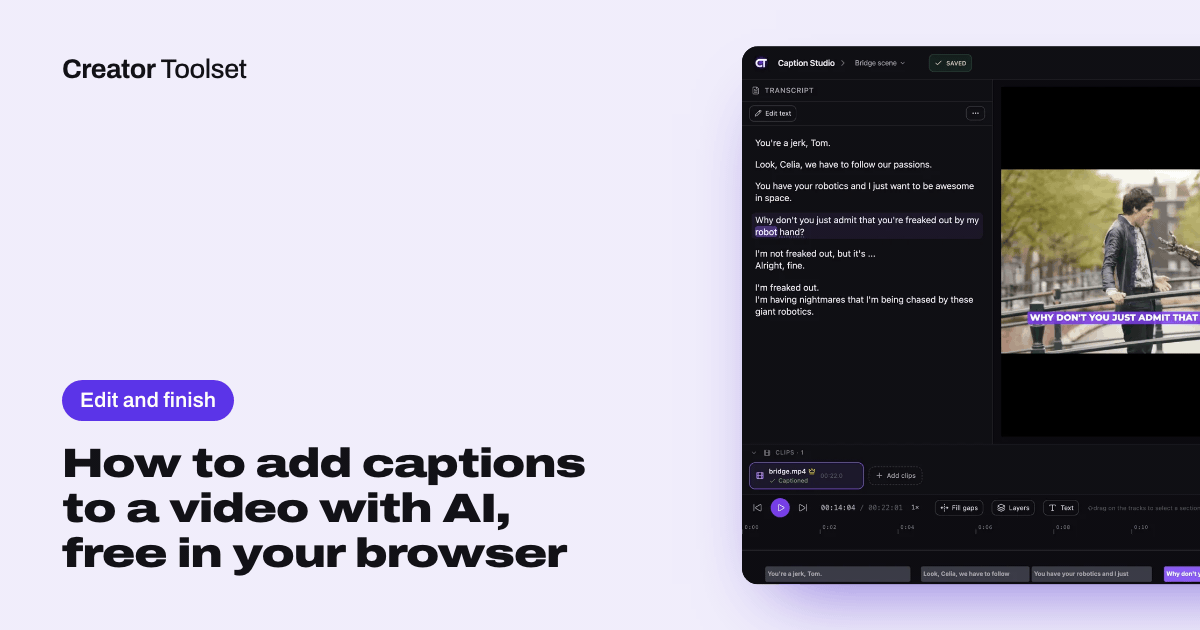 Browser Whisper captions and SRT