Screen Studio vs Loom in 2026: which to record with
By Andri Peetso, maker of Creator Toolset · Updated
Two requests reach you on the same afternoon. A client wants a nine-minute setup tutorial with a zoom on every click. A teammate wants a ninety-second video that shows the bug on the staging page, with a link to paste into the team chat. Both are screen recordings, but one ends as a video file you publish and the other ends as a link you send.
Screen Studio makes a polished tutorial on a Mac: automatic zooms, a smoother cursor and an exported file. Loom makes a short video that you send as a link, and it runs on Mac, Windows, iOS and Android. For the tutorial, pick Screen Studio. For the message, pick Loom.
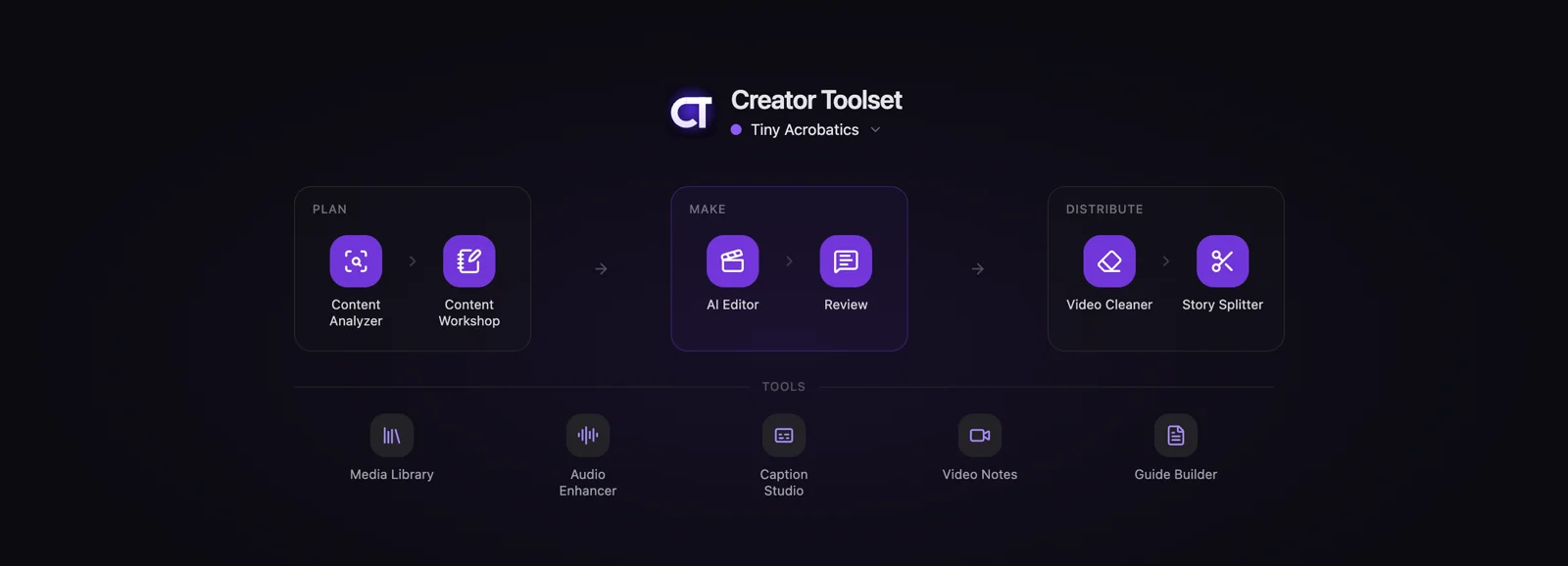
We make Creator Toolset, and its Screen Recorder appears in the table below because it does the tutorial job on a Mac. Each section says who should choose the other tool.
The short answer
- If you make a tutorial to publish or hand over as a file, pick Screen Studio.
- If you send a quick explanation to a teammate and want a link, pick Loom.
- If you record on Windows, pick Loom. Screen Studio runs on macOS only.
- If the recording runs past five minutes, Loom's free Starter plan will not hold it, so check the Business price, which is per user.
- If you need both, use Screen Studio for the finished tutorial and Loom for the short message, and pay for each one separately.
| Tool | Best for | Platforms | Free tier | Price from (vendor page) |
|---|---|---|---|---|
| Screen Studio | Polished tutorials with zooms and a smooth cursor | macOS only | Not stated | $29 a month, or $9 a month labelled "Save 69%" (billing not stated) |
| Loom | Short videos shared as a link | Mac, Windows, iOS, Android | Starter: 5 minutes per video, 25 videos per person | Business: $18 per user a month (billing not labeled) |
| Creator Toolset Screen Recorder | Mac tutorials with zooms added from the click log | Mac app only (recorder needs macOS 15) | Free and open source (MIT) | No paid plan |
If you make a tutorial to publish or hand over as a file
Screen Studio is the stronger fit here. It zooms where you click, smooths the cursor path, and lets you cut filler words and pauses from the transcript. You export MP4 at 720p, 1080p or 4K, up to 60 fps, or a GIF up to 1080p. Its transcript runs on the Mac with Whisper or Apple speech recognition, with an optional cloud route, and it exports an .srt file. The vendor page says its share links play in a browser at 1080p and 60 fps for videos up to 30 minutes. You give up Windows, since the vendor page says there are no near-future plans for it.
If you send a quick explanation to a team
Loom is built for this. The free Starter plan allows 25 videos per person, each up to five minutes, at up to 720p, with transcripts in more than 50 languages. Business removes the limits on recording time and adds up to 4K, trim and custom thumbnails. Business with AI adds AI titles, summaries, chapters, and removal of filler words and silences. The vendor page offers a 14-day trial of that top plan. Loom also runs on Windows, iOS and Android, where Screen Studio does not. Business is charged per user, and the vendor page does not label whether that figure is monthly or annual.
If the viewer needs a transcript
Loom includes transcripts on every plan, in more than 50 languages on Starter. Screen Studio makes its transcript on the Mac with Whisper or Apple's speech recognition, with an optional cloud route, and exports it as an .srt file. If your viewer reads along or searches for a line, check that file or Loom's transcript on a real video before you send it out. The two tools also differ in what you can change in the text: Screen Studio cuts filler words and pauses from it, while Loom needs its Business with AI plan for editing by transcript.
If you edit after recording
The two tools give you different amounts of editing. Screen Studio edits the recording itself: trim, speed-up, transcript-based cuts and filler removal. Loom's Starter plan gives you GIF thumbnails only. Business adds trim and stitch, and Business with AI adds editing by transcript and silence removal. If you expect to cut a tutorial more than once, check which Loom plan includes the cut you need before you record.
Where Creator Toolset's recorder fits
The Creator Toolset Screen Recorder sits in the Mac app. It keeps the pointer out of the picture and logs it, adds a zoom at each click in its web editor, and keeps the microphone and the Mac's sound on separate tracks. Nothing uploads when you press Stop, and the app is free and open source under the MIT license, with no paid plan. What it lacks next to these two: it is Mac only, the recorder needs macOS 15 or later, the recorder and its editor have no AI, and it has no hosted share link. A recording goes to Review, Video Notes or a guide. Video Notes is the browser recorder on the same site: it captures your screen, a camera bubble and your microphone, and needs no Mac app. AI writes its titles, chapters and summary, and transcription needs a Deepgram key or a Whisper model on your own computer. A client on the internet can open a Review link only after you set up your own server.
How we chose
The comparison uses what each vendor lists on its own pages: platforms, free tier, prices and features, read on 10 November 2026. Nothing was tested side by side, so no tool is ranked for quality. Where a page does not state a feature, such as Screen Studio's free tier, the table says "Not stated", so check the vendor's page for it.
Try both on one real job before you pay
Use the next real job, not a demo. Record the tutorial part in Screen Studio, then record the teammate's message in Loom. Open each result the way its viewer will: the tutorial as a file on the device it will play on, the message as a link on a second device. Keep the tool that gave the viewer what they needed without a follow-up question. If a tutorial is your main job, compare Loom alternatives, Screen Studio alternatives and the wider screen-recorder roundup before you commit.
 Loom alternatives compared
 Screen Studio alternatives compared
 Screen recorders for tutorials