AI is taking over creative work, and that's good news if you have ideas
By Andri Peetso, maker of Creator Toolset · Updated
You know what the video should be. You can see the first shot and you know the line that opens it. Then you count what it takes to make: an editor for two days, someone to do the captions, a designer for the cover. The idea goes into the notes app with the other forty.
AI is taking over a large part of that production work, and I think that's good news for anyone who has ideas. The parts it takes over are the parts that kept the idea in the notes app.
What used to stop an idea
Usually the idea was fine. What stopped it was one of four things.
The team wasn't free. Your editor is booked until the 20th, and the video is about something that happened this week. Today an AI makes the first pass of a talking-head video the same morning: it keeps the best take of each line and cuts the restarts its transcript shows. You do the finishing yourself that afternoon.
You never learned the skill. You can talk to a camera, and you have never opened a caption tool or a color page. Captions with each word lighting up as you say it used to mean a motion designer or a subscription. Now a speech model runs in your browser tab and you pick a style.
There was no time. Working out why three of your posts did well and thirty didn't is a day with a spreadsheet, so nobody does it. An AI reads all thirty-three with their numbers and groups them for you while you get on with something else.
There was no money. Each of these jobs has a tool that bills monthly, often per seat. Add them up and a solo creator's stack is a bill that arrives every month, whether or not you posted.
Take any one of the four away and more ideas get made. Take all four away and the limit moves to you: what you have to say, and whether you sit down and say it.
The people watching get more out of it too
Think of a physiotherapist who explains a shoulder exercise better than anyone you've heard, and who never posted it because editing took her evenings. Or a two-person agency that could only afford to make one version of an ad, so it never learned which opening worked.
When making gets cheaper, people like these publish. The person scrolling gets the shoulder exercise from someone who knows shoulders. That is a better feed, and it comes from more people being able to afford to make things.
Slop is a choice
You can also use all of this to make rubbish. You can ask a model for "10 viral reel scripts", post them unread, and add to the pile. Lots of people do, and some spend their evenings watching it.
Most people in creative work now use AI, and few think its overall effect on the industry is positive. In Creative Boom's 2026 survey of 882 creative professionals, 86% said they use AI tools in their work, and 10% said its overall effect on the industry is positive. I read that as people using the tools while watching what the laziest use of them produces.
The tool is the same in both cases. In one, a person had something to say and used AI for the cutting, the transcribing and the checking. In the other, nobody had anything to say. What makes something slop, and how to stay out of it, has its own guide.
You don't need to buy the prompts
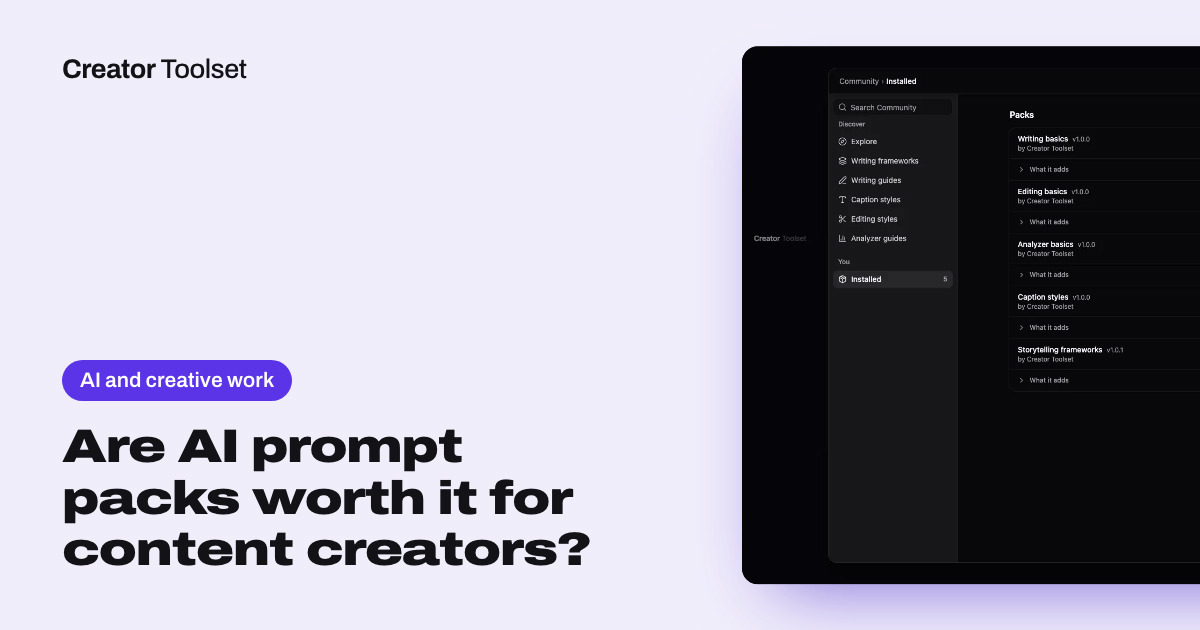
There is a busy market in courses, communities and prompt packs that teach creators to use AI. Some of the teaching is good. But most of what's being sold is setup: a description of your audience, some examples of your own writing, a few instructions on format. You can write that yourself in an afternoon, and yours will work better, because it's built from your posts and not from a template a thousand other people bought.
So this blog does the opposite of selling it. Every guide shows the whole job, step by step, with the settings we use and links to the sources, so you can do it with whatever tools you have.
Why we made our own tool free and open
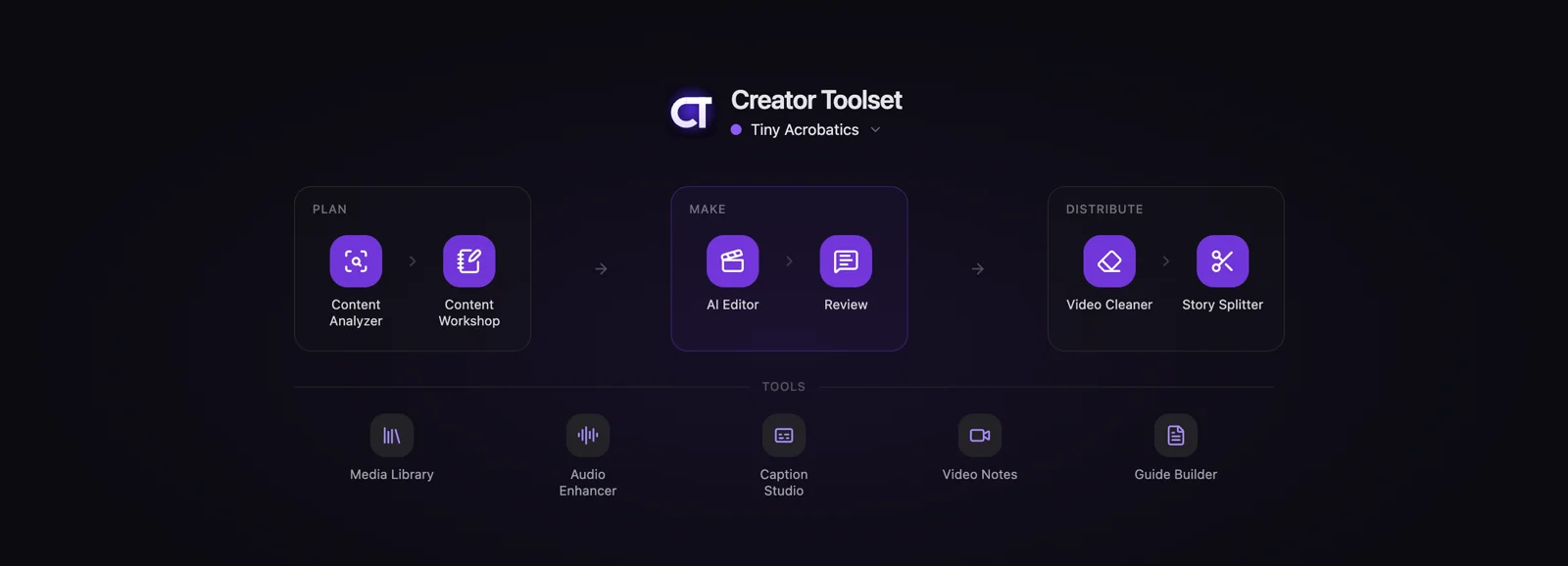
We built Creator Toolset for our own content work: one app that goes from studying what works, to the script, to the first cut, to captions, to a client's notes on the exact frame. It's free, and it doesn't sell you AI credits. It uses the Claude or ChatGPT plan you already pay for, signed in on your own Mac.
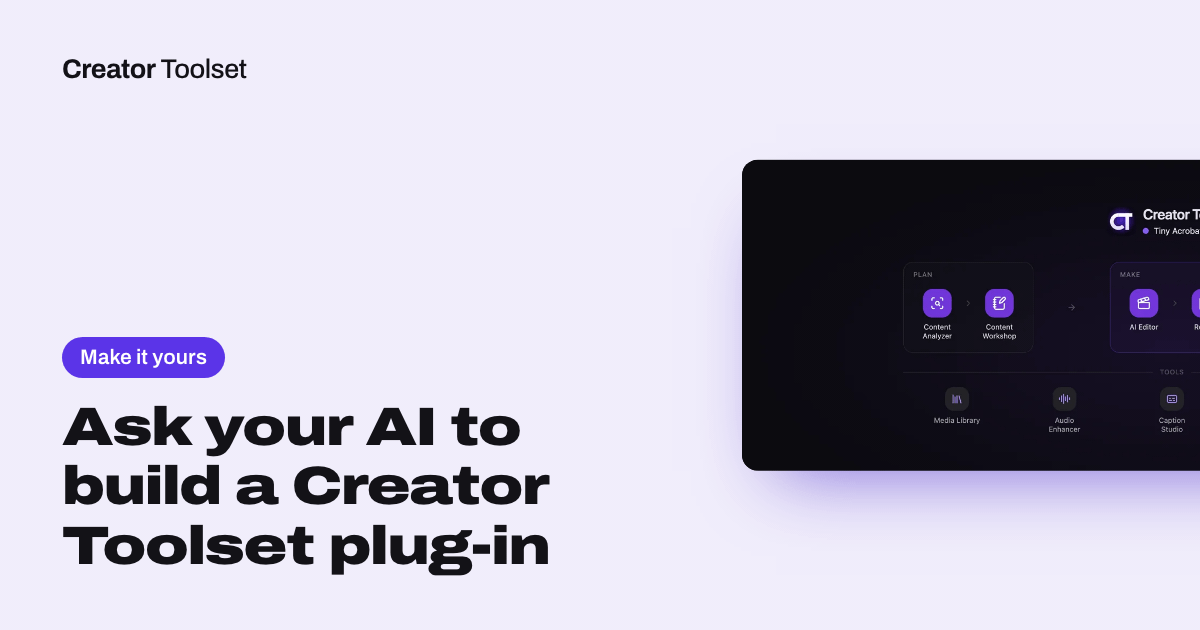
It's also open source, and that matters more now than it used to. The way I like to work won't be the way you do. Before, your options were to put up with a tool or to ask its makers and wait. Now you can hand the app's code to your own AI and ask it to build you a plug-in: your own tile on the home screen, your own page, your own section in Settings. All the tools are in one place, and you can have that place rearranged around you.
Where to start
Pick the job that's holding up your next piece.
- You have a raw recording full of restarts: cut the retakes.
- Your AI drafts sound like everyone else's: write scripts in your own voice.
- You need captions on a video today: caption it in your browser tab.
Then go and make the one from the notes app.
 What AI slop is
 Are prompt packs worth it
 Build a plug-in with your AI