What is AI slop, and how do you avoid making it?
By Andri Peetso, maker of Creator Toolset · Updated
You stop on a reel for two seconds. It has the same bouncy voiceover as the last three reels you saw, three tips that could be about any topic, and a caption that never says who is talking. You scroll on. Nobody in that clip seems to have decided any of it. That feeling is what people mean when they say a post is AI slop.
AI slop is content made with AI, usually in bulk, that is generic, unchecked and in nobody's real voice, made to fill a feed. What makes it slop is that nobody chose what the post should say, checked that it was true, or stands behind it.
This article is AI slop
An AI wrote this article. I didn't. The same AI wrote every other article on this blog: it read the sources, wrote the drafts, edited them, checked the facts and made the pictures at the top. I said what the blog should argue and which kinds of articles I wanted, in a few voice messages, and everything after that was automated.
That is content made with AI, in bulk, to fill a page of search results. By the definition above, you are reading slop. The facts link to their sources and the checks further down still work, but I didn't sit down and write a line of it.
Creator Toolset is the other case. We built it for our own content work, and it is the app I make my own reels with: the scripts, the edits, the captions and the review notes all go through it. The blog is slop. The tool is the real deal.
What people mean by it
Three things usually show up together:
- Generic. A "five tips for better lighting" post where each tip would work on any account in the niche, with no footage from the person posting.
- Unchecked. A claim about a product, a law or a study that nobody opened and read. The number looks confident and has no source.
- In nobody's voice. A caption that does not sound like the person whose name is on it, and the same hook format across ten accounts.
Slop gets posted to keep a schedule full, when the maker has nothing to show.
How audiences and platforms react
Both figures come from a trade publication and a vendor, so read them as a sign of mood, not a measure of viewers.
- A survey of 882 creative professionals, run by the trade publication Creative Boom, found 86% use AI tools in their work. Only 10% said AI's overall effect on the industry was positive. 58% said mixed, and 28% negative.
- A survey of nearly 2,000 creatives in the US, UK and Japan, run by Adobe, found 86% say AI has been positive for their own work. Adobe ran it, so it is a vendor report, and it asks about their own work, not the industry. You can read it on Adobe's research page.
Taken together, creatives use AI a lot and are split or negative about where the industry is going. Neither survey measures how viewers feel.
Platforms handle disclosure with their own settings:
- YouTube asks you to disclose realistic content that is generated or meaningfully altered with AI, such as a synthetic person saying something they didn't say. Creators answer "Yes" to the "AI use" question under Attributes in YouTube Studio. Its help page lists what does not need disclosure, including AI help with scripts, titles, captions, idea generation and audio repair. YouTube can also apply a label itself.
- Instagram has an AI-generated profile label that the creator turns on in their profile. Instagram's creator blog says unlabelled profiles it detects receive a notification, and that those profiles can lose eligibility for recommendations. Check Instagram's help page for the current label rules before you rely on any of this, because the labels change.
A label tells viewers how a post was made. Whether the post is worth watching depends on what is in it.
Run these checks before you post
Use them on any post where AI touched the words, the picture or the edit.
- Is the footage or the idea yours? Name where the clip came from. If the picture shows a place you never went or a product you never used, the post is making a claim about your life that is not true.
- Open every fact in a source you read today. Numbers, prices, laws, dates and quotes. If you cannot find the source, cut the line or write what you can show.
- Read the caption out loud. Change any line you would not say to a friend across a table. A generic line usually fails here first.
- Does the post show something you did? A hand on the product, a result, a mistake you fixed, the room you actually filmed in. Slop shows only the topic.
- Could you answer a comment about it? If someone asks "where did that come from?", you should have an answer that is not "the tool".
Then set the disclosure the platform asks for.
Where it goes wrong: the first line sounds like a template, such as "Want to grow faster?" Repair it by writing the first line about a moment you lived through this week, then delete the template line. You can check the fix in one sentence: if you can say what the post is about without reading it, the post has a point.
If you draft with Content Workshop in the Creator Toolset app, the drafts follow your project's audience and voice, and Check accuracy checks the facts against sources on the web. It needs your own AI or a Perplexity key in Settings → API keys. The checks above still apply, because the tool can be wrong and the words still go out under your name.
For the bigger argument about where AI helps creative work, read what AI changes in creative work.
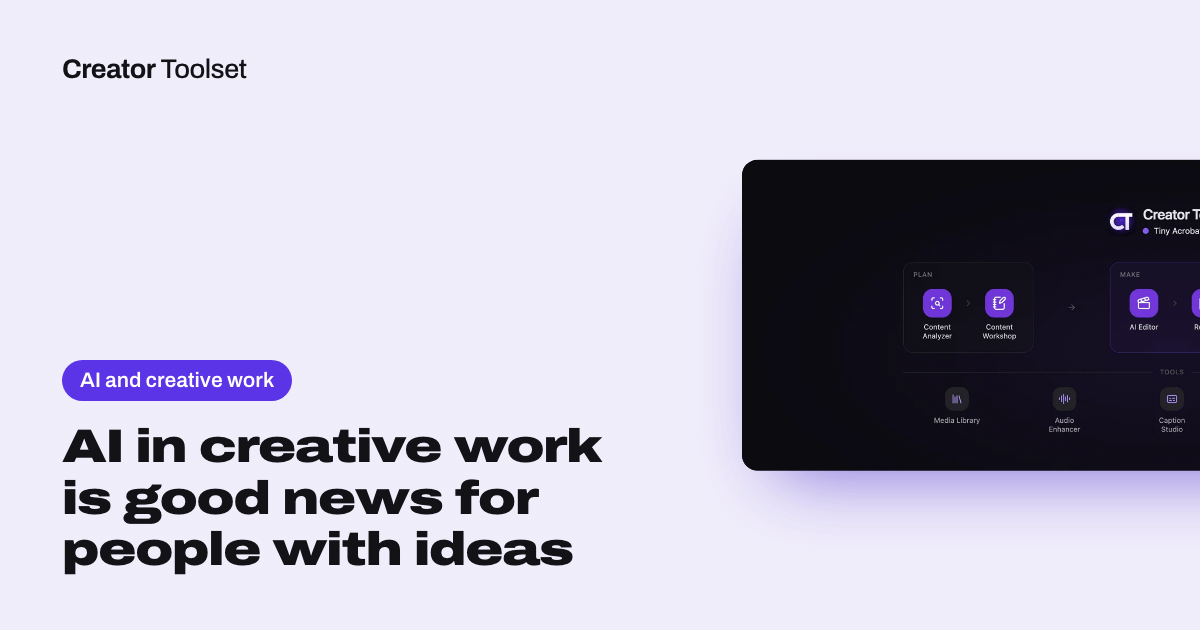 AI and your ideas
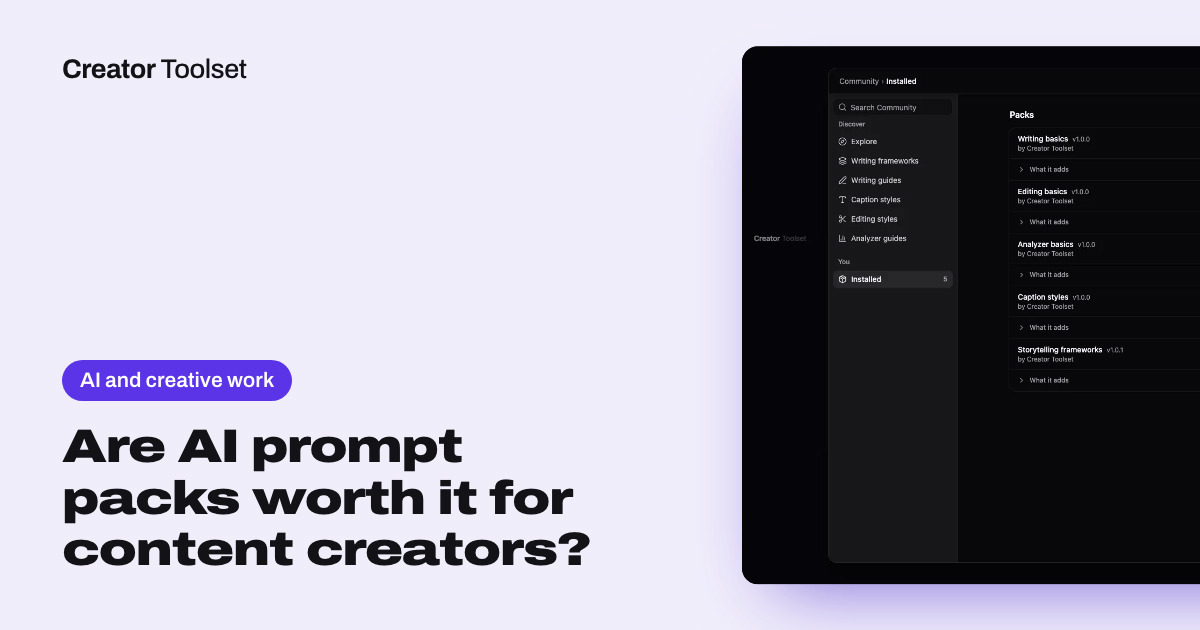 Are prompt packs worth it
 Is AI replacing editors